



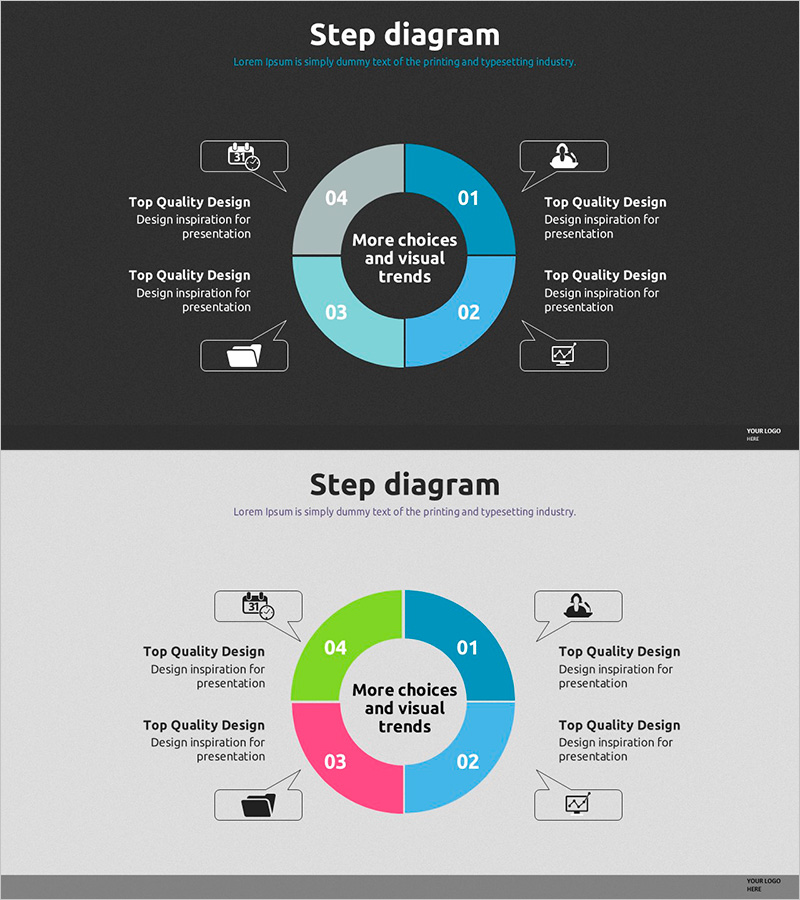
4Step Circular Diagram – Business Overview and Strategy
RJ0500011_8
- Last Update 06/10/2025
- File Size 4.1MB
- # of Slides 2
- File Format PPTX
- Slide Ratio 16:9
- Color
Keywords
About the Product
A 4-step circular diagram PowerPoint slide designed to visualize business overview and strategy with a central focal point. The core message sits at the center while four sections radiate outward in a pie-chart arrangement, clearly expressing process flow and interdependencies. The color palette combines dark gray with light blue and bright blue tones, reinforcing professionalism and visual hierarchy. Each step includes icon placeholders and text areas for intuitive information delivery. The 2-slide set works seamlessly on both dark and light backgrounds, making it ideal for strategy sections in presentations, business plans, and corporate reports.
Usage Points
-
Main Usage
Presents business overview, strategic direction, core values, or process phases organized around a central concept. The radial structure from center outward clarifies the relationship between the core message and four supporting elements, enhancing audience comprehension and engagement.
-
How to Use
Enter your core message (company name, strategy title, project name) in the central circle. Fill the four outer sections with corresponding details, objectives, or action plans. Icons can be customized to reflect each phase's characteristics, and colors are fully editable to match your brand identity.
-
Recommended For
Executives, strategists, and marketing teams presenting business strategy, organizational structure, or project roadmaps. Ideal for investor presentations, executive reports, strategic planning documents, and new business proposals where complex information needs clear, impactful visualization.
-
Slide Structure
Central dark circular area contains the core message. Four surrounding sections (01–04) arranged in pie-chart format, each with distinct colors (blue, light blue, gray, bright blue). Icon placeholders and text boxes positioned at cardinal points (top, bottom, left, right) for supplementary information. Both slides maintain identical structure with background variation only.
Related Products
-
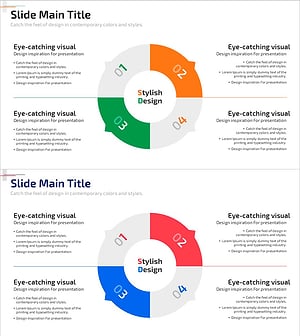
A Doughnut Diagram of the Business Sector – Organizing Business Overview
#Business Introduction #Diagram #Business Areas
-
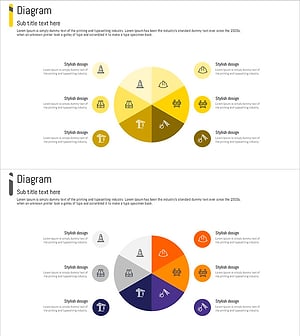
Diagram of the State of Construction Technology – Expanded Business Areas
#Business Introduction #Diagram #Business Areas
-
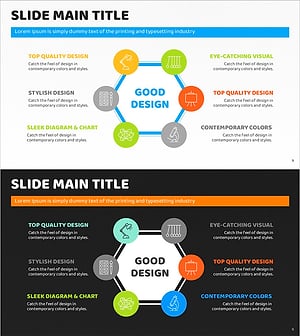
Hexagonal Diffusion Diagram – Visualizing Business Overview
#Business Introduction #Diagram #Business Areas
-
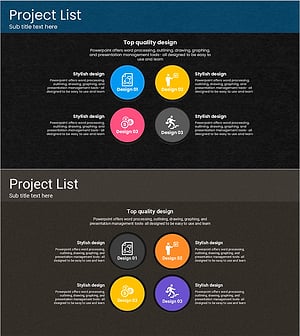
Touch Wide Slide Template for Visualizing Project List
#Business Introduction #Business Vision and Strategy #Diagram
