



Business Introduction Rounding Diagram – Centered Information Visualization
RJ0900006_27
- Last Update 08/17/2025
- File Size 0.1MB
- # of Slides 2
- File Format PPTX
- Slide Ratio 16:9
- Color
Keywords
- #Content-Based Slides
- #Design-Based Slides
- #Company Introduction
- #Business Introduction
- #Diagram
- #Business Areas
- #Business Overview
- #Spread
- #Centralized Diagram
- #16:9
- #centered radial diagram PowerPoint
- #6-item information visualization slide
- #business introduction diagram
- #organizational structure template
- #how to create radial diagram in PowerPoint
About the Product
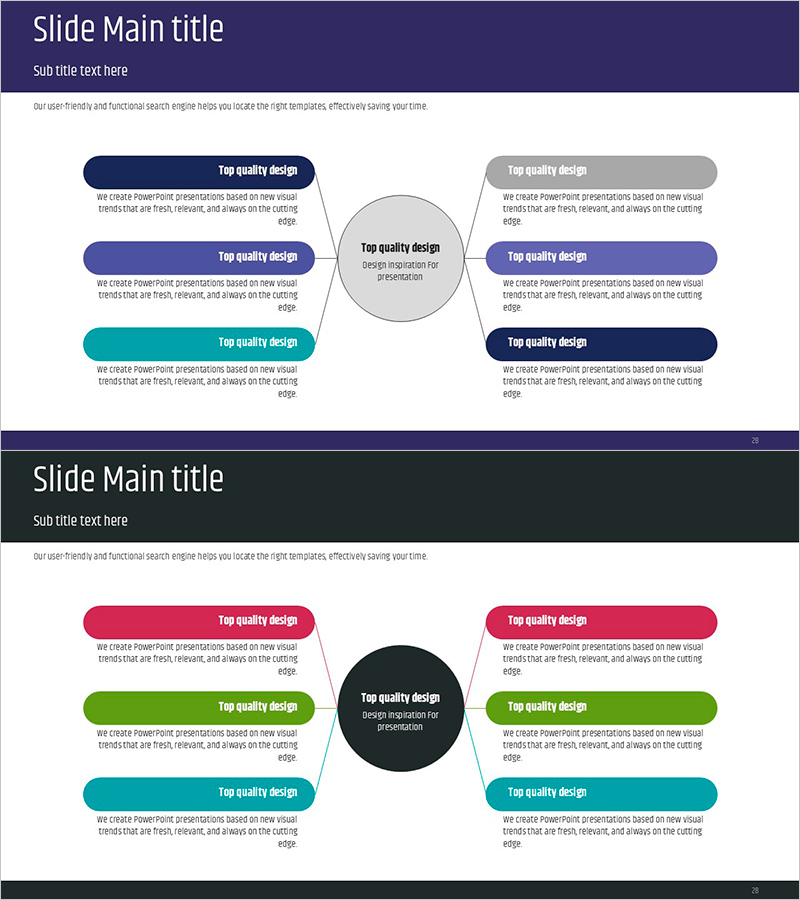
A radial information visualization PowerPoint slide with six rounded boxes arranged around a central circular node. The diagram features multiple color schemes including dark blue, gray, purple, and teal rounded-corner boxes connected to the center, clearly expressing hierarchical relationships. This PPT diagram is ideal for business introductions, core values, organizational structures, and strategic elements, enabling effective communication of complex information in presentations and planning documents. The 16:9 widescreen format includes 2 slides ready for immediate editing.
Usage Points
-
Main Usage
A radial information structure diagram that visually expresses the relationship between a central concept and six surrounding items. Effectively presents multilayered information such as business introductions, core values, organizational composition, strategic elements, service lineups, and competitive advantages in a hierarchical manner.
-
How to Use
Enter the core topic in the central circular node and add detailed items to the six surrounding rounded boxes. Customize box colors to match document branding or differentiate by category to enhance visual emphasis. Apply to overview, strategy, and organizational sections of business plans, company profiles, and proposals.
-
Recommended For
Recommended for executives, planners, and marketing teams explaining business strategies, organizational structures, and core values to senior management, investors, and clients. Also valuable for educational institutions visually communicating multi-layered learning topics to students.
-
Slide Structure
Two-slide composition: the first slide features a four-color combination (dark blue, gray, purple, teal), and the second features a three-color combination (pink, green, teal). Each slide contains one central circular node and six surrounding rounded boxes connected by arrows, with text input areas positioned within each box.
Related Products
-
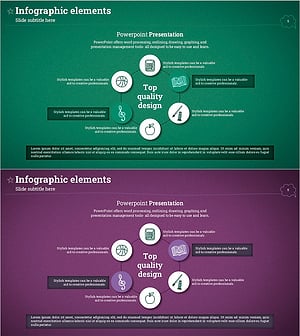
Subject Diffusion Diagram – A Key Tool for Establishing Business Vision
#Company Introduction #Business Introduction #Business Vision and Strategy
-

Business Area Diffusion Diagram – Effective Information Delivery
#Company Introduction #Product/Service Introduction #Diagram
-
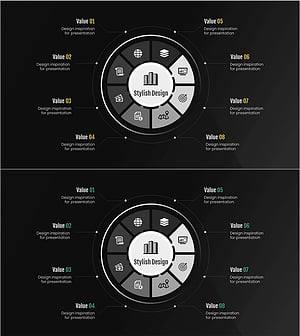
Financial Business Area Circular Diagram – Effective Visualization for Business Introduction
#Company Introduction #Business Introduction #Diagram
-
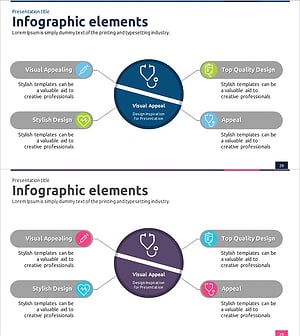
Medical Business Sector Diffusion Diagram - Clarifying Business Structure
#Company Introduction #Business Introduction #Diagram
