



Business Area Diffusion Diagram – Effective Information Delivery
RJ0400011_25
- Last Update 05/20/2025
- File Size 0.4MB
- # of Slides 2
- File Format PPTX
- Slide Ratio 16:9
- Color
Keywords
- #Content-Based Slides
- #Design-Based Slides
- #Company Introduction
- #Product/Service Introduction
- #Diagram
- #Business Areas
- #Product/Service Introduction
- #Spread
- #Centralized Diagram
- #16:9
- #radial diagram PowerPoint slide
- #center expansion diagram template
- #business area diagram PPT
- #product portfolio PowerPoint
- #how to create radial diagram in PowerPoint
About the Product
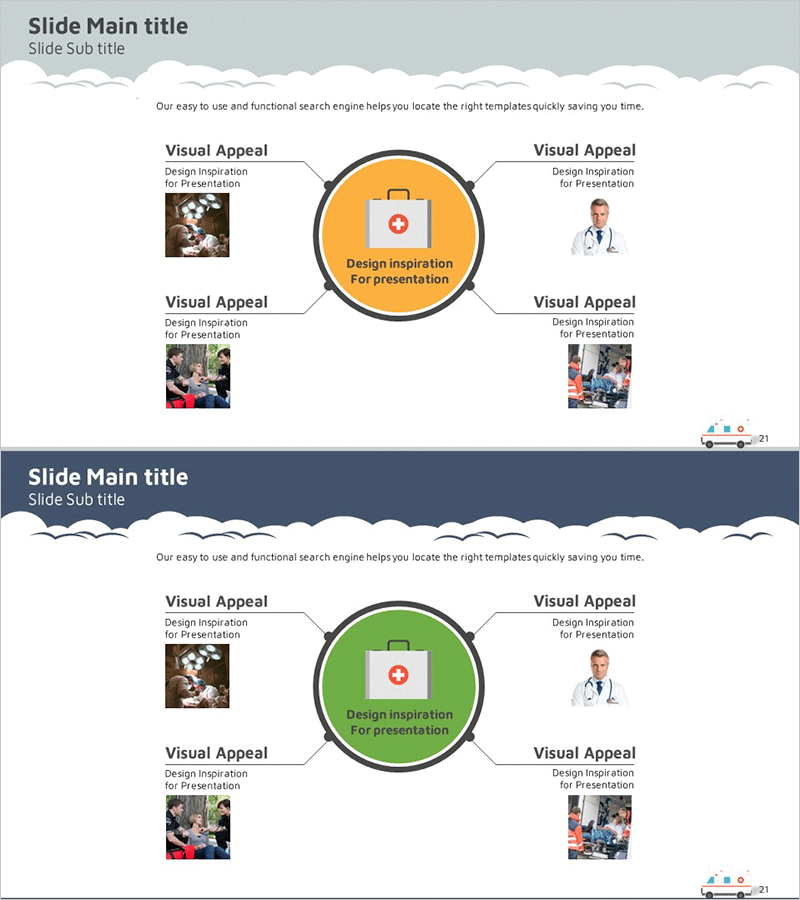
A radial diagram PowerPoint slide with a central hub expanding outward in four directions. Available in two color versions—orange and green—this template allows you to place images and text in each directional segment to effectively showcase business divisions, product lines, or service areas. The 2-slide set is ready to use for company introductions, product presentations, and business scope explanations in professional presentations.
Usage Points
-
Main Usage
Visualizes organizational core values or business divisions using a center-to-periphery radial structure. Ideal for displaying product portfolios, service lineups, and business classifications while clearly showing relationships between the central concept and surrounding details.
-
How to Use
Enter your core concept (company name, brand, main service) in the central circle. Insert related images in the four directional image areas. Add business division names, product titles, or service descriptions in the text boxes for each direction. Select the color version that matches your presentation theme.
-
Recommended For
Company overview presentations, product portfolio explanations, business division descriptions, marketing planning documents, employee onboarding materials, and investor pitch decks. Especially effective for enterprises with multiple business divisions or organizations offering comprehensive services.
-
Slide Structure
Central circular hub for core messaging surrounded by four directional segments with image placement areas and text labels. Each direction connects to the center via arrows. Includes two color options: orange and green versions for flexible design adaptation.
Related Products
-
Medical Field Illustration Diffusion Diagram – Visualizing Healthcare Innovation
#Company Introduction #Product/Service Introduction #Diagram
-
Solution Area Diagram – Ideal for Business Area Analysis
#Company Introduction #Business Introduction #Diagram
-

Communication Business Area Diagram
#Company Introduction #Business Introduction #Diagram
-
Collaborative Business Diagram – Business Strategy and Goals
#Company Introduction #Business Vision and Strategy #Diagram
