



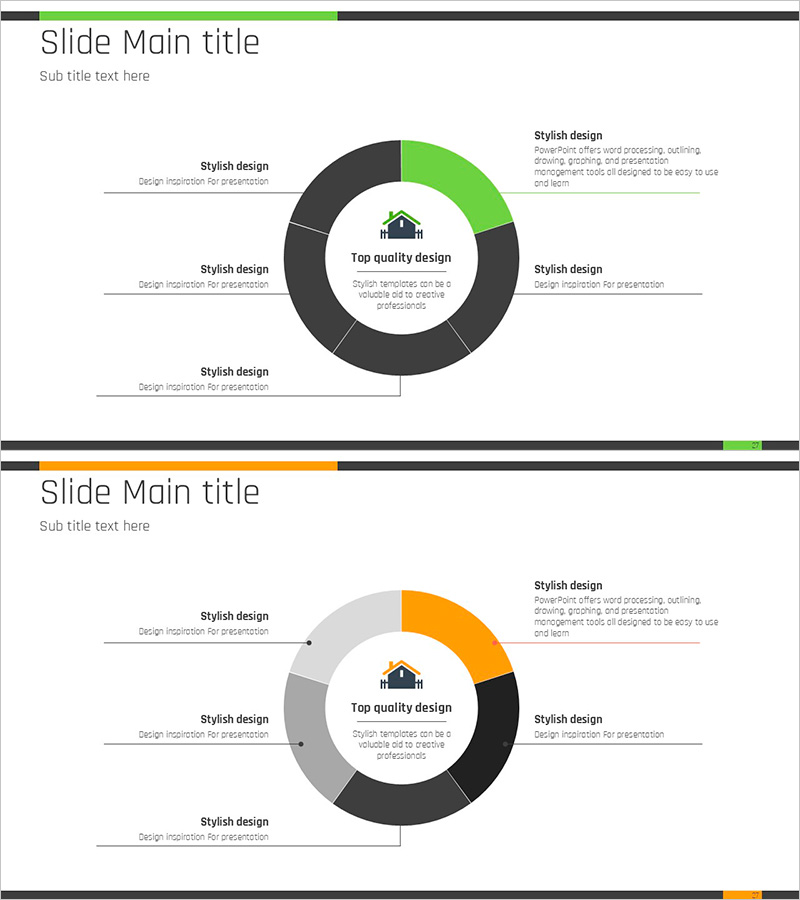
Real Estate Highlights Circular Diagram – Advanced Cluster Display
RJ0900002_26
- Last Update 08/16/2025
- File Size 0.1MB
- # of Slides 2
- File Format PPTX
- Slide Ratio 16:9
- Color
Keywords
- #Content-Based Slides
- #Design-Based Slides
- #Product/Service Introduction
- #Diagram
- #Features
- #Benefits and Advantages
- #Cluster
- #Chain Diagram
- #16:9
- #circular cluster diagram PowerPoint
- #5-section radial diagram slide
- #central hub diagram template
- #real estate presentation PowerPoint
- #cluster diagram download
About the Product
A radial cluster diagram PowerPoint slide featuring five sections connected to a central concept hub. The design uses green and charcoal two-tone color scheme with dedicated text and icon areas for each segment. Ideal for real estate presentations, marketing strategy overviews, organizational structures, and product feature highlights. This presentation slide template is available in 16:9 widescreen format and PPTX file type, ready for immediate editing and customization.
Usage Points
-
Main Usage
This diagram emphasizes a central concept with five balanced surrounding elements, enabling audiences to grasp the complete structure at a glance. Commonly used for showcasing real estate project highlights, presenting five core marketing pillars, explaining organizational hierarchy around a central mission, or demonstrating product benefits in relation to a core value proposition.
-
How to Use
Enter your central concept (company name, product name, or strategy title) in the middle circle. Add detailed items and descriptions to each of the five surrounding sections. Edit text, icons, and colors to match your presentation theme. All elements are fully editable and can be resized or repositioned as needed.
-
Recommended For
Real estate developers presenting project characteristics, marketing teams outlining strategic pillars, executives explaining organizational structure, management consultants presenting solutions, educational institutions describing program components, and any presenter needing to display five balanced, interconnected elements.
-
Slide Structure
Central circular icon area with five directional text boxes (top, top-right, bottom-right, bottom-left, top-left) connected by lines. Each section features independent text editing capability. Green accent color highlights key areas against charcoal background for clear visual hierarchy. Includes 2 slide layouts.
Related Products
-
Modern Blue Presentation Diagram – Product/Service Features and Benefits
#Product/Service Introduction #Diagram #Features
-
Waterproof Interior Material Introduction – Diagram Highlighting Benefits and Features
#Product/Service Introduction #Diagram #Features
-
Feature Diffusion Diagram – Characteristics and Advantages
#Product/Service Introduction #Diagram #Features
-
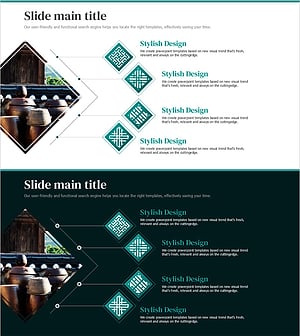
Crock Diagram for Visualizing Product Features and Benefits – Cluster and Connection
#Product/Service Introduction #Diagram #Features
