



Food Calorie Table PowerPoint – An Effective Tool for Health Management
RJ0800051_19
- Last Update 08/14/2025
- File Size 2MB
- # of Slides 2
- File Format PPTX
- Slide Ratio 16:9
- Color
Keywords
- #Content-Based Slides
- #Design-Based Slides
- #Product/Service Introduction
- #Diagram
- #Composition
- #Table
- #Standard Table
- #16:9
- #food calorie table PowerPoint
- #table slide template
- #data comparison chart
- #nutrition information presentation
- #health management slide design
- #how to create data table in PowerPoint
About the Product
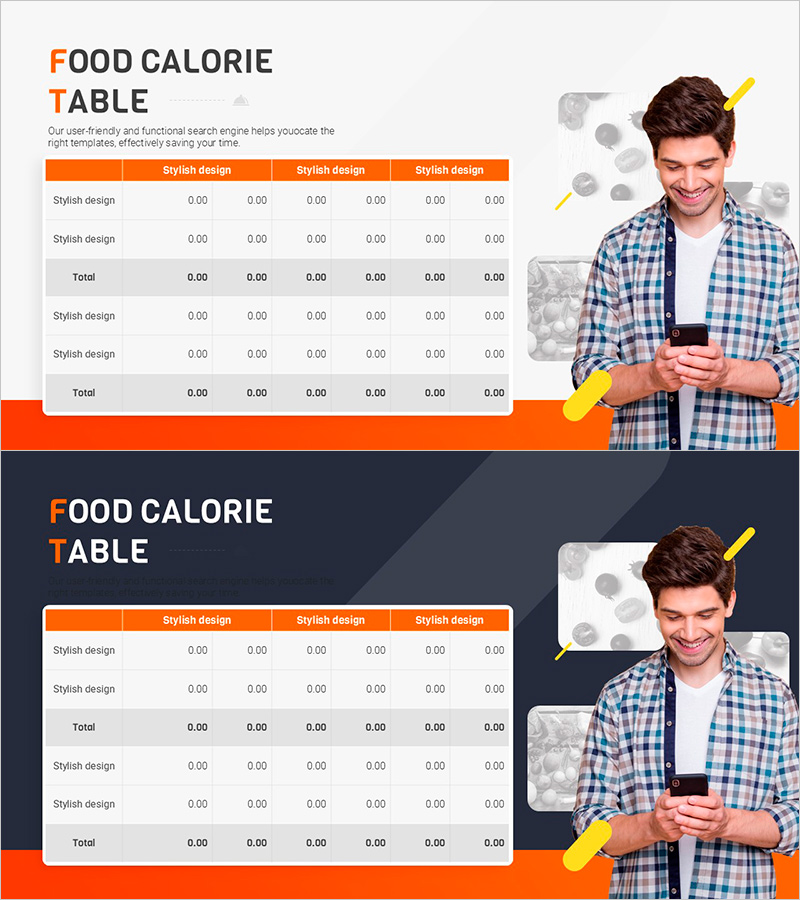
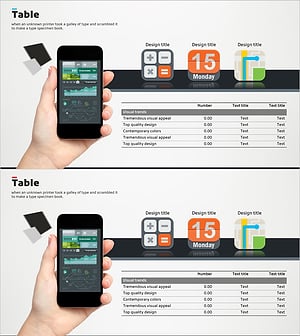
A table-based PowerPoint slide for systematically organizing food calorie information. The bright orange header and white background create clear contrast to maximize data readability. The 6-column input area allows you to compare food names, calories, nutrients, and other nutritional data at a glance. This presentation slide is ready to use for health management talks, nutrition education, and diet analysis presentations. The 2-slide set provides both light and dark theme layouts, so you can choose the design that matches your presentation environment.
Usage Points
-
Main Usage
Present food calories, nutrients, and nutritional information in a structured table format, enabling audiences to quickly understand and compare data. Supports credible information delivery in health management programs, nutrition consultations, and diet analysis presentations.
-
How to Use
Enter food names and calorie values in the light theme slide, then switch to the dark theme if needed to match your presentation environment. Fill in each of the 6 columns with food name, calories, protein, fat, carbohydrates, and other nutritional data to create an easy-to-compare table.
-
Recommended For
Nutritionists, health management professionals, fitness trainers, healthcare educators, school health teachers, and food company marketing teams presenting health information, conducting diet consultations, and delivering nutrition education seminars.
-
Slide Structure
2-slide set: light theme (white background with orange header) and dark theme (dark navy background with orange header), each with 6 columns and 5-6 rows of input areas. Each slide includes a title section at the top and a right-side area for person photos and food images.
Related Products
-
Sugar Content by Fruit – Revenue Performance Analysis
#Product/Service Introduction #Financial Plans and Performance #Diagram
-
Data Visualization Diagram for Cosmetic Ingredient List
#Product/Service Introduction #Diagram #Composition
-
Businessperson Work Ability Analysis Graph – Successful Ability Assessment
#Product/Service Introduction #Market and Competitor Analysis #Diagram
-
Analysis Table of Our Mobile App Configuration – Simple Data Visualization
#Product/Service Introduction #Diagram #Other
