



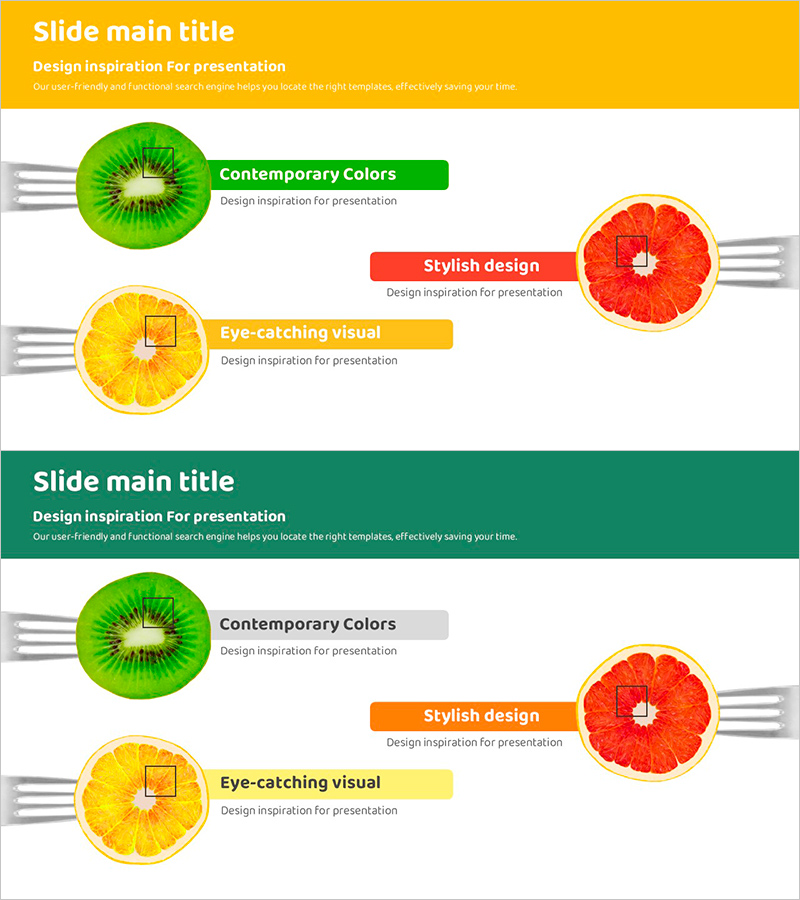
A Diagram of Colorful Fruit Sections – Business Vision and Strategy
RJ0800007_13
- Last Update 08/01/2025
- File Size 2.2MB
- # of Slides 2
- File Format PPTX
- Slide Ratio 16:9
- Color
Keywords
- #Content-Based Slides
- #Business Vision and Strategy
- #Technical Approach
- #Business Background and Necessity
- #Service Implementation Plan
- #16:9
- #fruit diagram PowerPoint slide
- #three-part comparison presentation
- #business strategy visualization slide
- #vision presentation template
- #colorful diagram PowerPoint
About the Product
A visually compelling fruit section diagram PowerPoint slide designed to present business strategy and vision. This presentation template uses three vibrant fruit images—green kiwi, yellow lemon, and red grapefruit—to illustrate three key business elements in a comparative structure. Each fruit is paired with a colored text box and input area, making it ideal for explaining service execution plans, technology divisions, and business vision. The 16:9 widescreen format includes 2 slides with a bright background that contrasts beautifully with the colorful fruit visuals, capturing audience attention instantly. Fully editable PPTX format allows for quick customization and immediate use in presentations.
Usage Points
-
Main Usage
Effectively compare and present three core business elements or strategic directions simultaneously, transforming abstract business concepts into concrete, memorable visual representations through vibrant fruit imagery and clear layout structure.
-
How to Use
Enter business strategy, technology innovation, or service execution details in the text boxes next to each fruit. Customize the yellow header section on the first slide and green header on the second slide with your title and additional information to maintain consistent branding throughout the presentation.
-
Recommended For
Ideal for business strategy presentations, new business planning reports, technology innovation explanations, service execution plan meetings, and investor pitches. Suitable for use by executive teams, planning departments, marketing teams, and technical teams across various organizational contexts.
-
Slide Structure
Two-slide format with each slide featuring three fruit images and corresponding text input areas. The first slide uses a yellow header while the second uses a green header to clearly distinguish sections. Each fruit includes one title box and one description text area, providing six total input fields for customization and content insertion.
Related Products
-
Mapping Key Connections Diagram Slide
#Technical Approach #Diagram #Service Operation Plan
-
Strategy for Success through Customized Action Plans
#Operational Plan #Technical Approach #Diagram
-
Summary of Key Strategic Measures – Non-Centralized Diagram
#Business Vision and Strategy #Technical Approach #Diagram
-
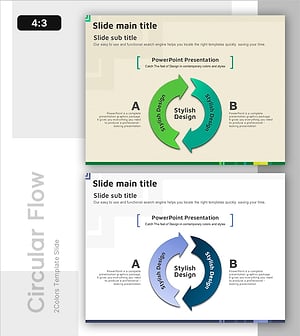
A Cyclical Process for Continuous Improvement
#Operational Plan #Technical Approach #Diagram
