



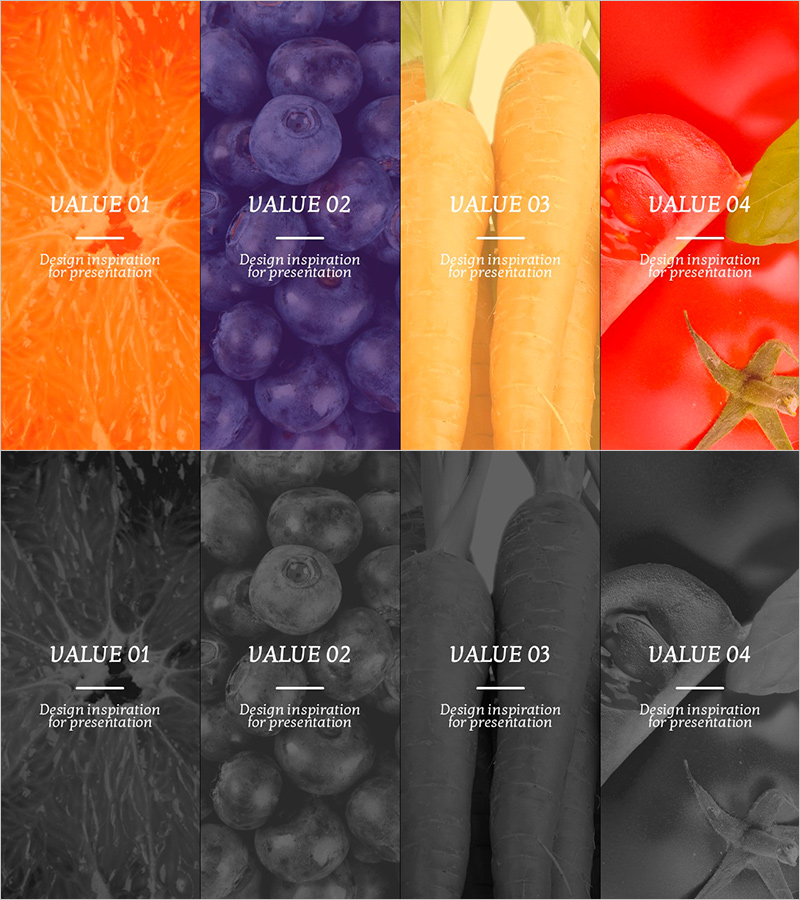
Cluster Diagram for Introducing Vegan Ingredients
RJ0800002_22
- Last Update 07/31/2025
- File Size 5.6MB
- # of Slides 2
- File Format PPTX
- Slide Ratio 16:9
- Color
Keywords
About the Product
A closed-form cluster diagram PowerPoint slide that categorizes vegan ingredients into four distinct groups. Features orange, purple, yellow, and red background sections, each paired with corresponding ingredient imagery for visual clarity and immediate recognition. The 2-slide set includes both full-color and grayscale versions, ensuring compatibility across diverse presentation environments and printing scenarios. Ideal for nutrition presentations, wellness programs, dietary guidance, and food education where ingredient grouping, nutritional information, and meal planning need clear visual communication. All text areas are fully editable, enabling instant customization and deployment.
Usage Points
-
Main Usage
Presents ingredient categories in nutrition, food science, and wellness presentations by organizing items into four equal groups with distinct color coding. The closed-form cluster structure emphasizes the balanced relationship between categories while color differentiation enables instant visual recognition and memory retention.
-
How to Use
Insert ingredient names, nutritional facts, preparation methods, or dietary information into the editable text boxes within each colored section. Suitable for embedding in nutrition guides, educational materials, wellness program brochures, dietary consultation slides, and food safety training presentations. The grayscale version ensures clarity in black-and-white printing and projection environments.
-
Recommended For
Nutritionists, health coaches, food company marketing teams, wellness centers, culinary educators, food safety specialists, health seminar speakers, and dietary consultants presenting ingredient grouping, nutritional education, meal composition, and dietary recommendations.
-
Slide Structure
2-slide set: Slide 1 features a closed-form cluster diagram divided into four colored sections (orange, purple, yellow, red) with ingredient imagery and editable text areas. Slide 2 provides an identical grayscale version for print and monochrome projection compatibility.
Related Products
-
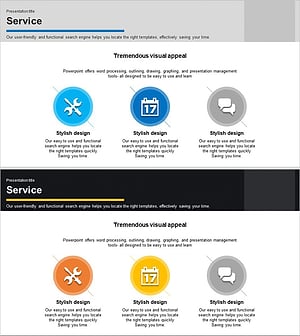
Business Services Introduction Diagram – Effective Information Delivery
#Product/Service Introduction #Diagram #Product/Service Introduction
-
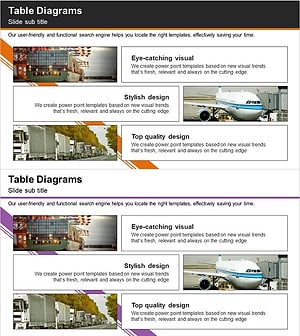
Introduction to Trade Business Transportation – Cluster Diagram
#Product/Service Introduction #Diagram #Product/Service Introduction
-

Business Services Overview PowerPoint – A Clear Beginning for Presentations
#Product/Service Introduction #Diagram #Product/Service Introduction
-
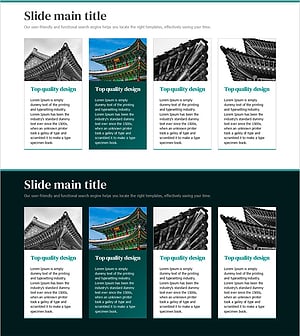
Presentation Template of Traditional House Roof – Capturing Korea's Beauty
#Product/Service Introduction #Diagram #Product/Service Introduction
