



Business Overview Diagram – Your Guide to Successful Business
RJ0700009_17
- Last Update 07/24/2025
- File Size 1.7MB
- # of Slides 2
- File Format PPTX
- Slide Ratio 16:9
- Color
Keywords
- #Content-Based Slides
- #Design-Based Slides
- #Business Introduction
- #Business Vision and Strategy
- #Diagram
- #Business Overview
- #Business Goals
- #Cluster
- #Closed Cluster Diagram
- #16:9
- #radial diagram PowerPoint
- #business overview PowerPoint slide
- #4-item central diagram
- #business strategy diagram
- #business vision PPT slide
About the Product
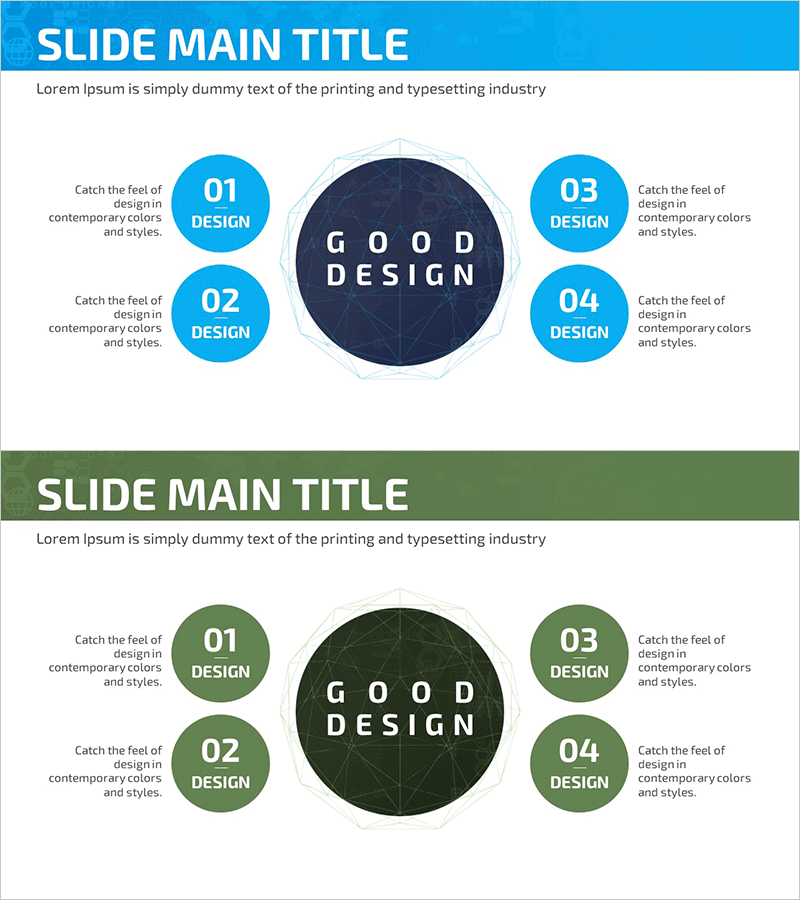
A business diagram PowerPoint slide featuring a central core concept surrounded by four strategic elements arranged in a radial pattern. Bright blue circular nodes contrast with a dark navy center circle, while descriptive text areas are positioned symmetrically on both sides. The 2-slide set includes two color versions—blue theme and green theme—allowing you to match your presentation's tone. Ideal for business strategy presentations, corporate vision statements, and key value communication, this slide template is ready to use immediately in your PowerPoint deck.
Usage Points
-
Main Usage
Effectively presents an organization's core strategy or business vision with four key supporting elements arranged around a central concept. Ideal for business overview presentations, strategic planning sessions, and organizational value propositions where the relationship between a central idea and surrounding components must be clearly communicated.
-
How to Use
Enter your core concept (e.g., business objective, management philosophy) in the central circle. Add detailed strategies or implementation tasks to the four surrounding blue circular nodes. Use the text areas beside each node to provide comprehensive explanations that enhance audience understanding.
-
Recommended For
Recommended for executives, business planning teams, marketing professionals, and organizational development specialists presenting management strategies, business plans, and corporate visions. Particularly effective for executive briefings, company-wide strategy announcements, and new business proposals where core concepts and execution elements must be presented simultaneously.
-
Slide Structure
2-slide set with Slide 1 featuring a blue theme (bright blue nodes with dark navy center circle) and Slide 2 featuring a green theme (green nodes with dark green center circle). Both slides use a central-focus layout with four nodes positioned symmetrically above, below, left, and right, each accompanied by a dedicated text area for descriptions.
Related Products
-
Astronomy Research Overview Slides – Journey to Explore the Universe
#Business Introduction #Business Vision and Strategy #Diagram
-
Astronomy Research Overview Slides – Modern Diagram
#Company Introduction #Business Introduction #Diagram
-
Laboratory Precautions Slide – Capturing Safety and Expertise
#Product/Service Introduction #Business Introduction #Diagram
-
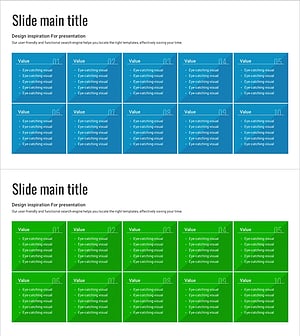
Business Overview Square Closed Diagram for Effective Presentation
#Product/Service Introduction #Business Introduction #Business Vision and Strategy
