



Business Overview Square Closed Diagram for Effective Presentation
RJ0700028_7
- Last Update 07/30/2025
- File Size 0.5MB
- # of Slides 2
- File Format PPTX
- Slide Ratio 16:9
- Color
Keywords
- #Content-Based Slides
- #Design-Based Slides
- #Product/Service Introduction
- #Business Introduction
- #Business Vision and Strategy
- #Diagram
- #Benefits and Advantages
- #Business Overview
- #Cluster
- #Closed Cluster Diagram
- #16:9
- #closed diagram PowerPoint
- #square diagram template
- #business overview slide
- #10-cell diagram PowerPoint
- #cluster diagram slide template
About the Product
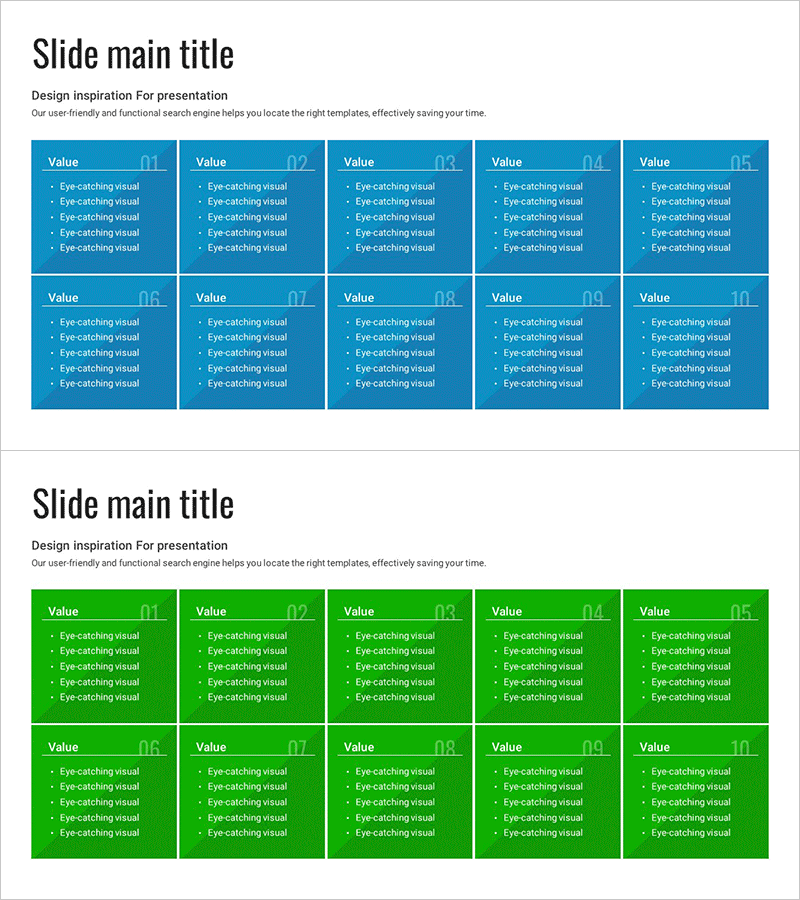
A 10-cell square closed diagram PowerPoint slide designed to present business overview and core values systematically. This 2-slide template features a blue background with white text, offering dedicated spaces for titles and 5-bullet-point descriptions in each cell. Perfect for business introductions, strategy presentations, benefit explanations, and organizational overviews. The 16:9 widescreen PPTX format allows immediate editing and customization to match your presentation needs.
Usage Points
-
Main Usage
Organize business overview, core values, strategic elements, and benefit items into 10 independent sections with equal visual weight. Ideal for comparing and presenting multiple categories simultaneously while maintaining balanced emphasis.
-
How to Use
Enter titles in each square cell and add detailed content using the bullet-point areas below. Colors and text are fully editable to match your corporate branding. The 2-slide format accommodates up to 20 items total for comprehensive presentations.
-
Recommended For
Executive reports, business plan presentations, strategy meetings, product introductions, organizational structure explanations, marketing proposals, and departmental responsibility clarifications. Suitable for any presentation requiring systematic comparison of multiple equal-priority items.
-
Slide Structure
2-slide layout with 5 columns × 2 rows = 10 identical square cells per slide. Each cell contains a title input area at the top and a 5-line bullet-point text area below. Blue background with white borders and text ensures clear visual separation and readability.
Related Products
-
Vaccine Prevention Goals Diagram - The Power of Health and Vision
#Product/Service Introduction #Business Vision and Strategy #Diagram
-
Overview of Key Partner Memberships – Innovation and Trust
#Company Introduction #Business Introduction #Business Vision and Strategy
-
Box Icon Diagram PowerPoint Template - Business Vision and Strategy
#Product/Service Introduction #Business Vision and Strategy #Diagram
-
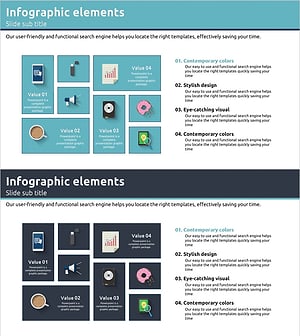
Product Introduction and Overview Blue Navy - Effective Business Presentation Slide
#Product/Service Introduction #Business Introduction #Business Vision and Strategy
