



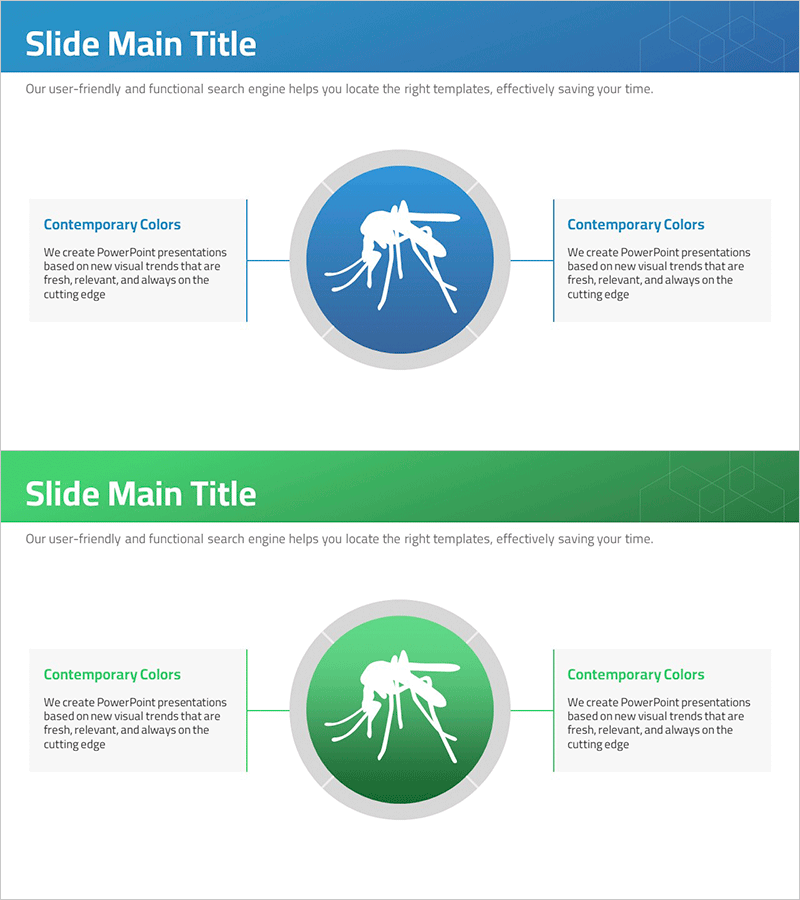
Mosquito Description Diagram – Product/Service Overview
RJ0700007_4
- Last Update 07/23/2025
- File Size 0.3MB
- # of Slides 2
- File Format PPTX
- Slide Ratio 16:9
- Color
Keywords
- #Content-Based Slides
- #Design-Based Slides
- #Product/Service Introduction
- #Business Vision and Strategy
- #Diagram
- #Product/Service Introduction
- #Business Goals
- #Cluster
- #Chain Diagram
- #16:9
- #central connection diagram PowerPoint
- #product feature slide template
- #bilateral diagram presentation
- #how to create feature diagram in PowerPoint
- #business presentation slide design
About the Product
A symmetrical connection diagram PowerPoint slide with a central circular icon linked to left and right text areas. This slide design is optimized for presenting product and service features with clear visual hierarchy. The template includes two color versions—blue and green—allowing you to match your brand identity and presentation theme. Provided in 16:9 widescreen PPTX format, all text, icons, and shapes are fully editable for immediate use in product overviews, service introductions, and business objective presentations.
Usage Points
-
Main Usage
Visualize product or service features using a central icon connected to supporting information on both sides. This structure helps audiences quickly understand key benefits, characteristics, and differentiators in a structured, professional manner.
-
How to Use
Insert your product image or logo in the central circular area. Add 3–4 key features in the left and right text boxes. Select either blue or green color scheme to align with your corporate branding. The connecting lines and arrows are pre-formatted, requiring no additional layout adjustments.
-
Recommended For
Product launch presentations, service feature overviews, business objective communications, technology specification comparisons, marketing pitches, investor relations materials, and company profile sections highlighting core value propositions.
-
Slide Structure
Two-slide set. Each slide features one central circular node with two symmetrical text areas on either side, connected by directional lines. Title area at the top and descriptive text space at the bottom provide context and narrative flow.
Related Products
-
List of Studies by Year Slide – Business Strategy and Vision
#Company Introduction #Business Vision and Strategy #Diagram
-
Enhance Your Brand with Paper Ad Mockup – Creative Marketing Strategy
#Business Vision and Strategy #Marketing Plan and Strategy #Diagram
-
AI Service Main Business Areas – Vision of Innovation and Growth
#Company Introduction #Business Vision and Strategy #Diagram
-
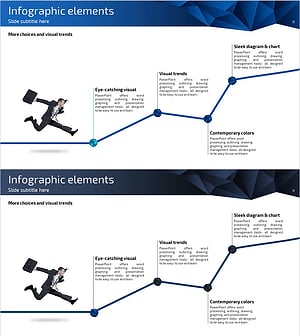
Business Goals Connection Diagram – Vision and Strategy
#Business Vision and Strategy #Marketing Plan and Strategy #Diagram
