



Plastic Surgery Business Sector Diagram – Innovation and Aesthetic Harmony
RJ0700005_24
- Last Update 07/22/2025
- File Size 0.3MB
- # of Slides 2
- File Format PPTX
- Slide Ratio 16:9
- Color
Keywords
- #Content-Based Slides
- #Design-Based Slides
- #Company Introduction
- #Product/Service Introduction
- #Diagram
- #Business Areas
- #Features
- #Cluster
- #Spread
- #Combination Diagram
- #Centralized Diagram
- #16:9
- #radial diagram PowerPoint
- #5-item business diagram slide
- #plastic surgery business sector template
- #service category diagram
- #PowerPoint slide template download
About the Product
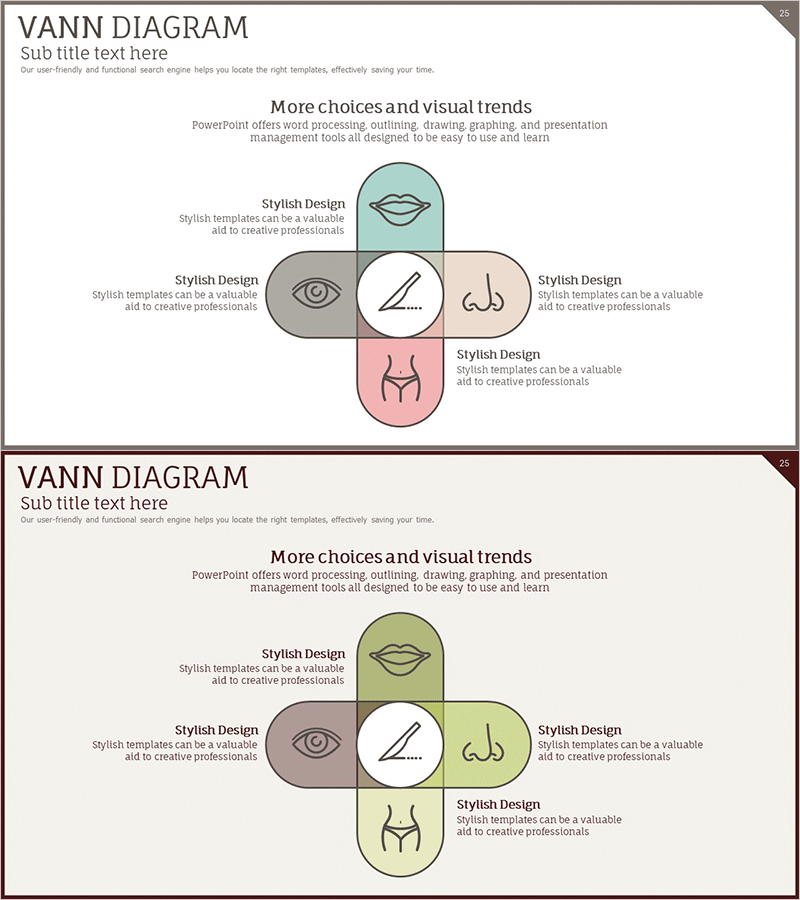
A radial diagram PowerPoint slide with a central node and five items arranged in cardinal directions (top, bottom, left, right, center). Optimized for presenting plastic surgery and cosmetic business sectors, service categories, and business divisions. Each item includes an icon and text description area, making it ideal for business presentations, company profiles, and product introduction decks. Includes 2 slides with color variations (pastel and dark tones) in 16:9 widescreen PPTX format, fully editable.
Usage Points
-
Main Usage
Visually present plastic surgery and cosmetic business sectors or service categories using a central concept with five surrounding items. Ideal for company profiles, product introduction presentations, and business proposals to clearly structure core business areas.
-
How to Use
Enter the central concept (e.g., Plastic Surgery Services) and fill in the five surrounding positions with specific service names or business divisions. Customize icon colors and text to match your brand identity, then use in presentations.
-
Recommended For
Plastic surgery clinics, dermatology practices, cosmetic business executives, healthcare marketing professionals, beauty startup founders, medical consultants, and hospital communications teams presenting business overviews, investor pitches, or client consultation materials.
-
Slide Structure
2-slide set. Each slide features one central circular node with four surrounding circular nodes positioned at cardinal directions (total 5 items). Each node contains an icon, text input area, and description field. Two color variations provided: pastel tones and dark tones.
Related Products
-
Medical Business Sector Overlap Diagram - Business Integration Strategy
#Company Introduction #Product/Service Introduction #Diagram
-
Network Firewall Service Features and Configuration
#Product/Service Introduction #Diagram #Features
-
Business Area Diagram – Emphasizing Business Characteristics
#Company Introduction #Product/Service Introduction #Diagram
-
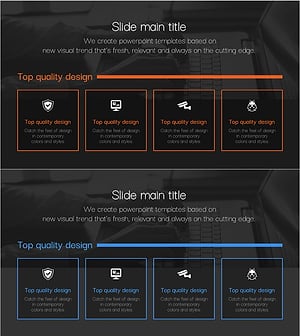
Cluster Slide for Cybersecurity Business Characteristics
#Company Introduction #Product/Service Introduction #Diagram
