



Simple Schedule Planner - Efficient Business Management
RJ0700001_11
- Last Update 07/21/2025
- File Size 0.6MB
- # of Slides 2
- File Format PPTX
- Slide Ratio 16:9
- Color
Keywords
- #Content-Based Slides
- #Design-Based Slides
- #Business Management
- #Operational Plan
- #Diagram
- #Implementation Schedule
- #Project Implementation Schedule
- #Table
- #Standard Table
- #16:9
- #schedule table PowerPoint
- #monthly calendar slide template
- #project timeline PowerPoint
- #editable calendar template
- #business planning slide
About the Product
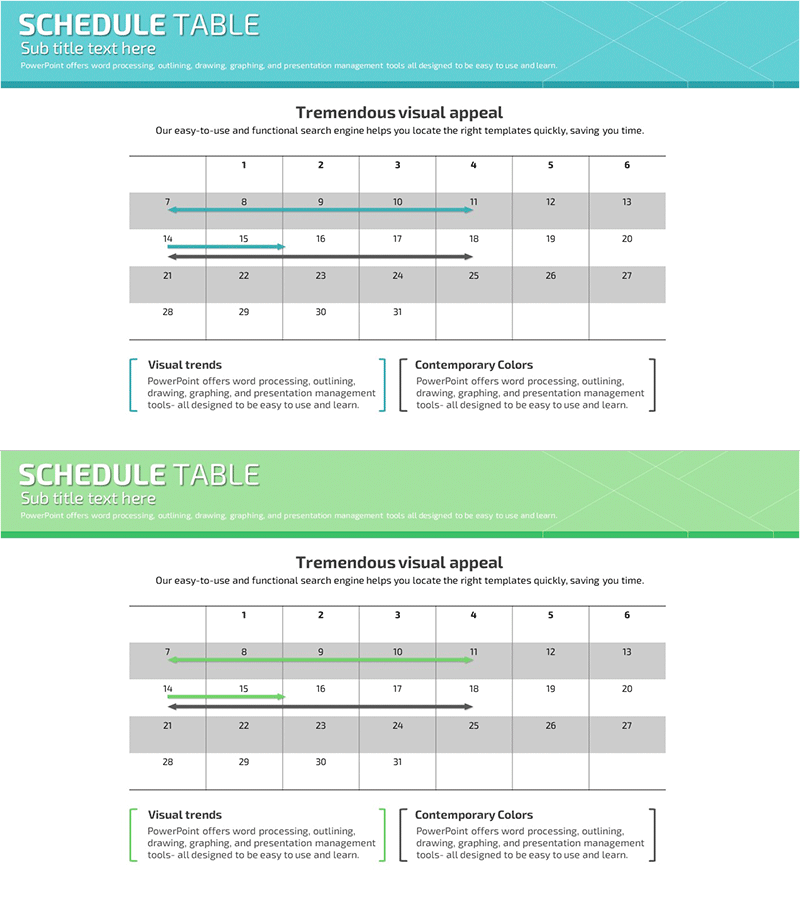
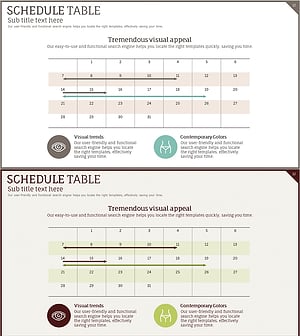
A calendar-format table PowerPoint slide designed for monthly schedule management and project planning. The 6-column layout with 31-day date cells enables teams to visualize project timelines, team schedules, and business milestones at a glance. Turquoise header and gray background rows enhance readability and visual hierarchy. Each date cell is editable for direct input, making it ready to use in presentations immediately. The 2-slide set accommodates multiple monthly planning scenarios and reporting needs.
Usage Points
-
Main Usage
Organize and communicate monthly project schedules, team calendars, and business timelines in a clear, visual format. The editable date cells allow direct input of deadlines, milestones, and events. Turquoise accent lines highlight critical weeks, making important periods stand out during presentations and planning meetings.
-
How to Use
Click each date cell to enter tasks, deadlines, or events. Use turquoise highlight lines to emphasize specific weeks or critical periods. Gray background rows distinguish weekends from weekdays. Insert into project kickoff presentations, quarterly planning meetings, team sync-ups, and business review slides to share monthly roadmaps and schedules.
-
Recommended For
Project managers, team leads, business planners, and HR professionals managing monthly schedules and team coordination. Ideal for business plans, quarterly reports, team meeting materials, training seminar agendas, and project management presentations.
-
Slide Structure
2-slide set, each featuring a 6-column (Sun–Sat) × 5-week calendar table layout. Turquoise header with white text, numbered week rows, white editable date cells, and gray-shaded weekend rows for clear visual distinction. All cells are formatted for easy text input and customization.
Related Products
-
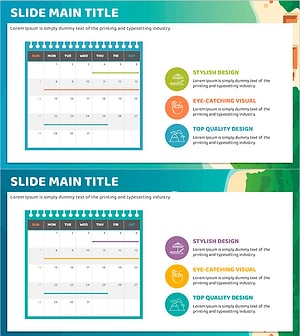
Summer Itinerary – Travel Planning and Style
#Business Management #Operational Plan #Diagram
-
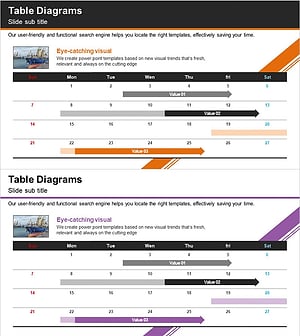
Trade Services Schedule – Optimized Diagram for Business Management
#Business Management #Operational Plan #Diagram
-
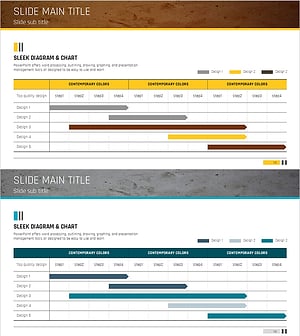
Displays the Schedule Step by Step – Clear Communication of Project Timeline
#Business Management #Operational Plan #Diagram
-
Medical Product Differentiation Strategy Diagram
#Business Management #Operational Plan #Diagram
