



Paper-textured Schedule Slide – Practicality and Creativity
RJ0600105_10
- Last Update 07/19/2025
- File Size 7MB
- # of Slides 2
- File Format PPTX
- Slide Ratio 16:9
- Color
Keywords
About the Product
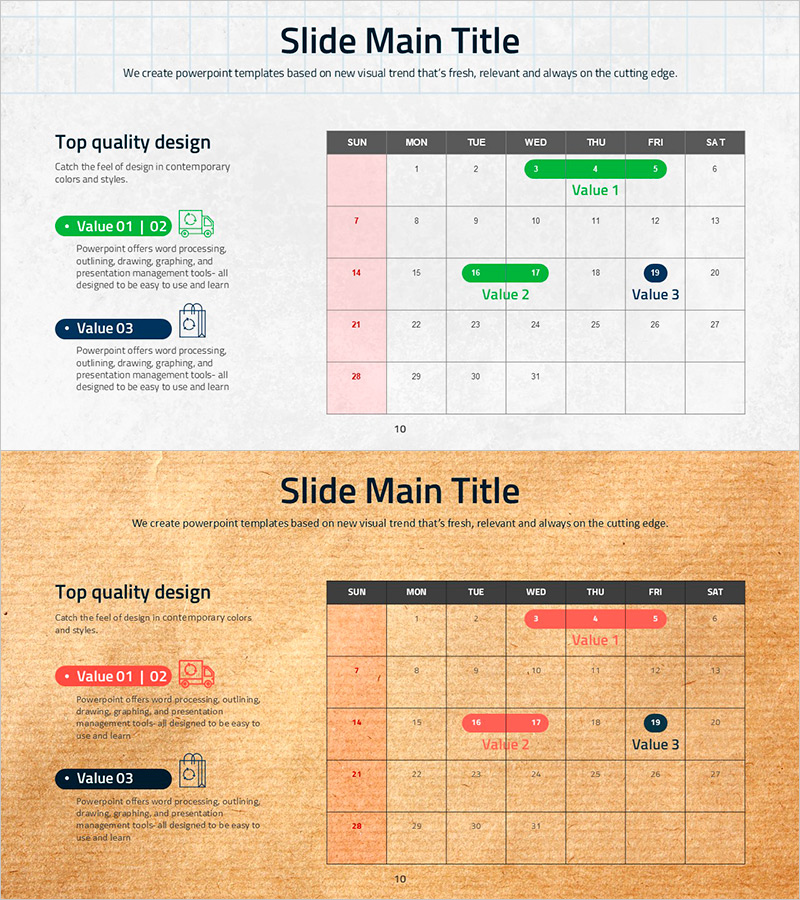
A table-based calendar diagram PowerPoint slide designed for weekly schedule management. The slide features a 7-column (Sunday to Saturday) by 4-row grid structure with color-coded highlight boxes to mark key events and deadlines. The paper-textured background combined with white gridlines creates a print-friendly layout that organizes information visually. Green, pink, and navy blue accent elements support priority-based schedule differentiation, with ample text input areas for project timelines, team schedules, and educational plans. The 2-slide set includes both light and warm-toned background options for flexible presentation contexts.
Usage Points
-
Main Usage
Organize and share weekly or monthly schedules visually using a structured table diagram. Color-coded highlight boxes enable quick identification of important dates, deadlines, and meetings, while the grid structure makes data entry intuitive and organized.
-
How to Use
Enter schedule items into each cell and apply color-coded boxes (green, pink, navy) based on priority level. The paper-textured background renders naturally when printed, making it suitable for both digital presentations and printed materials. Customize the slide for team meetings, project planning, or educational schedule sharing by adjusting colors and text as needed.
-
Recommended For
Project managers, team leaders, education coordinators, and administrative staff benefit from this template for schedule sharing and planning. Commonly used in business plans, operational plans, seminar materials, and team meeting presentations.
-
Slide Structure
2-slide set with 7-column (Sunday–Saturday) × 4-row weekly grid structure. Color-coded highlight boxes (green, pink, navy) mark key schedule items. First slide features light-toned background; second slide offers warm paper-textured background for visual variety.
Related Products
-
Sleek Diagrams for Future Plans – Stylish Design
#Technical Approach #Diagram #System Architecture Diagram
-
History Diagram - Visualize Company Milestones
#Company Introduction #Diagram #History
-
Setting Your Marketing Ultimate Goals – Diagram Slide for Successful Business Vision
#Business Vision and Strategy #Marketing Plan and Strategy #Diagram
-
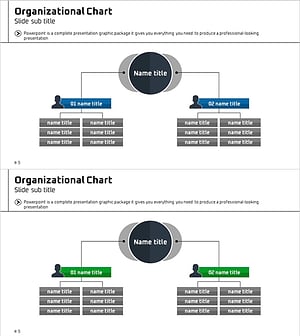
Medical Business Area Circular Diagram – Understanding Organizational Structure
#Company Introduction #Technical Approach #Diagram
