



Flower and Flow Diagram – Business Strategy
RJ0600084_12
- Last Update 07/13/2025
- File Size 1.3MB
- # of Slides 2
- File Format PPTX
- Slide Ratio 16:9
- Color
Keywords
- #Content-Based Slides
- #Design-Based Slides
- #Business Strategy
- #Diagram
- #Step-by-Step Schedule Plan
- #Cluster
- #Chain Diagram
- #Project Progress
- #16:9
- #circular flow diagram PowerPoint
- #business progress diagram slide
- #2-stage cycle diagram
- #project milestone PowerPoint template
- #how to create flow diagram in PowerPoint
About the Product
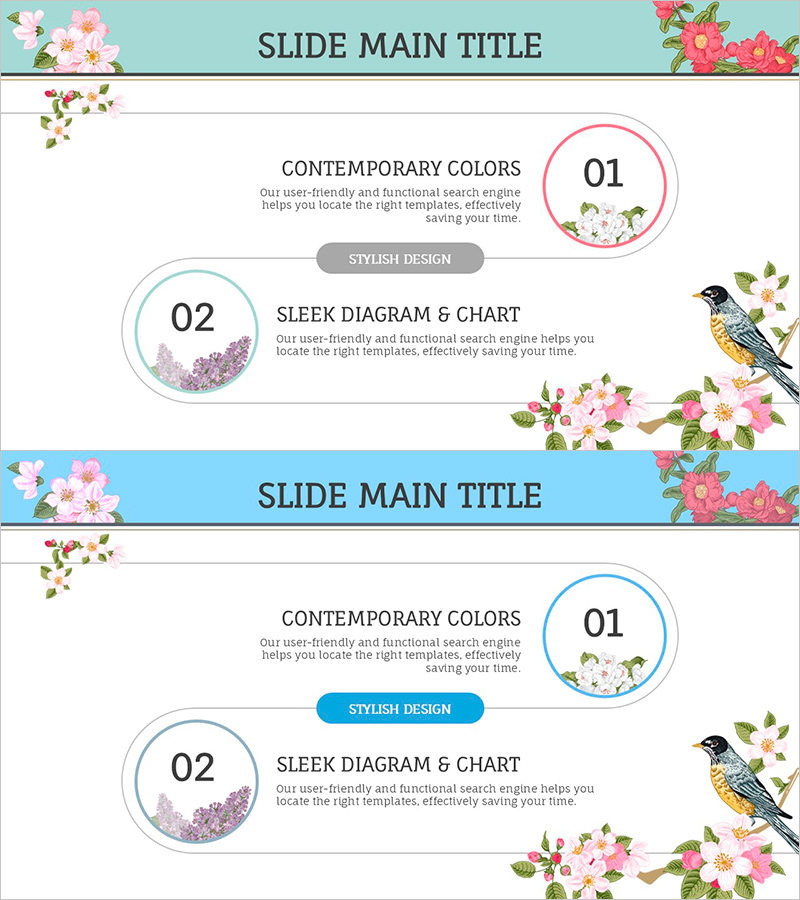
A 2-slide circular flow diagram PowerPoint presentation designed to visualize business progress and project milestones. The design features pink and lavender-toned floral illustrations with bird motifs as background elements, creating a contemporary aesthetic. Two circular nodes connected by bidirectional arrows represent sequential or cyclical business stages, with dedicated text input areas for stage names, descriptions, and key metrics. The 16:9 widescreen PPTX format ensures compatibility with modern presentation platforms, making it ideal for business reports, strategy presentations, and progress updates.
Usage Points
-
Main Usage
Effectively communicate business progress, project phases, and milestone timelines using a circular flow structure. The two-node bidirectional arrow design represents cyclical processes, feedback loops, and iterative workflows, allowing clear distinction between stage objectives, deliverables, and transition points.
-
How to Use
Enter stage names or time periods (Phase 1, Phase 2 or Q1, Q2) in the numbered node areas, then add key activities, achievements, and objectives in the text sections. Enhance the diagram by adding timeline information, responsible departments, or budget allocations along the connecting arrows for comprehensive project communication.
-
Recommended For
Ideal for business progress reports, project status updates, marketing campaign timelines, organizational restructuring plans, and new business strategy presentations. Particularly effective for executives, team leaders, project managers, and marketing professionals who need to communicate phased progress clearly.
-
Slide Structure
Two-slide layout with title area at top, centered circular flow diagram (2 circular nodes with bidirectional arrows), and descriptive text area at bottom. First slide features gray label button; second slide uses blue label button for design variation, accommodating different presentation contexts.
Related Products
-
Business Strategy Slide Using Speech Connection Box
#Business Strategy #Diagram #Step-by-Step Schedule Plan
-
Shooting Plan Slide Template – Effective Business Strategy
#Business Strategy #Diagram #Step-by-Step Schedule Plan
-
Business Arrow Flowchart – A Tool for Strategic Business Advancement
#Business Strategy #Diagram #Step-by-Step Schedule Plan
-
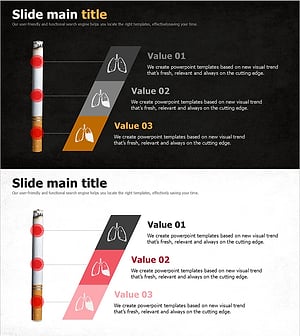
Single Slide Template for Visualizing Stages of Lung Cancer
#Business Strategy #Diagram #Step-by-Step Schedule Plan
