



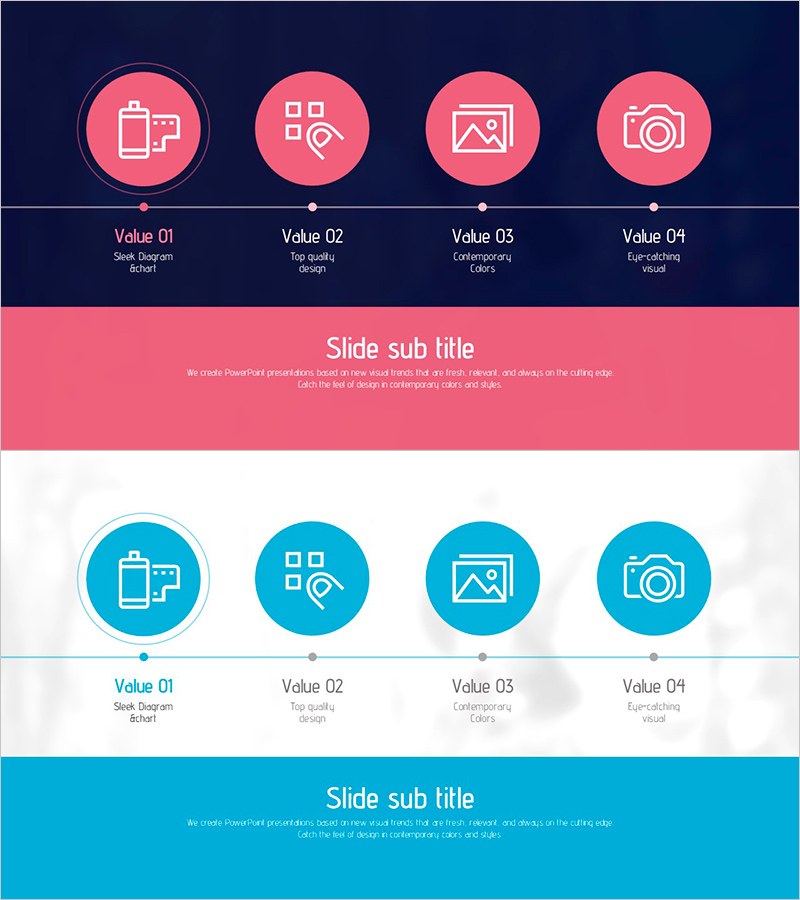
Shooting Plan Slide Template – Effective Business Strategy
RJ0800049_12
- Last Update 08/14/2025
- File Size 1.2MB
- # of Slides 2
- File Format PPTX
- Slide Ratio 16:9
- Color
Keywords
- #Content-Based Slides
- #Design-Based Slides
- #Business Strategy
- #Diagram
- #Step-by-Step Schedule Plan
- #Cluster
- #Closed Cluster Diagram
- #Chain Diagram
- #Project Progress
- #16:9
- #circular diagram PowerPoint
- #4-step process slide
- #business progress PowerPoint template
- #process flow diagram
- #business process PPT slide design
About the Product
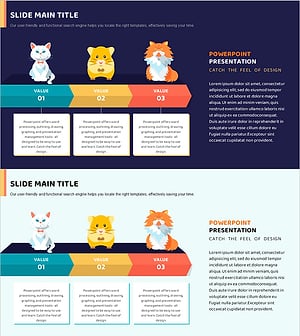
A PowerPoint slide template that visualizes business progress and project phases using a 4-step circular diagram structure. Set against a dark navy background, coral pink circular icons highlight each stage, with horizontal connector lines clarifying the flow between phases. The template includes 2 slides: the first features a coral pink theme and the second a turquoise blue theme. Each stage is marked with descriptive icons and labels, making it ideal for project timelines, business strategy presentations, marketing campaign phases, and operational progress reports. Fully editable and ready to customize for immediate use.
Usage Points
-
Main Usage
Clearly communicate project phases, business progress, marketing campaign workflows, and product development cycles using a 4-step circular structure. The combination of stage icons and labels enables audiences to grasp the complete flow intuitively and understand sequential dependencies.
-
How to Use
Replace each stage label with your project phase names and customize icons as needed. Choose between the coral pink or turquoise theme to match your corporate brand colors. The diagram is fully editable—add or remove steps by duplicating or deleting shapes, and adjust text, colors, and sizing to fit your presentation requirements.
-
Recommended For
Project managers, marketing professionals, business planners, consultants, and educators presenting project timelines, process improvements, campaign schedules, product launch strategies, and operational workflows.
-
Slide Structure
2-slide template. Each slide features a 4-node circular diagram centered horizontally with connecting lines, stage labels (Value 01–04) and descriptive text below, and a title area at the top for the overall theme. The layout balances visual hierarchy with ample white space for readability.
Related Products
-
Business Strategy Slide Using Speech Connection Box
#Business Strategy #Diagram #Step-by-Step Schedule Plan
-
Business Progress Steps Slide – Clear Progress Flow
#Business Strategy #Diagram #Step-by-Step Schedule Plan
-
Cat Characteristics Diagram – Understanding in Cluster Format
#Business Strategy #Business Management #Diagram
-
Companion Flow Diagram – Visualizing Business Strategy
#Business Strategy #Diagram #Step-by-Step Schedule Plan
