



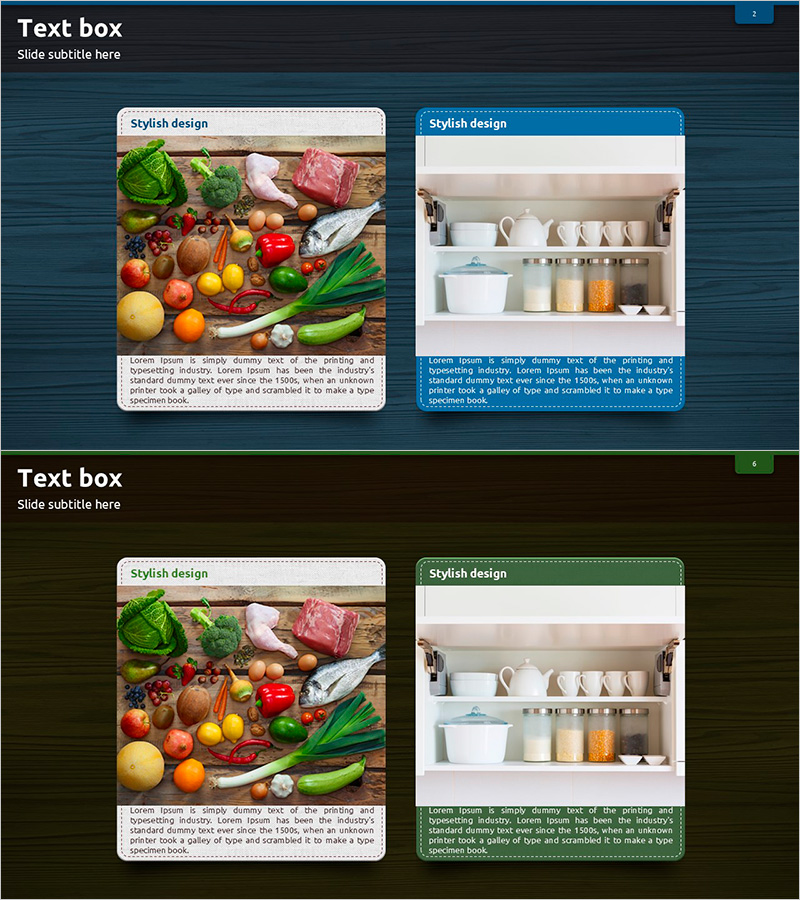
Material Management Methods Introduction – Diagram for Operational Planning
RJ0600069_5
- Last Update 07/08/2025
- File Size 6.1MB
- # of Slides 2
- File Format PPTX
- Slide Ratio 16:9
- Color
Keywords
- #Content-Based Slides
- #Design-Based Slides
- #Product/Service Introduction
- #Operational Plan
- #Diagram
- #Program Introduction
- #Production and Technology Development Strategy
- #Cluster
- #Closed Cluster Diagram
- #16:9
- #closed-form diagram PowerPoint
- #material management slide template
- #operational planning diagram
- #process flow PowerPoint slide
- #text box diagram presentation
About the Product
A closed-form diagram PowerPoint slide that visualizes material management processes. This 2-slide template features a split layout with image area on the left and text area on the right, ideal for operational planning and product introduction presentations. The design includes a header section for titles and white card-style text boxes with blue and green accent borders for hierarchical information display. The 16:9 widescreen PPTX format is fully editable, allowing you to customize colors and text for various operational process explanations, supply chain management, and workflow documentation.
Usage Points
-
Main Usage
Explains closed-form systems such as material management, supply chain operations, and process workflows. Visually represents input-process-output stages or cyclical structures to enhance audience comprehension. Suitable for operational planning presentations, product introductions, and business process explanations.
-
How to Use
Insert material, product, or process images in the left image area and add step-by-step descriptions in the right text boxes. Add your topic title in the header section, then customize the accent border colors to match your organization's brand palette for visual consistency. Repeat the 2-slide template to sequentially explain multiple processes.
-
Recommended For
Operations managers, quality assurance teams, supply chain professionals, and manufacturing marketing specialists can use this template for internal meetings, client presentations, and training seminars. Particularly effective for process improvement discussions, efficiency enhancement initiatives, and system explanations.
-
Slide Structure
2-slide composition. Each slide divides into three sections: title area at top, image area on left (approximately 40%), and text box area on right (approximately 60%). Text boxes feature white backgrounds with blue or green accent borders, providing space for step-by-step explanatory text. The 16:9 widescreen format optimizes display on modern projectors and monitors.
Related Products
-
Shoulder Exercises Slide – Effective Program Introduction with Modern Design
#Product/Service Introduction #Operational Plan #Diagram
-
Introduction to Artificial Intelligence Robot Business Services – Innovative Solutions
#Product/Service Introduction #Diagram #Product/Service Introduction
-
Writing Instrument Icon Step Diagram – Product and Service Introduction
#Product/Service Introduction #Diagram #Product/Service Introduction
-
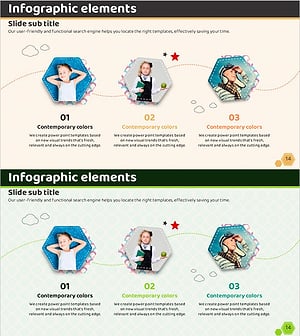
Hexagon Photo and Descriptive Text Slide – Key Format for Product Introduction
#Product/Service Introduction #Diagram #Product/Service Introduction
