



Shooting Training Diagram – Effective Operational Planning
RJ0600056_19
- Last Update 07/05/2025
- File Size 2.8MB
- # of Slides 2
- File Format PPTX
- Slide Ratio 16:9
- Color
Keywords
- #Content-Based Slides
- #Design-Based Slides
- #Operational Plan
- #Technical Approach
- #Diagram
- #Risk Management
- #Service Implementation Plan
- #Flow
- #Cluster
- #Multidirectional Flow
- #Closed Cluster Diagram
- #16:9
- #closed-form diagram PowerPoint
- #bidirectional flow slide template
- #2-node relationship diagram
- #comparison diagram PPT
- #operational planning PowerPoint slide
About the Product
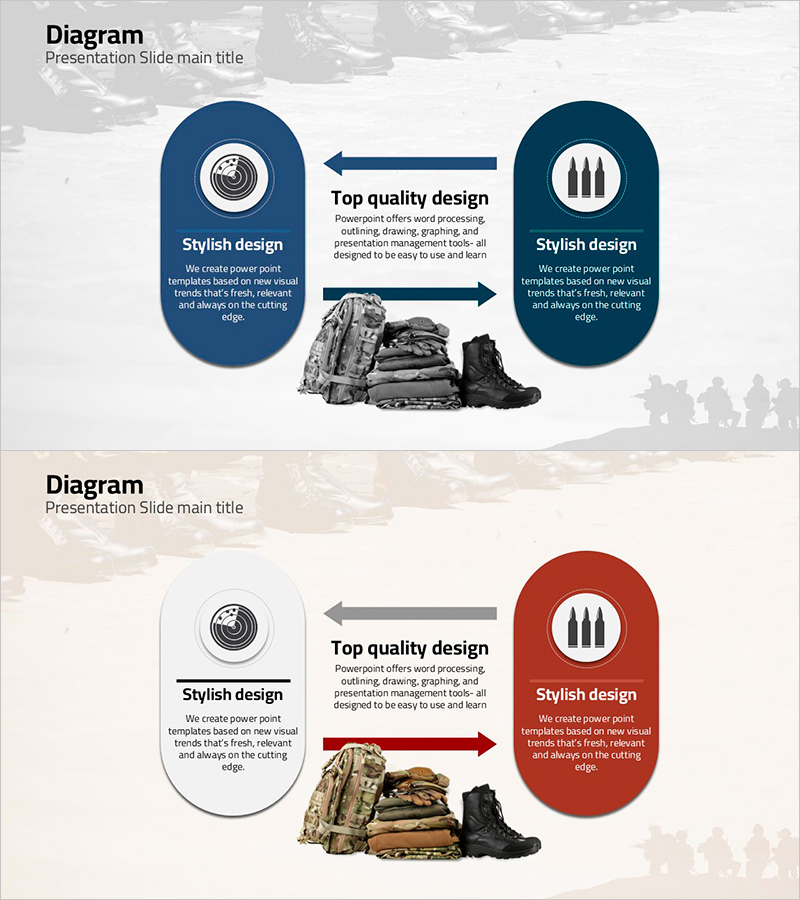
A closed-form diagram PowerPoint slide expressing bidirectional flow between two nodes. Navy and burgundy oval nodes feature icons and text placement, with central arrows clearly indicating mutual relationships. Composed of 2 slides in 16:9 widescreen format, ideal for operational planning, process comparison, and interaction relationship explanations. Ready-to-use presentation template for business documents, proposals, reports, and strategic planning materials.
Usage Points
-
Main Usage
Optimized for visually expressing bidirectional relationships, interactions, and comparisons between two elements. Effectively communicates input-output processes, supplier-customer relationships, and cause-effect chains in operational planning and strategic presentations.
-
How to Use
Enter title and description text in each oval node, then add relationship explanations in the central arrow area. Customize by changing colors or replacing icons to match your presentation topic. Insert into proposals, reports, training materials, and use immediately without additional design work.
-
Recommended For
Operations managers, project managers, planning teams, and training professionals explaining process flows, interaction relationships, and comparative analysis. Applicable to strategy development, system design, inter-organizational collaboration structure explanations, and various business scenarios.
-
Slide Structure
Two oval nodes (navy and burgundy) positioned symmetrically left and right, connected by bidirectional central arrows. Each node contains a circular icon and text area, with a central zone for relationship description text input.
Related Products
-
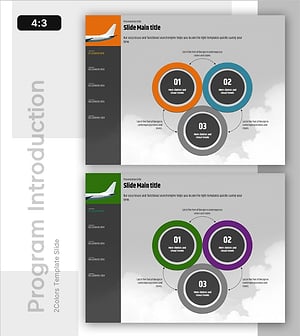
Operating Program System for Risk Management – Multidirectional Flow Diagram
#Product/Service Introduction #Operational Plan #Diagram
-

Animal Nature Business Area Diagram – Product and Service Differentiation Strategy
#Product/Service Introduction #Technical Approach #Diagram
-

Airplane Circulation Diagram – Efficient Operation Planning
#Operational Plan #Technical Approach #Diagram
-
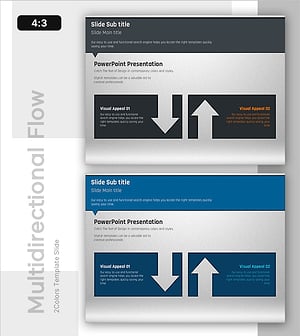
Slide Showing Pros and Cons – Diagram for Risk Management
#Operational Plan #Risk Management and Regulatory Compliance #Diagram
