



Currency PowerPoint Template – Professional Business Design
B0100027-1
- Last Update 01/05/2025
- File Size 8.8MB
- # of Slides 36
- File Format PPTX
- Slide Ratio 4:3
- Color
Slide Preview




Keywords
About the Product
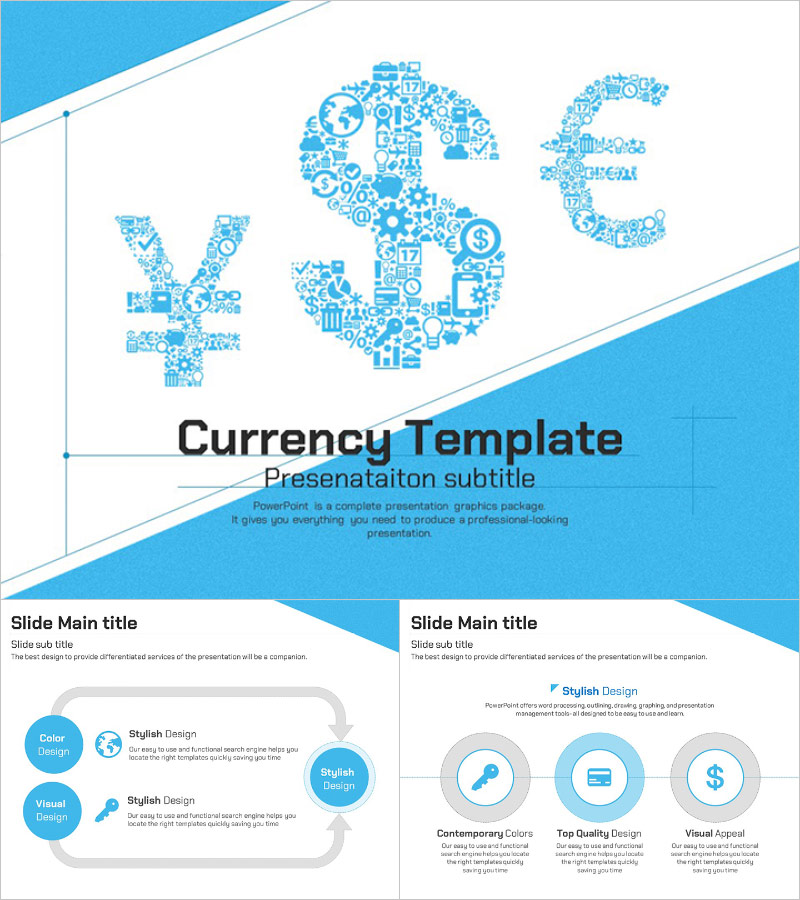
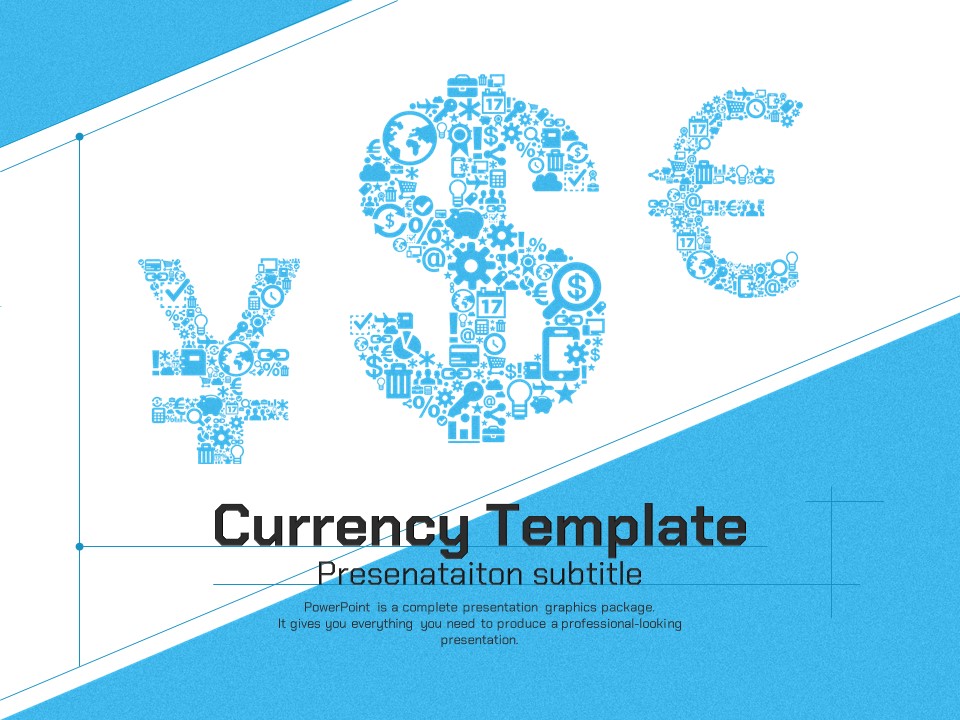
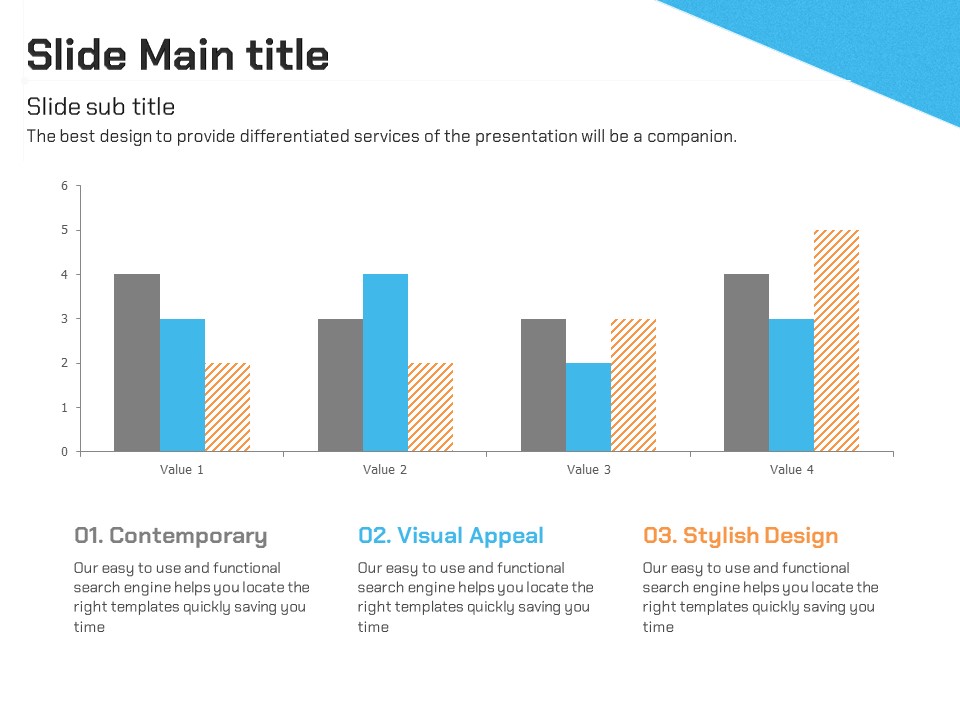
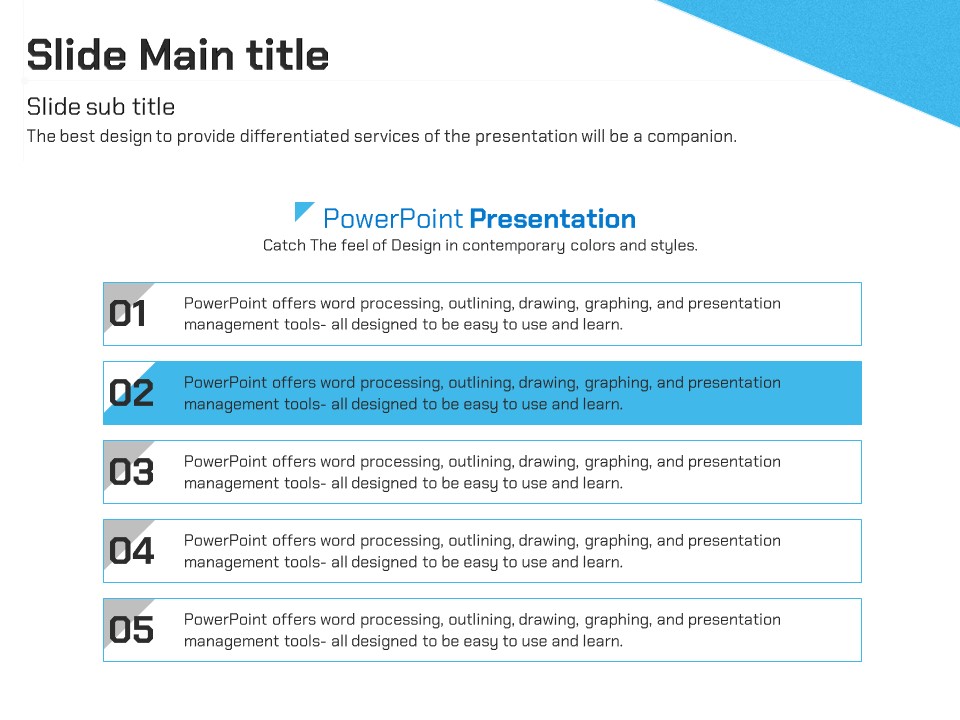
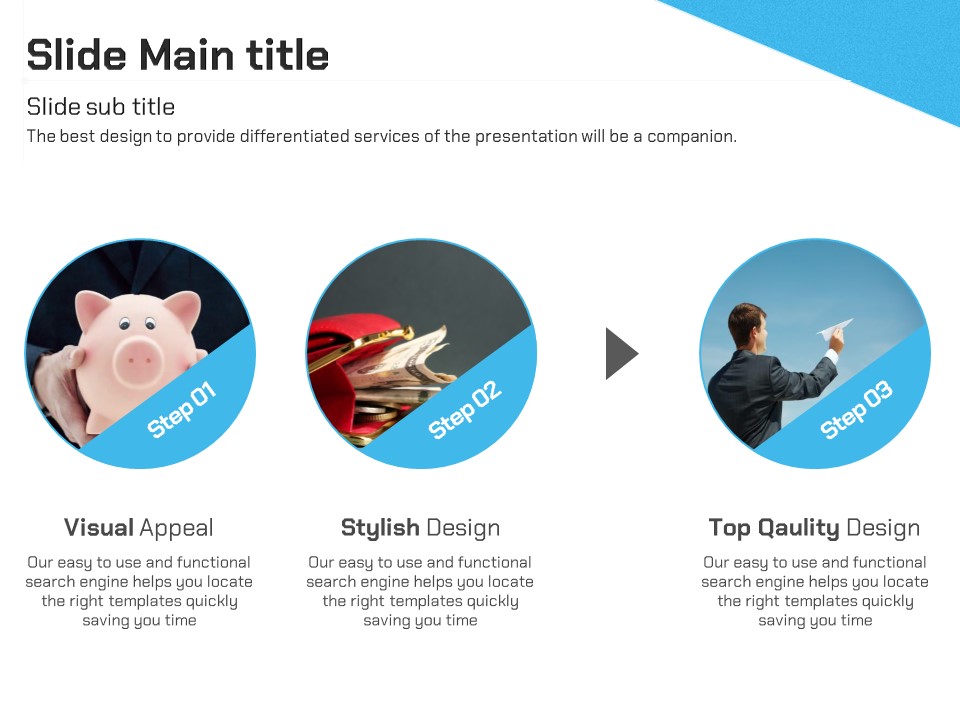
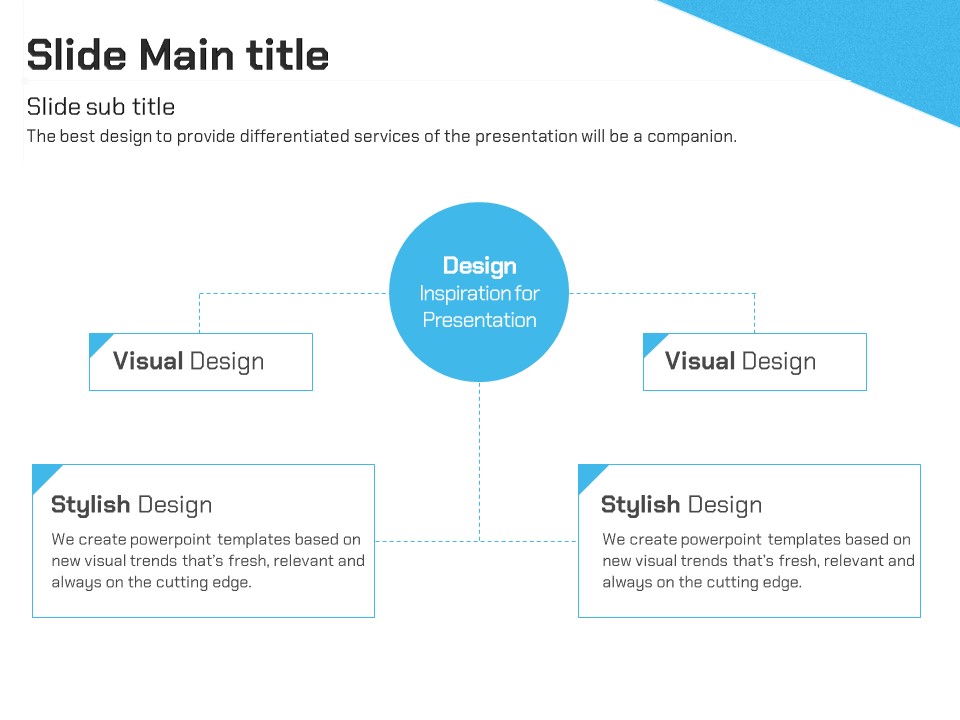
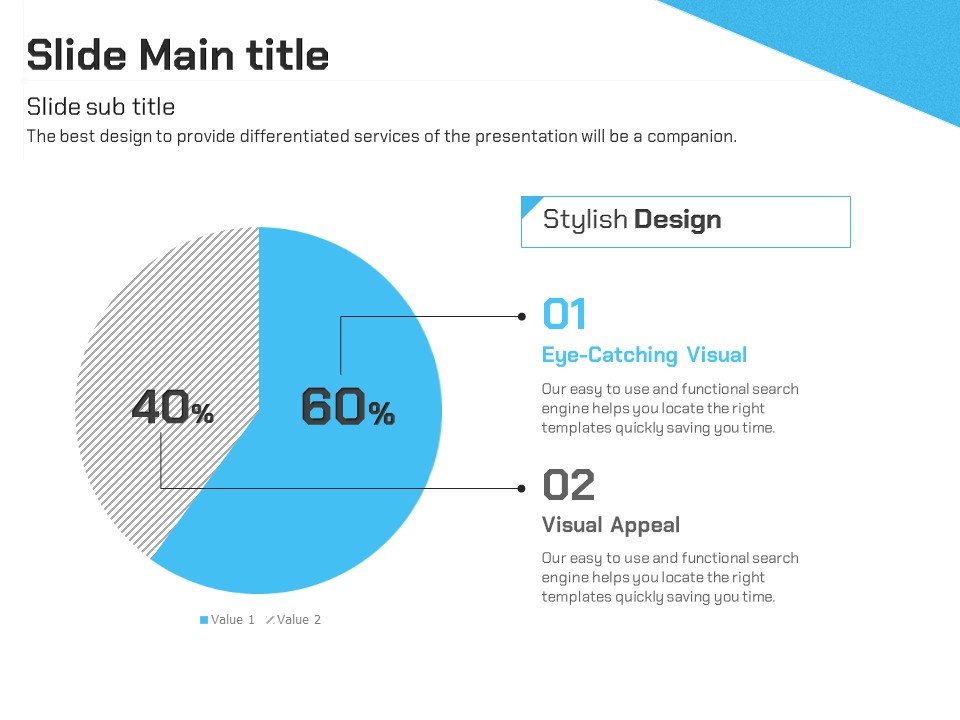
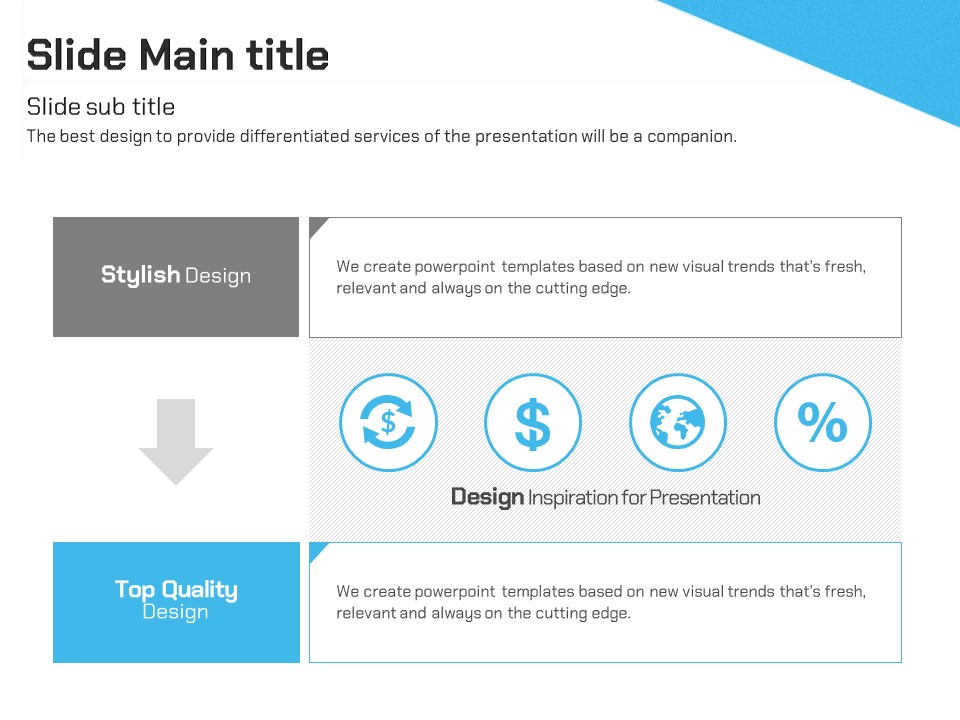
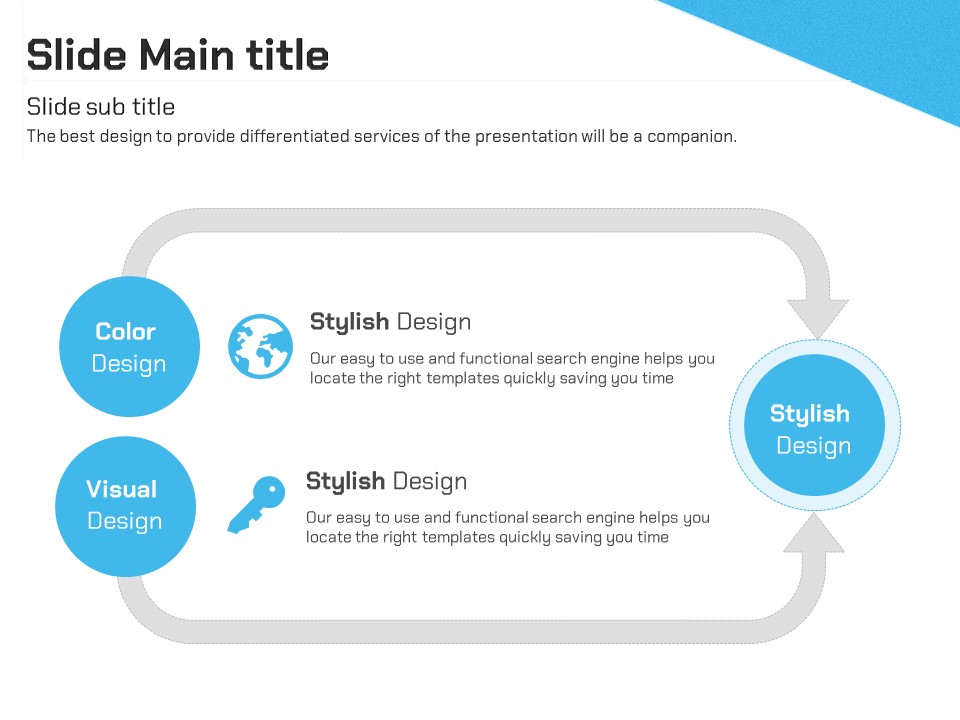
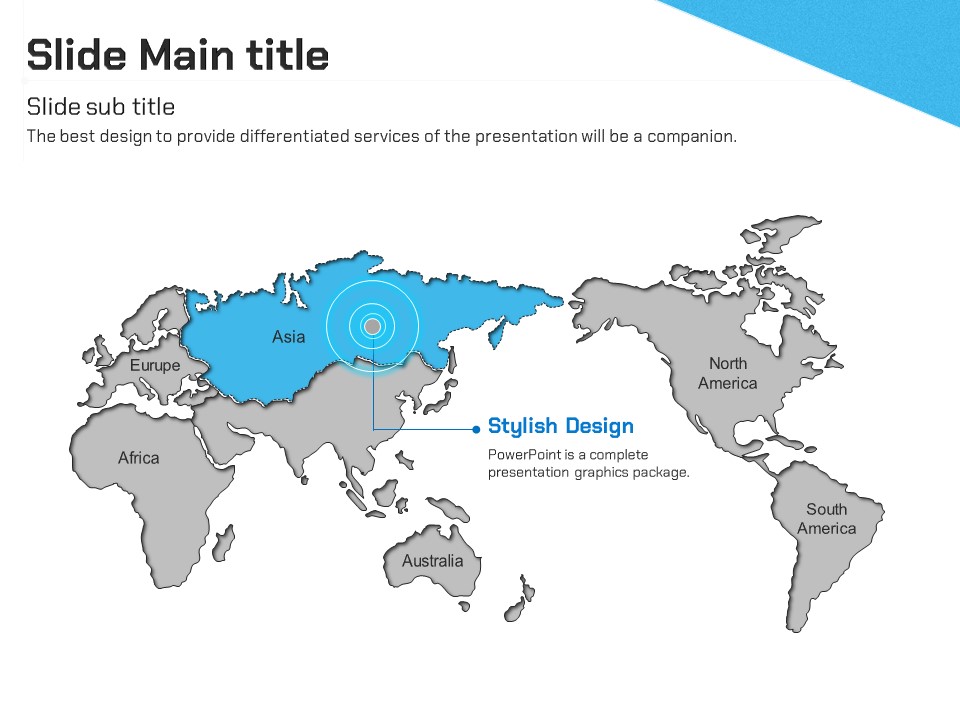
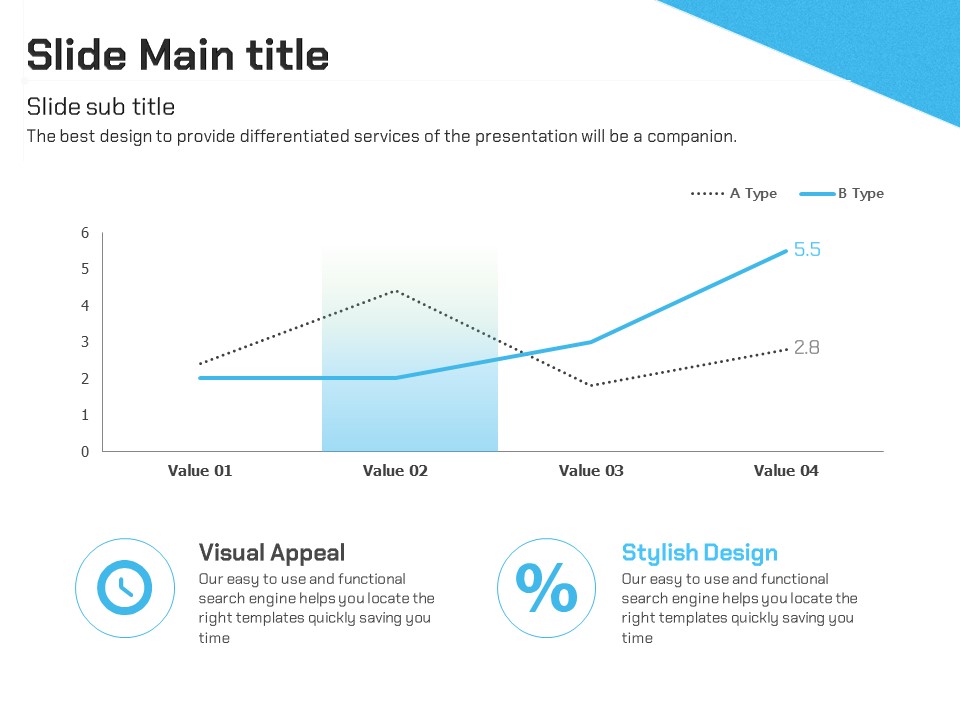
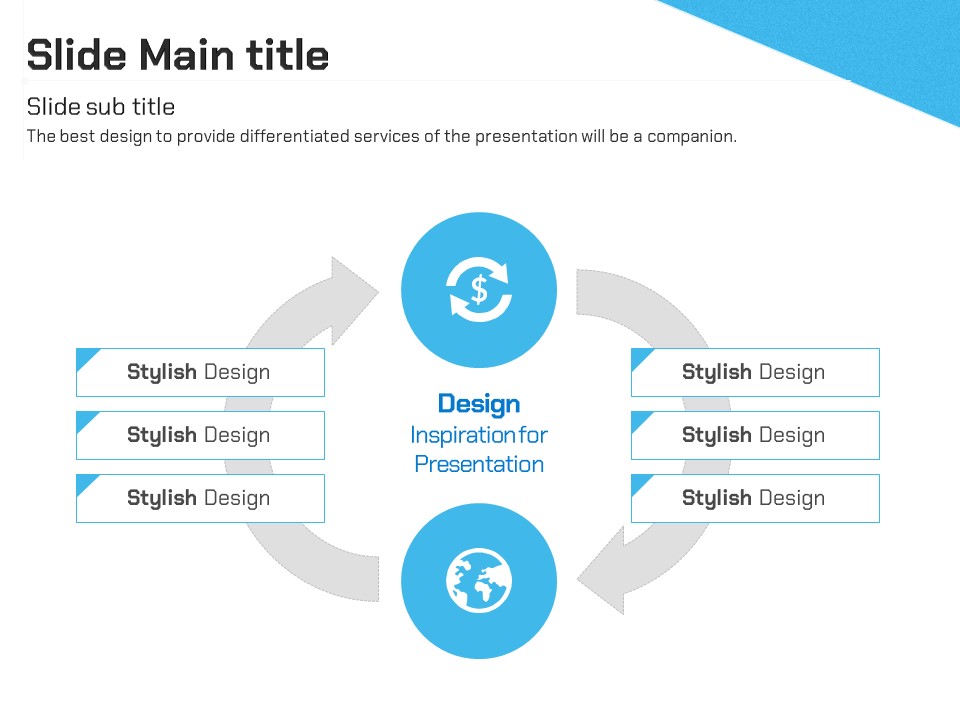
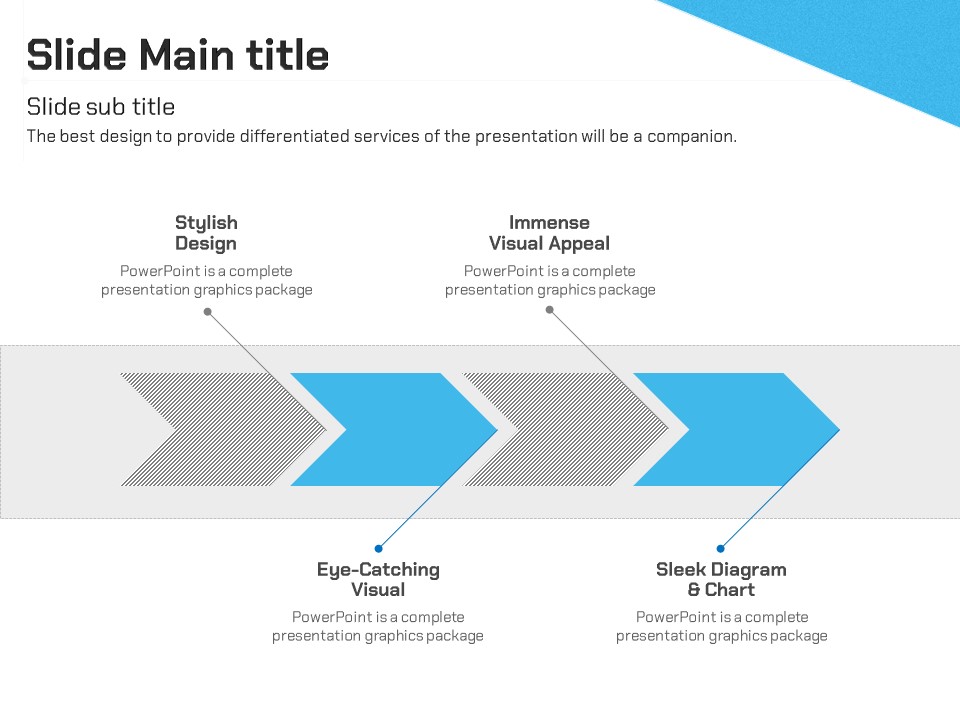
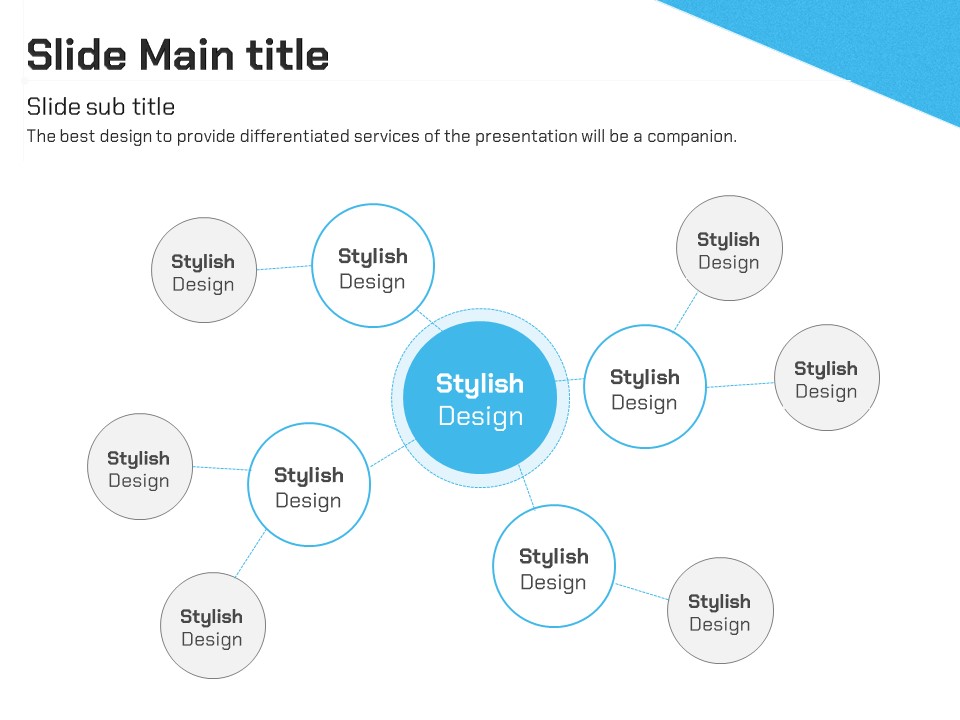
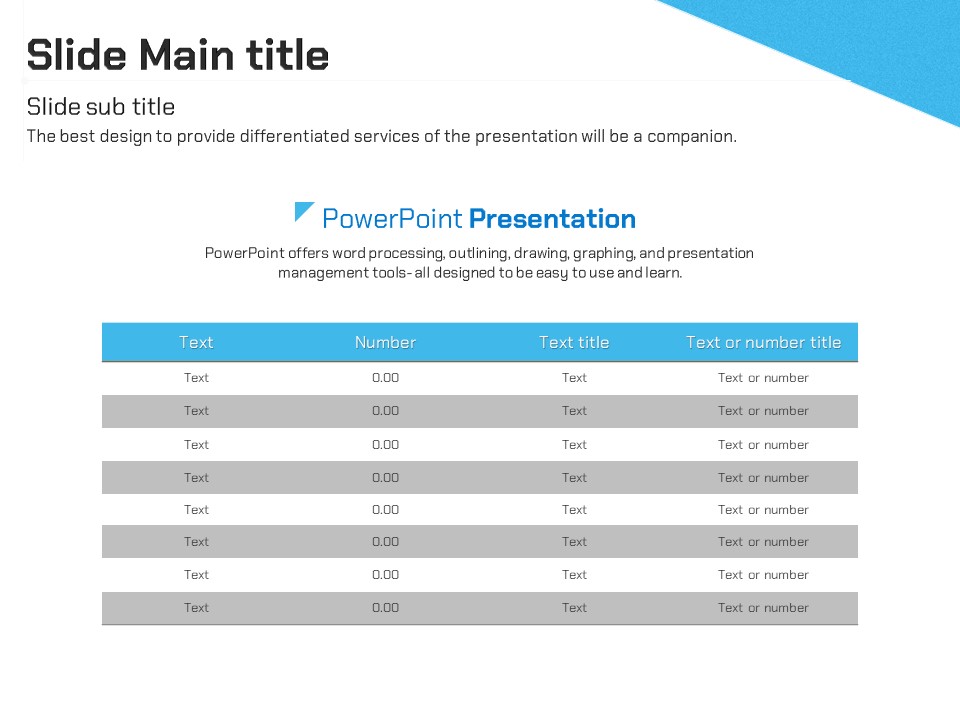
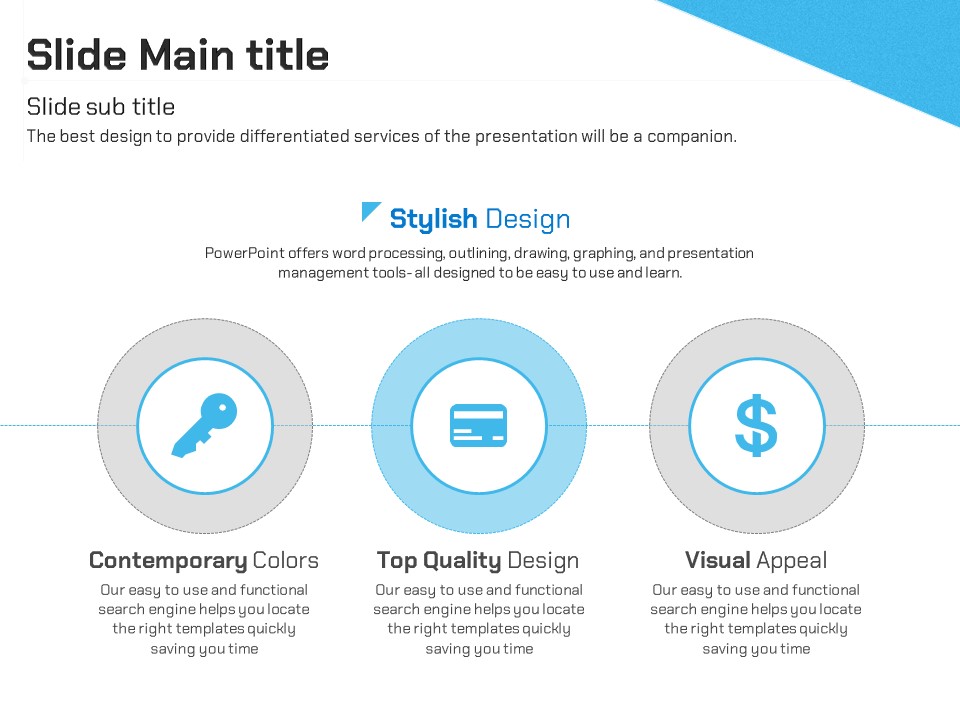
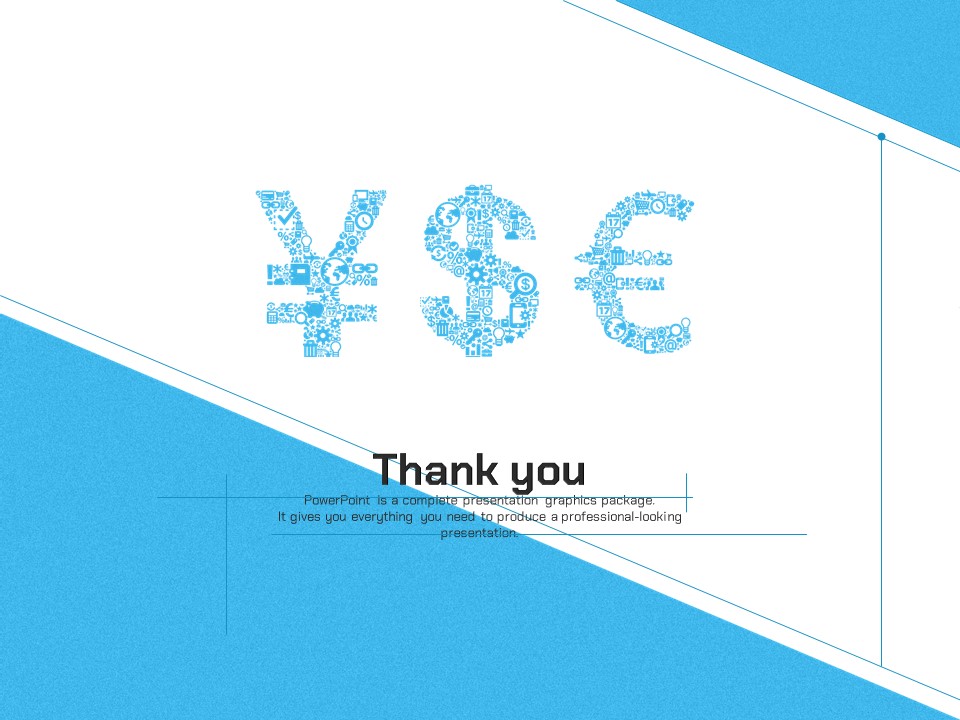
This finance-focused PowerPoint template features yen, dollar, and euro currency symbols rendered as icon mosaics, making it ideal for professional financial presentations. The clean sky-blue and white two-tone color scheme delivers a trustworthy, corporate feel, while repeating blue triangle accents create a consistent visual flow across all slides. The 36-slide set includes a wide variety of layouts: circular arrow diagrams, three-column circular image frames, and central hub connection diagrams, giving you the flexibility to build complete financial decks without starting from scratch. Provided in fully editable PPTX format, every element—text, color, and image—can be customized to match your brand or data. The 4:3 aspect ratio is optimized for standard monitors and projectors. Whether you're presenting quarterly earnings, pitching to investors, or introducing financial services, this template covers every stage of your presentation.
Usage Points
-
Main Usage
Designed for financial institutions, fintech companies, and investment firms to present quarterly reports, investor pitches, and financial service introductions with a professional, data-ready slide deck.
-
How to Use
Download the PPTX file and open it in PowerPoint or a compatible application. Replace the placeholder text, figures, and images with your own content while keeping the blue accent shapes and grid layouts intact for a polished result.
-
Recommended For
Best suited for financial analysts, investment managers, fintech startup teams, and corporate planning departments at banks or insurance companies who regularly produce financial presentation materials.
-
Slide Structure
Includes a title slide with currency icon mosaic, two-column grid slides with circular arrow diagrams, three-column circular photo frames (Step 01–03 sequence), and a central hub connection diagram—36 slides in total.
Related Products
-
Entertainment Company Presentation Template – Stylish and Colorful Design
#Business
-

Partnership PowerPoint Template – Ideal for Business Presentations
#Business
-
Business Partnership PowerPoint Template – Build Trust with Elegant Design
#Business
-
Idea PowerPoint Template Wide – Creative Business Solution
#Business
