



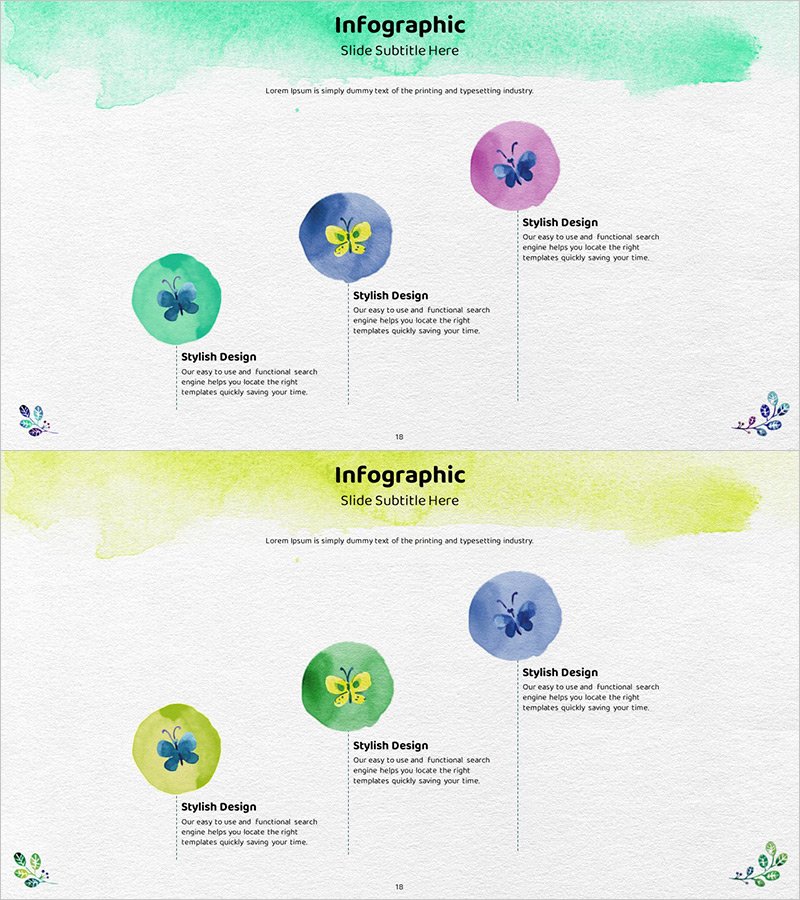
Watercolor Program Introduction Diagram
RJ0600049_17
- Last Update 07/04/2025
- File Size 9.7MB
- # of Slides 2
- File Format PPTX
- Slide Ratio 16:9
- Color
Keywords
About the Product
A watercolor-themed PowerPoint slide featuring a three-step program introduction with circular diagram elements. The design combines three colorful circular shapes (mint, blue, pink) with butterfly icons, paired with descriptive text boxes aligned to the right. The 2-slide set includes a watercolor header section and a structured content area that clearly separates title and body regions. This comparative layout effectively communicates program features, stages, and processes in a visually intuitive manner. Ideal for presentations, proposals, and educational materials where key information needs to be highlighted.
Usage Points
-
Main Usage
This slide effectively visualizes three-step program features, services, or processes using circular diagrams combined with text boxes. The watercolor background creates a friendly and creative atmosphere while maintaining professionalism. Perfect for educational presentations, marketing pitches, and business proposals where visual clarity and audience engagement are priorities.
-
How to Use
Enter your program name in the title area at the top, then edit the text within the three circular elements and the accompanying description boxes on the right. Write concise content for each stage covering features, benefits, or process steps. Colors and icons can be customized to match your program's branding, and the layout can be expanded if additional stages are needed.
-
Recommended For
Recommended for employee onboarding presentations, product launch announcements, marketing strategy documents, business proposals, consulting reports, and online course materials. Particularly effective when comparing or explaining three key elements, and ideal for presentations that need to balance creativity with professionalism.
-
Slide Structure
The 2-slide set features a watercolor header section (title and subtitle area) at the top and a structured content area below. The main content includes three circular diagram elements with connected text boxes (3 total), arranged left-center-right for balanced information hierarchy. Total editable text areas: 6 (1 title + 1 subtitle + 3 descriptions + 1 additional text field).
Related Products
-
Car Maintenance Service Process – Visualized Step-by-Step Flow
#Product/Service Introduction #Business Strategy #Diagram
-
Cluster Connectivity Plan Diagram – Essential Tool for Business Strategy
#Product/Service Introduction #Business Strategy #Diagram
-
Step-by-step Business Process Diagram – Effective Business Strategy
#Product/Service Introduction #Business Strategy #Diagram
-
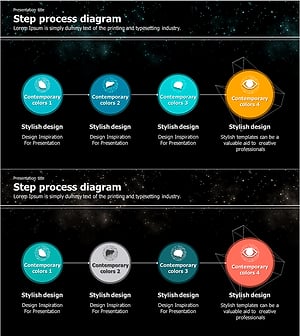
Galaxy Theme Attribute Connection Diagram – Engaging Business Development
#Product/Service Introduction #Business Strategy #Diagram
