



Cluster Connectivity Plan Diagram – Essential Tool for Business Strategy
RJ0400011_5
- Last Update 05/20/2025
- File Size 0.3MB
- # of Slides 2
- File Format PPTX
- Slide Ratio 16:9
- Color
Keywords
- #Content-Based Slides
- #Design-Based Slides
- #Product/Service Introduction
- #Business Strategy
- #Diagram
- #Features
- #Step-by-Step Schedule Plan
- #Cluster
- #Chain Diagram
- #16:9
- #wave diagram PowerPoint
- #connection process slide
- #4-step business strategy
- #process flow diagram PPT
- #business visualization slide
About the Product
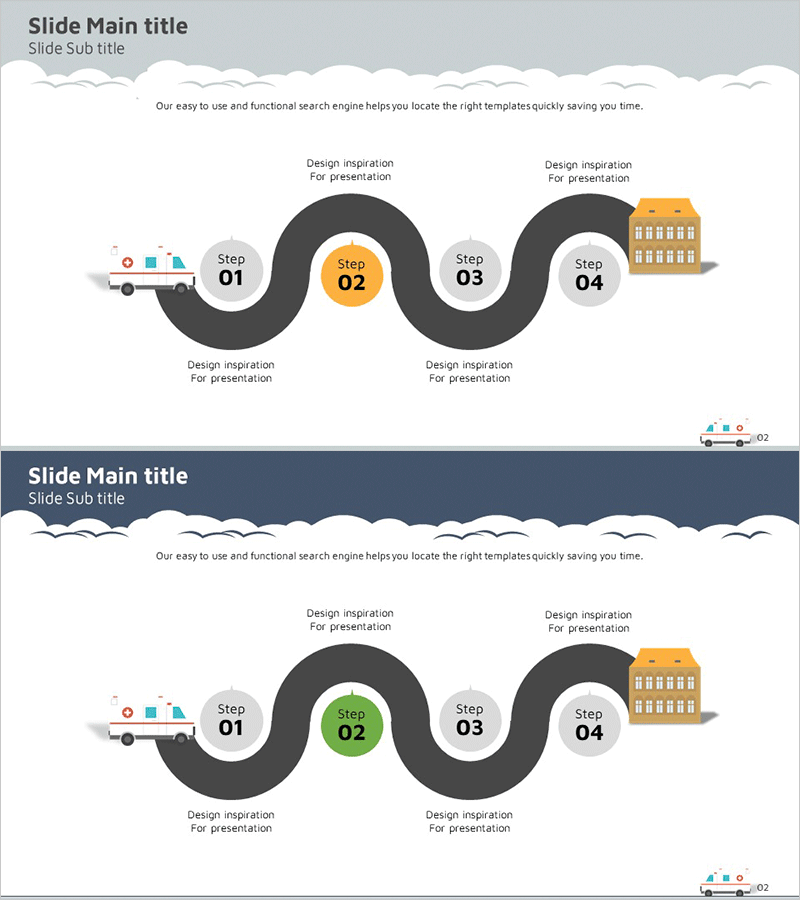
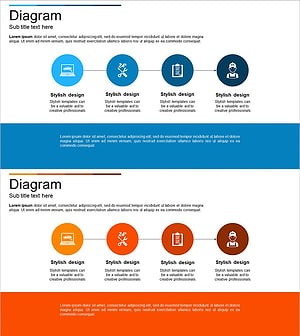
A wave-shaped connection diagram PowerPoint slide designed to visualize business strategy and project progression. Four step nodes (Step 01 through 04) are positioned along a dark gray curved pathway, with the central step highlighted in orange to emphasize key milestones. Each step includes icon placeholders and description areas for clear communication of project phases, timelines, and strategic initiatives. The 2-slide set provides both light gray and dark navy background versions for flexible presentation environments. Delivered in 16:9 widescreen PPTX format, fully editable and ready for immediate use.
Usage Points
-
Main Usage
Visualizes business strategy, project phases, milestone timelines, and cross-functional collaboration flows. The wave-shaped curved pathway emphasizes continuous process flow and step interconnection, while the orange highlight draws attention to critical phases in the execution plan.
-
How to Use
Ideal for business plans, strategy presentations, project kickoff meetings, and organizational restructuring briefings. Edit node text and icons to insert actual phase names, responsible departments, and timelines. Use the light background version in bright environments and the dark version in low-light settings for optimal readability.
-
Recommended For
Executives, project managers, strategic planning teams, and organizational development professionals explaining business initiatives, change management, and innovation projects. Particularly effective when clarifying phase responsibilities, schedules, and deliverables in internal reports and external presentations.
-
Slide Structure
Two-slide set featuring identical wave-shaped diagrams on contrasting backgrounds: light gray (slide 1) and dark navy (slide 2). Each slide displays four step nodes (Step 01, 02, 03, 04) connected by a wave-shaped curve, with Step 02 emphasized in orange. Icon areas and 'Design inspiration' text boxes surround each node for customization.
Related Products
-
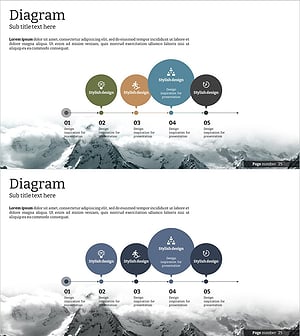
Step-by-step Business Process Diagram – Effective Business Strategy
#Product/Service Introduction #Business Strategy #Diagram
-
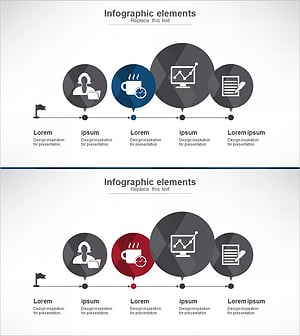
Step-by-step Work Plan Diagram – Strategic Implementation Structure
#Product/Service Introduction #Business Strategy #Diagram
-
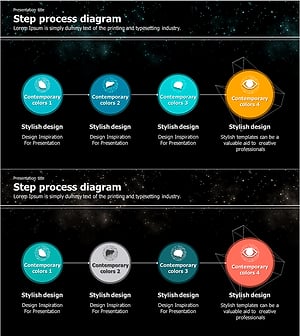
Galaxy Theme Attribute Connection Diagram – Engaging Business Development
#Product/Service Introduction #Business Strategy #Diagram
-
Car Maintenance Service Process – Visualized Step-by-Step Flow
#Product/Service Introduction #Business Strategy #Diagram
