



Traffic Accident Connection Diagram - Effective Business Process Development
RJ0600047_19
- Last Update 07/03/2025
- File Size 1.1MB
- # of Slides 2
- File Format PPTX
- Slide Ratio 16:9
- Color
Keywords
- #Content-Based Slides
- #Design-Based Slides
- #Business Strategy
- #Operational Plan
- #Diagram
- #Business Processes
- #Cluster
- #Closed Cluster Diagram
- #Chain Diagram
- #Project Progress
- #16:9
- #cluster diagram PowerPoint
- #connection diagram slide template
- #business process diagram
- #4-node diagram PowerPoint
- #organizational relationship chart
- #system connection diagram template
About the Product
A 2-slide cluster diagram PowerPoint template featuring a central circular node connected to four surrounding oval nodes. Two color versions—red and blue accent tones—are included to suit different presentation contexts. Each node contains an icon placeholder and text area for customization. The gray background provides strong color contrast for clear information hierarchy. Ideal for expressing business processes, organizational relationships, system connections, and cross-departmental workflows. Delivered in 16:9 widescreen PPTX format for immediate use.
Usage Points
-
Main Usage
Visually represents organizational relationships, business connections, and system structures. Clearly shows the relationship between a central core element and surrounding connected elements, making it ideal for process flows, interdepartmental collaboration, and network architecture.
-
How to Use
Enter department names, process stages, or system components in each node's text area. Replace placeholder icons with relevant graphics. Choose the red version to emphasize urgency or importance, or the blue version to convey trust and stability. Select the color scheme that best matches your presentation theme.
-
Recommended For
Executives, project managers, organizational development specialists, system architects, and marketing strategists explaining organizational structures, workflow processes, and collaboration frameworks. Recommended for executive meetings, strategic presentations, organizational restructuring announcements, and system design briefings.
-
Slide Structure
Two-slide layout with each slide featuring one central circular node connected to four surrounding oval nodes in a cluster formation. Connection lines and icons are integrated into the design. Text input areas are positioned within each node. Red and blue accent colors provide visual distinction and flexibility.
Related Products
-
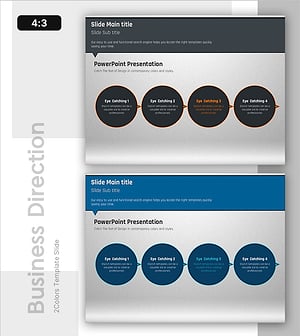
Connection Diagram: Key Elements of Speech Concept
#Business Strategy #Operational Plan #Diagram
-
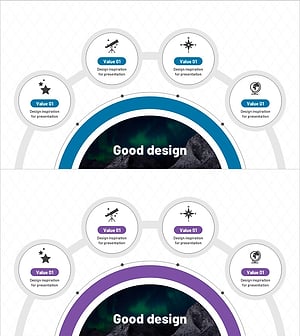
Astronomical Observation Diagram - Visualizing Business Processes
#Operational Plan #Diagram #Business Processes
-
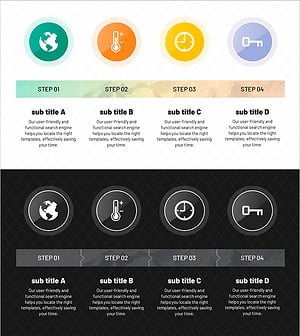
Characteristics and Strategies of Mountain Temperature – Business Operations Plan
#Business Management #Operational Plan #Diagram
-
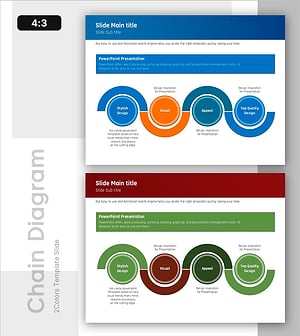
Connection Flow Diagram – Visualizing Business Strategy
#Business Strategy #Operational Plan #Diagram
