



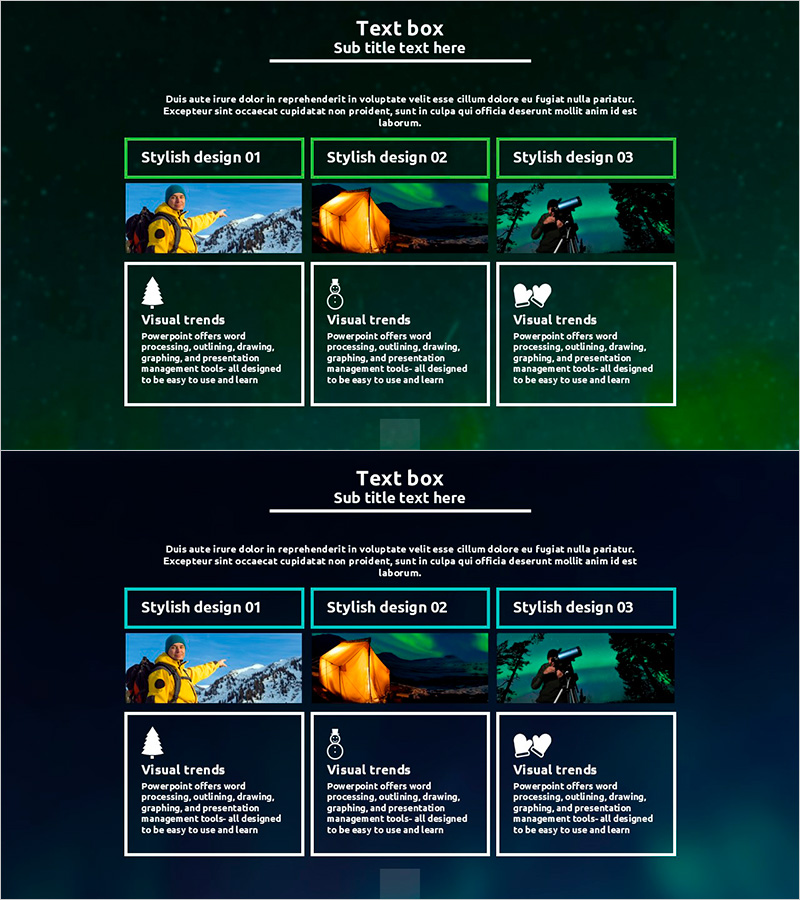
Aurora Camping Project Step-by-Step Schedule Plan
RJ0600032_28
- Last Update 06/29/2025
- File Size 1MB
- # of Slides 2
- File Format PPTX
- Slide Ratio 16:9
- Color
Keywords
- #Content-Based Slides
- #Design-Based Slides
- #Product/Service Introduction
- #Business Management
- #Diagram
- #Program Introduction
- #Implementation Schedule
- #Cluster
- #Closed Cluster Diagram
- #16:9
- #3-step diagram PowerPoint
- #closed diagram slide template
- #business schedule planning
- #project timeline PowerPoint
- #phase process slide design
About the Product
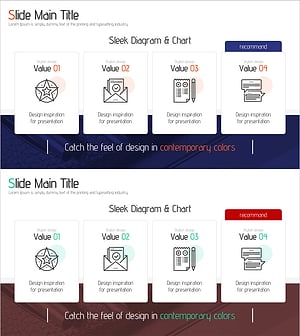
A 3-step closed diagram PowerPoint slide designed to clearly visualize business execution phases and project timelines. Each stage features a distinct box with icon, title, and description area, connected by a structured layout with green borders and white typography on dark background. The 2-slide PPTX template in 16:9 format is fully editable and ready to use for camping, tourism, event management, and project planning presentations. Effectively communicate milestones, phase objectives, and duration across stakeholders with this intuitive visual structure.
Usage Points
-
Main Usage
Visualize project phases, business timelines, and event schedules with a clear 3-step progression. Communicate phase objectives, responsible parties, and expected duration to stakeholders, investors, and team members in business plans, proposals, and status reports.
-
How to Use
Enter phase names, timelines, and key activities in each step box. Replace icons to match your project type and customize colors and fonts to align with your organization's branding. Insert directly into presentations, reports, and proposals.
-
Recommended For
Project managers, business planners, marketing professionals, and event coordinators presenting phase-based schedules and project roadmaps. Ideal for investor pitches, internal meetings, client presentations, and strategic planning sessions.
-
Slide Structure
2-slide layout with title and description area on the first slide. Second slide features 3 closed boxes arranged horizontally, each containing an icon placeholder at top, phase title in center, and description text area at bottom, connected by a unified visual framework.
Related Products
-
Program Introduction Diagram – Clearly Conveying Business Goals
#Product/Service Introduction #Business Vision and Strategy #Diagram
-
Mobile Business Goals Slide – Utilizing Cluster Diagram
#Product/Service Introduction #Business Vision and Strategy #Diagram
-
Introduction to Camera Application Features
#Product/Service Introduction #Diagram #Features
-
Setting Goals for Service Development – Slide with Business Vision
#Product/Service Introduction #Business Vision and Strategy #Diagram
