



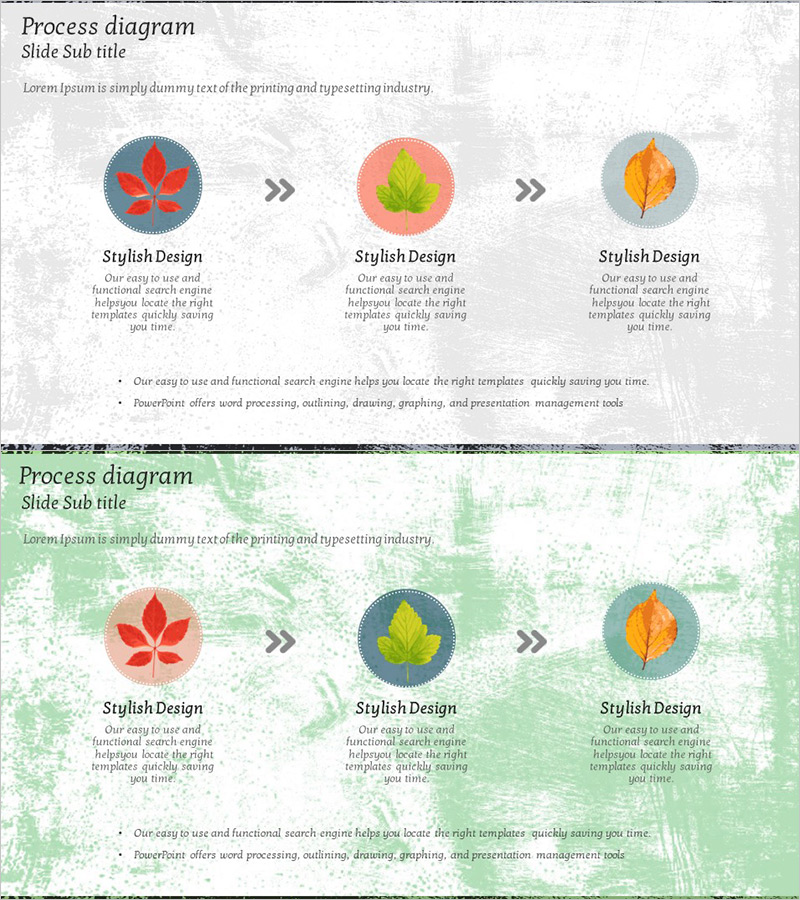
Maple Leaf Arrow Action Plan Diagram – Understanding Business Strategy through Linear Flow
RJ0600028_25
- Last Update 06/28/2025
- File Size 4MB
- # of Slides 2
- File Format PPTX
- Slide Ratio 16:9
- Color
Keywords
About the Product
A linear flow diagram with three nodes that visualizes business strategy and action plans step-by-step in PowerPoint. Each node features a maple leaf icon connected by directional arrows, clearly showing the progression of your process. The design uses gray, pink, blue, and orange circular node backgrounds with gray arrow symbols (>>) to indicate transitions between stages, while text areas below each node allow detailed descriptions. This 2-slide set provides multiple color variations of linear diagrams, making it immediately ready for use in presentations, planning documents, and reports when explaining process flows.
Usage Points
-
Main Usage
Visualize business strategies, action plans, and project timelines as a 3-step linear flow to clearly communicate sequential progress to your audience. Effectively explain each stage's objectives, activities, and outcomes, making it ideal for decision-making processes, workflow descriptions, marketing campaign phases, and various business contexts.
-
How to Use
Enter stage titles and descriptions in the text areas below each node to customize the process flow. The maple leaf icon symbolizes seasonality, change, and growth, making it particularly suitable for organizational transformation, strategy shifts, and achievement-focused topics. The 2-slide format allows repeated use across meetings, reports, and proposals.
-
Recommended For
Recommended for executives, strategy teams, project managers, and marketing professionals presenting business plans, organizational restructuring, and new business initiatives. Especially effective for explaining quarterly goals, annual strategies, and change management where chronological sequence is critical to audience comprehension.
-
Slide Structure
Three circular nodes (approximately 80px diameter) arranged left-to-right, each centered with a maple leaf icon in red, green, or orange. Gray directional arrows (>>) connect the nodes to express linear progression. Text input areas (approximately 200px × 100px) below each node accommodate stage names and descriptions. The background features a unified gray textured pattern.
Related Products
-
Market Service Promotion Plan – Linear Flow Diagram
#Business Management #Diagram #Execution Plan
-
Diagram for Network Firewall Service Promotion and Implementation Plan
#Business Management #Diagram #Execution Plan
-
Detailed Schedule System – Presenting Efficient Project Plans
#Business Management #Diagram #Text Box
-
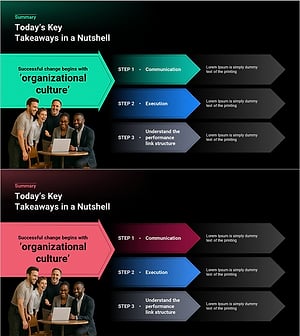
Steps Toward Successful Transformation – A Template Highlighting Step-by-Step Progress
#Product/Service Introduction #Business Management #Diagram
