



Main Key Keyword Strategy Diagram – Visualizing Business Goals and Vision in a Cluster
RJ0600017_26
- Last Update 06/25/2025
- File Size 0.3MB
- # of Slides 2
- File Format PPTX
- Slide Ratio 16:9
- Color
Keywords
- #Content-Based Slides
- #Design-Based Slides
- #Business Vision and Strategy
- #Diagram
- #Business Strategy
- #Business Goals
- #Cluster
- #Closed Cluster Diagram
- #Chain Diagram
- #16:9
- #cluster diagram PowerPoint
- #3-node connection diagram
- #business goal visualization
- #central node diagram slide
- #business strategy diagram template
About the Product
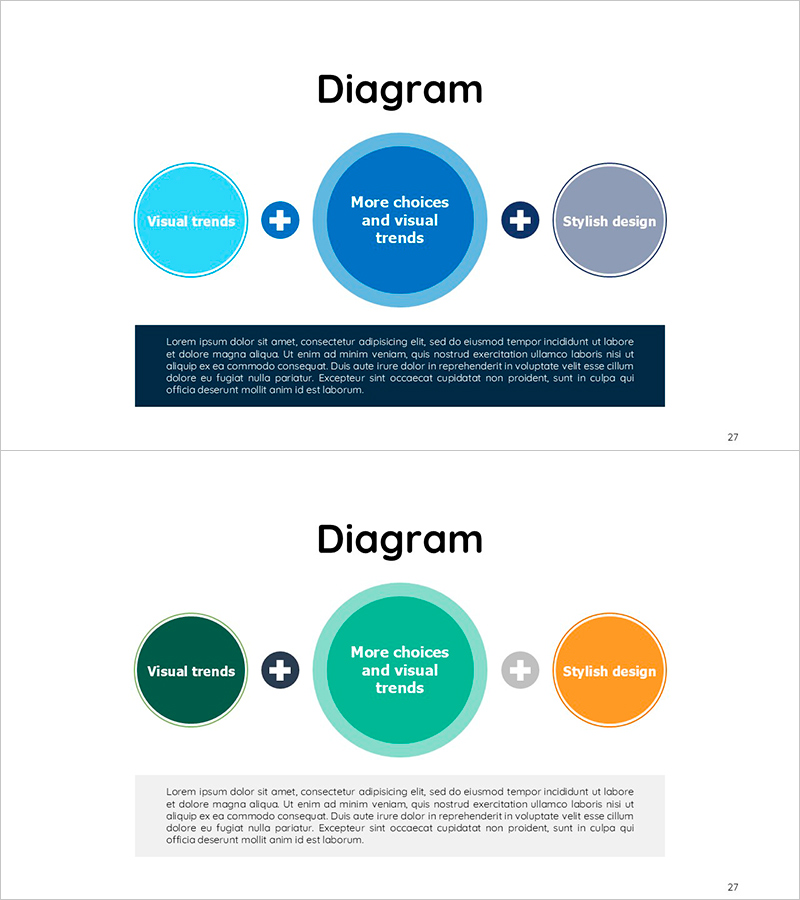
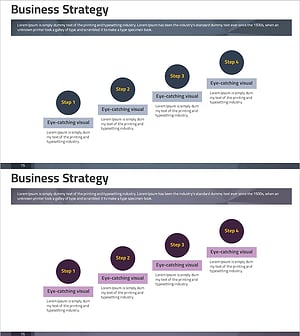
A 3-node cluster diagram PowerPoint slide that visualizes business objectives and strategic vision. The structure features a central core goal connected to two supporting elements via plus icons, making it ideal for strategy presentations, business plans, and marketing proposals. The design uses a multi-color palette of blue, turquoise, and gray circular nodes paired with a dark navy text box for information hierarchy. This slide deck is ready to use in business documents, reports, and pitch decks. Two slide variations with blue and turquoise color schemes allow you to match your document's design tone and adapt the diagram to different presentation contexts.
Usage Points
-
Main Usage
Visually represents the relationship between core business objectives and supporting strategic elements. Place your primary goal in the center node and supporting factors—execution strategies, resources, or key metrics—in the side nodes to communicate an integrated business structure at a glance.
-
How to Use
Use this slide in the objective-setting and strategy sections of business plans, strategic reports, and marketing proposals. Edit the text in each node to align with your organization's goals, vision, and implementation strategies. The editable design allows quick customization for different presentation scenarios.
-
Recommended For
Recommended for executives, planning teams, and marketing professionals presenting business strategy, organizational goals, and marketing initiatives. Ideal for strategy meetings, board reports, investor presentations, and cross-functional planning sessions.
-
Slide Structure
Two-slide set. Each slide features a large central circular node (core goal), two medium circular nodes on left and right (supporting elements), plus-sign connectors between nodes, and a dark navy text box at the bottom for descriptive content. Slide 1 uses blue tones; Slide 2 uses turquoise tones for flexible color matching.
Related Products
-
Key Takeaways from History – Cluster Diagram for Business Vision
#Business Vision and Strategy #Diagram #Business Strategy
-
Visualizing Sports Strategy and Goals with Diagram Slides
#Business Vision and Strategy #Diagram #Business Strategy
-
Automotive Technology Business Direction Diagram – Visualizing Business Strategy
#Business Vision and Strategy #Diagram #Business Strategy
-
Legal Consulting Strategy Diagram – Effective Business Strategy Visualization
#Business Vision and Strategy #Marketing Plan and Strategy #Diagram
