



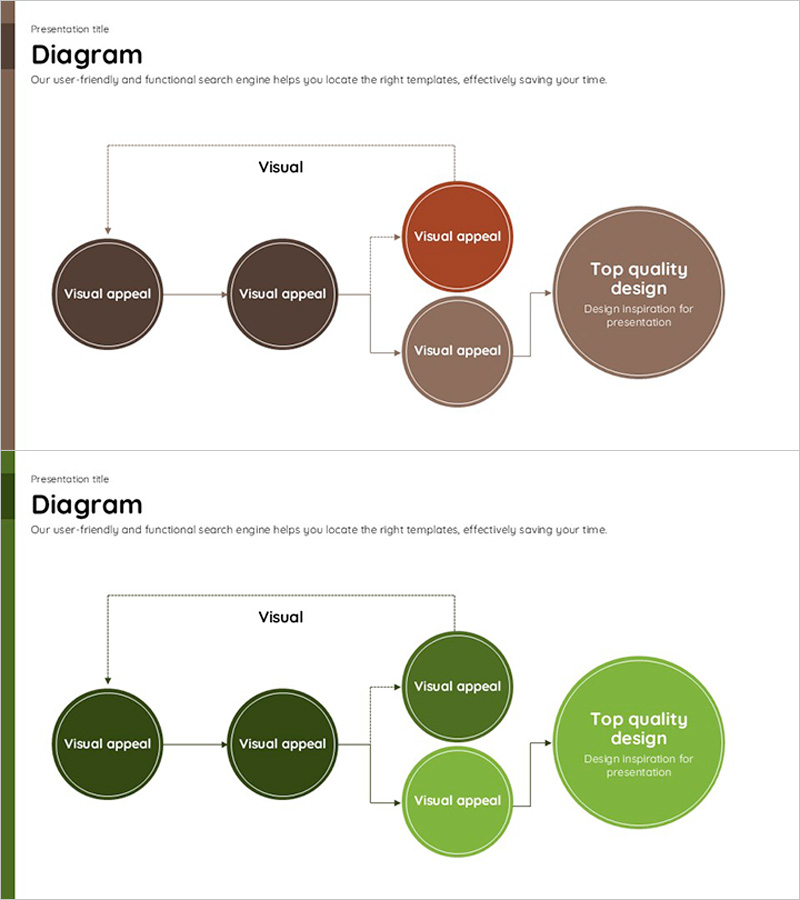
Circular Flowchart – Systematic Representation for Technical Services
RJ0600001_11
- Last Update 06/21/2025
- File Size 0.1MB
- # of Slides 2
- File Format PPTX
- Slide Ratio 16:9
- Color
Keywords
- #Content-Based Slides
- #Design-Based Slides
- #Technical Approach
- #Diagram
- #Service Implementation Plan
- #System Architecture Diagram
- #Structure
- #Cluster
- #Tree Diagram
- #Chain Diagram
- #16:9
- #circular flow diagram PowerPoint
- #process flow diagram slide template
- #technical system architecture PPT
- #service framework diagram
- #how to create flow diagram in PowerPoint
About the Product
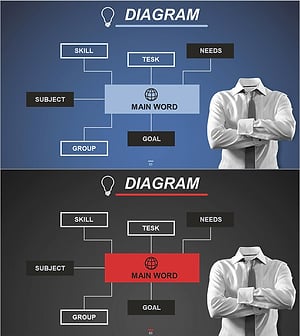
A circular flow diagram PowerPoint slide that systematically represents technical service development processes step by step. The structure flows from two nodes on the left through two central nodes to a large convergence node on the right, making it ideal for explaining system architecture, service frameworks, and technology roadmaps. The warm brown, terracotta, and beige color palette combined with circular nodes and arrow connectors clearly conveys process flow and relationships. With 2 slides included, you can immediately apply this to various presentation scenarios and easily customize the text content for your specific needs.
Usage Points
-
Main Usage
Visualize technical service development processes, system architecture, technology roadmaps, and service implementation strategies in a step-by-step manner. The circular nodes and arrow connectors clearly express process flow and causal relationships, helping audiences understand complex technical concepts intuitively.
-
How to Use
Use in technical presentations, product demonstrations, system implementation proposals, and technology seminars to explain service development phases, technology stack composition, and system integration approaches. Edit the text in each node to input your process stage names and adjust colors as needed for emphasis.
-
Recommended For
IT and software development teams, technical architects, system engineers, product managers, technology consultants, and startup founders explaining technical planning and development processes. Provides credible visualization for technical presentations and system implementation proposals.
-
Slide Structure
2-slide set featuring a flow diagram with 5 circular nodes (2 on left, 2 in center, 1 large on right) connected by arrows. Nodes use brown, terracotta, and beige gradient colors for distinction, with editable text areas inside each node for customizing process stage names.
Related Products
-
System Framework and Action Plan – Strategic Design Based on Diagrams
#Technical Approach #Diagram #Service Implementation Plan
-
Business Relationship Diagram for Organizational Visualization – Effective System Structuring
#Company Introduction #Technical Approach #Diagram
-
Business Process 3D Diagram – Innovation and Structure
#Operational Plan #Technical Approach #Diagram
-
Organizational Chart Network Mind Map Slide
#Company Introduction #Technical Approach #Diagram
