


Vibrant Slide Design for Introducing New Semester Programs
RJ0500043_19
- Last Update 06/19/2025
- File Size 1.2MB
- # of Slides 2
- File Format PPTX
- Slide Ratio 16:9
- Color
Keywords
- #Content-Based Slides
- #Design-Based Slides
- #Product/Service Introduction
- #Other
- #Product/Service Introduction
- #Benefits and Advantages
- #Mockup
- #16:9
- #education program introduction PowerPoint
- #new semester slide design
- #educational presentation template
- #program overview slides
- #how to present education services in PowerPoint
About the Product
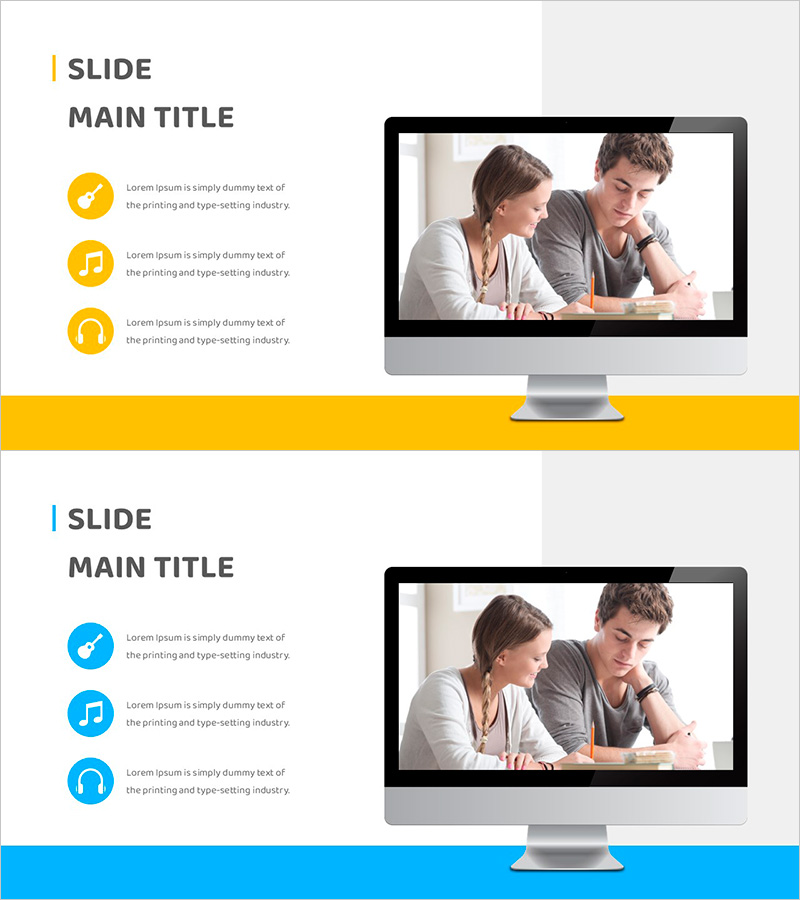
A 2-slide PowerPoint presentation designed to introduce new semester programs and educational services. Features a yellow and blue dual-tone background with three circular icons positioned on the left side, each representing key program benefits (checkmark, music note, headphones). The right side includes a large image frame for inserting educational photos or classroom scenes. Formatted in 16:9 widescreen PPTX, fully editable and ready to use. Ideal for educational institutions, training centers, online learning platforms, and academic presentations.
Usage Points
-
Main Usage
Present new semester programs, course highlights, and educational service benefits to students, parents, and stakeholders. The three circular icons on the left emphasize key program features, while the right image frame builds credibility by showcasing real educational environments and classroom activities.
-
How to Use
Enter program benefits or course highlights in the three icon text areas on the left (e.g., personalized learning, real-time feedback, expert instructors). Insert educational photos, classroom scenes, or instructor images in the right image frame. Customize background colors (yellow or blue) and icon colors to match your institution's branding.
-
Recommended For
New student orientation presentations, training center marketing pitches, online course introduction webinars, educational service promotions, and parent information sessions. Suitable for education directors, marketing teams, instructors, and academy administrators.
-
Slide Structure
Two-slide layout with left text area (main title + 3 circular icons + 3 description lines) and right image frame (16:9 photo insertion space). Choice of yellow or blue background. 16:9 widescreen format optimized for modern presentation environments and digital displays.
Related Products
-
Sensuous Cloud Presentation Template Mock Up – Product/Service Introduction
#Product/Service Introduction #Other #Product/Service Introduction
-
Smart Library Information Page - Modern Information Delivery
#Product/Service Introduction #Other #Product/Service Introduction
-
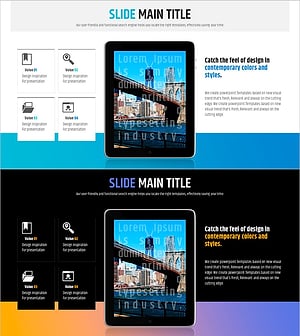
Newspaper Wide PowerPoint Template Mockup
#Product/Service Introduction #Other #Product/Service Introduction
-
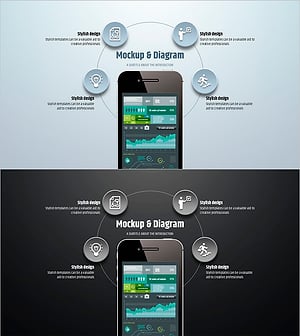
Simple Circle Presentation Template Mockup & Diagram – Highlighting Product Introduction and Benefits
#Product/Service Introduction #Other #Product/Service Introduction