



Tips for Learning Performance of Honors – Achieving Optimal Outcomes
RJ0500043_12
- Last Update 06/19/2025
- File Size 3.2MB
- # of Slides 2
- File Format PPTX
- Slide Ratio 16:9
- Color
Keywords
- #Content-Based Slides
- #Technical Approach
- #Customer Success Stories
- #Service Operation Plan
- #Customer Success Metrics
- #16:9
- #customer success case study PowerPoint slide
- #learning outcomes presentation
- #success metrics slide
- #how to present customer success in PowerPoint
- #educational achievement PPT
About the Product
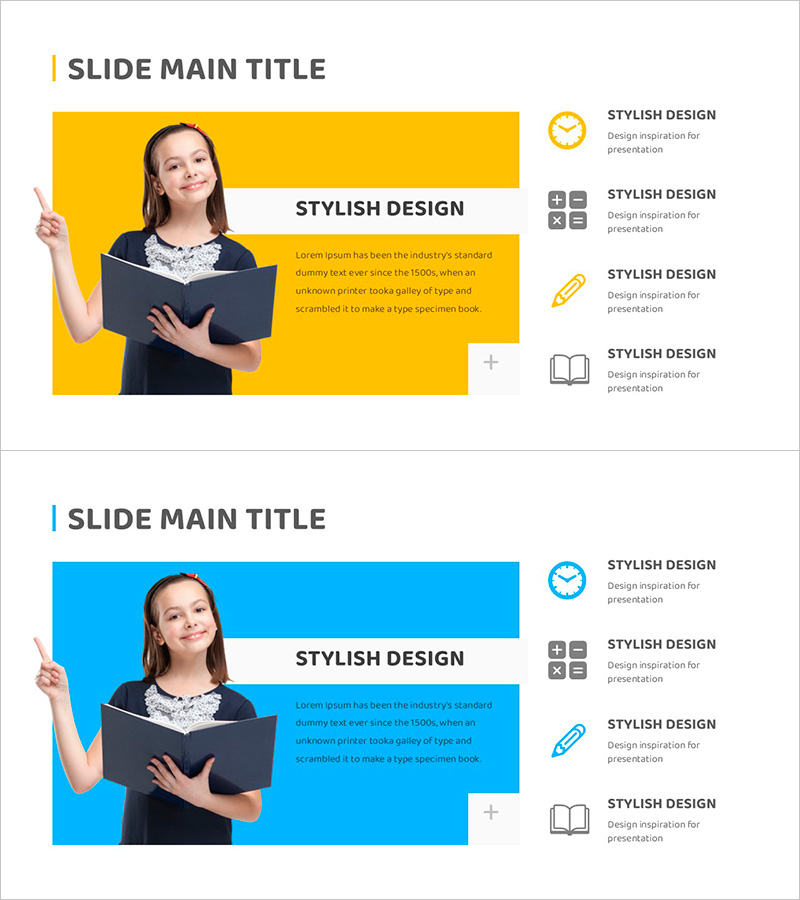
A 2-slide PowerPoint presentation designed to showcase customer success metrics and learning outcomes with visual impact. Features asymmetrical layouts with golden and blue backgrounds paired with portrait imagery on the left side. The right side contains a title, descriptive text, and four icon labels that create clear information hierarchy. With three text input areas (title, body text, and icon labels), this slide deck is optimized for presenting customer success stories, service performance achievements, and educational learning outcomes. Available in 16:9 widescreen PPTX format, fully editable and ready to customize with your content and branding.
Usage Points
-
Main Usage
This slide emphasizes customer success indicators, learning achievements, and service performance outcomes through visual storytelling. The golden background image area combined with the right-side information structure conveys both credibility and positive messaging. Ideal for educational institutions, online learning platforms, and consulting firms presenting customer success narratives.
-
How to Use
Insert a customer or learner photo in the left image area. Add a success headline on the right (e.g., 'Achieved Optimal Results', '100% Learning Goal Completion'). Fill the body text with specific performance metrics or case details. Use the four icon labels to highlight key success factors such as time management, learning strategy, feedback, and persistence. Colors can be adjusted to match your corporate branding.
-
Recommended For
Educational institution learning outcome presentations, online education platform customer success stories, consulting firm service performance reports, talent development program results, learning management system (LMS) performance sharing. Builds credibility when presenting to executives, investors, and business partners.
-
Slide Structure
Two-slide set with golden background on slide one and blue background on slide two. Each slide is divided into left image area (approximately 50%) and right information area containing one title, one body text block, and four icon labels. Total of eight editable elements including text input areas, image placeholder, and icon label positions.
Related Products
-
Aurora Camping Business Background and Necessity
#Business Vision and Strategy #Technical Approach #Diagram
-
Process Diagram of a Hardwood Background
#Business Strategy #Technical Approach #Diagram
-
How to Measure Smart Health – Visualizing Effective Data Flow
#Operational Plan #Technical Approach #Diagram
-
Service and System Operation Plan Arrow Diagram
#Technical Approach #Diagram #Service Operation Plan
