



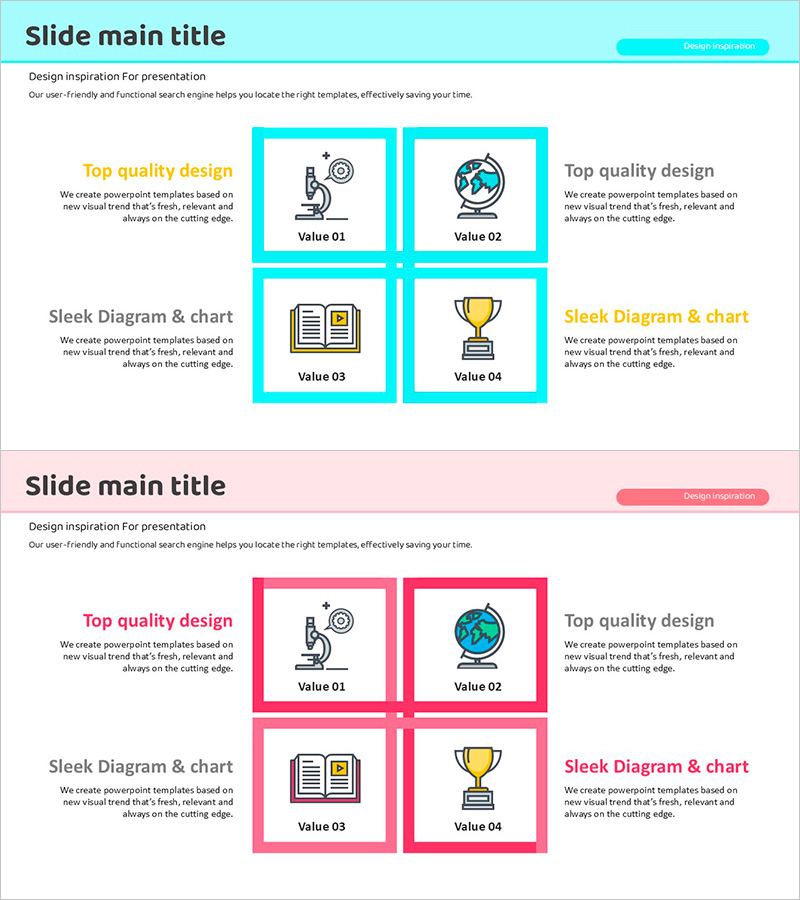
Geoscience Target Strategy - Utilizing Cluster and Diffusion Diagrams
RJ0500035_13
- Last Update 06/16/2025
- File Size 0.4MB
- # of Slides 2
- File Format PPTX
- Slide Ratio 16:9
- Color
Keywords
- #Content-Based Slides
- #Design-Based Slides
- #Product/Service Introduction
- #Business Introduction
- #Diagram
- #Benefits and Advantages
- #Business Areas
- #Cluster
- #Spread
- #Closed Cluster Diagram
- #Decentralized Diagram
- #16:9
- #cluster diagram PowerPoint
- #diffusion diagram slide template
- #4-node diagram presentation
- #radial structure PPT
- #business strategy diagram download
About the Product
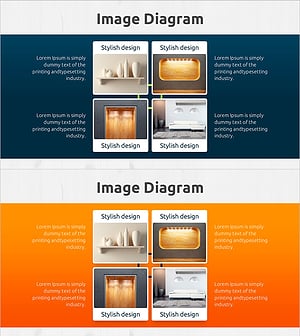
A cluster diffusion diagram PowerPoint slide featuring a central concept radiating to four directional nodes. Designed with cyan and pink dual-tone color scheme, each node includes space for icons and text content. Ideal for business strategy presentations, geoscience topics, organizational structures, and concept mapping. The 2-slide set provides the same layout in both color variations, ensuring consistent visual design throughout your presentation. Each node is clearly defined with connection lines radiating from the center.
Usage Points
-
Main Usage
Effectively visualizes a central concept with four primary branches or strategic elements simultaneously. Ideal for displaying business objectives with detailed strategies, organizational core functions, scientific concept applications, or any hierarchical relationship requiring clear visual separation.
-
How to Use
Place your core topic in the central node and add supporting details in each of the four directional nodes. Customize icons in each node or adjust colors to match your presentation theme. Utilize both slides to provide visual variety through color variations while maintaining consistent structure and messaging.
-
Recommended For
Business strategy presentations, organizational structure explanations, scientific concept analysis, marketing strategy development, project management planning, and educational seminars. Suitable for executives, planners, educators, researchers, and professionals who need to communicate complex concepts clearly.
-
Slide Structure
Comprises one central hub node with four radiating nodes positioned at cardinal directions (top, bottom, left, right). Each node contains dedicated areas for icons and text input, connected to the center with directional lines. Two slides provided: one with cyan background and one with pink background for design flexibility.
Related Products
-
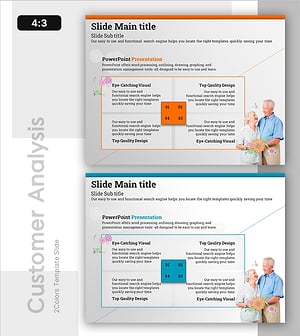
Integrated Senior Care Service Operation System – Effective Cluster Diagram
#Business Introduction #Operational Plan #Diagram
-
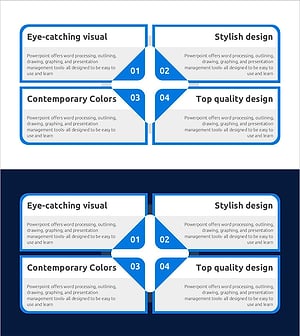
Closed Diffusion Diagram for Strategic Business Planning
#Business Introduction #Business Vision and Strategy #Diagram
-
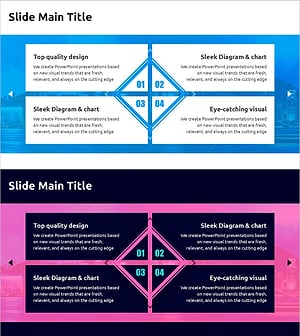
Business Areas and Strategies - Cluster Diagram
#Business Introduction #Business Vision and Strategy #Diagram
-
Visualizing Business Areas with Square Diffusion Diagram
#Business Introduction #Operational Plan #Diagram
