



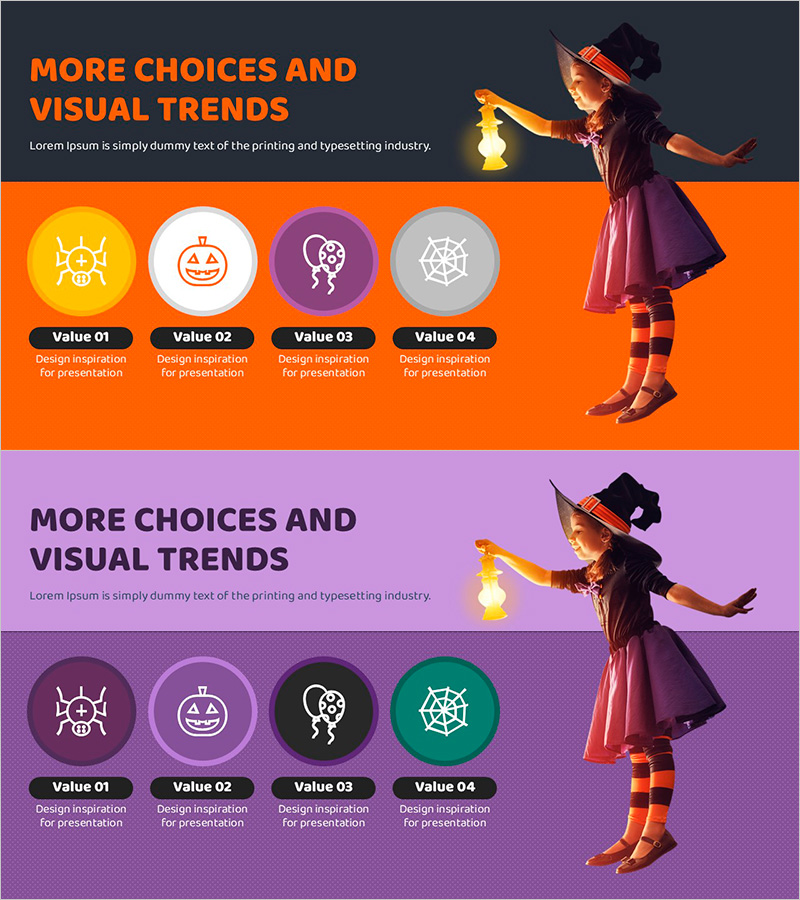
Halloween Icon Diagram – Ideal for Product/Service Introductions with Cluster Design
RJ0500033_5
- Last Update 06/16/2025
- File Size 1MB
- # of Slides 2
- File Format PPTX
- Slide Ratio 16:9
- Color
Keywords
- #Content-Based Slides
- #Design-Based Slides
- #Product/Service Introduction
- #Diagram
- #Product/Service Introduction
- #Program Introduction
- #Cluster
- #Closed Cluster Diagram
- #16:9
- #Halloween icon diagram PowerPoint
- #cluster diagram slide template
- #4-item comparison slide
- #circular node diagram
- #product introduction PowerPoint
- #icon diagram design
About the Product
A Halloween-themed PowerPoint slide featuring four icons arranged in a circular cluster diagram structure. The slide comes in two color variations: orange background and purple background, with each icon (skull, pumpkin, spider web, witch hat) displayed as an independent circular node. This diagram is optimized for product introductions, service highlights, and presenting four key values or features visually. The 16:9 widescreen format includes 2 slides in fully editable PPTX format.
Usage Points
-
Main Usage
Visually present four key features or values of a product or service using Halloween-themed icons in a cluster diagram format. Ideal for seasonal marketing materials, event introductions, and brand value communication where each element stands independently yet contributes to a unified concept.
-
How to Use
Replace the icons and text in each circular node with your own content. The orange background conveys warmth and energy, while the purple background creates a mysterious atmosphere. Insert into product introduction slides, service feature pages, or the key message section of marketing presentations.
-
Recommended For
Marketing professionals, product managers, event planners, and brand managers preparing seasonal campaigns or product launch presentations. Particularly suitable for retail, food, entertainment, and fashion industries leveraging Halloween-themed content.
-
Slide Structure
Two slides with consistent layout: a title area at the top and four circular nodes arranged horizontally at the bottom. Slide 1 features orange background with black text; Slide 2 uses purple background with white text for contrast. Each node is an independently editable shape for customization.
Related Products
-
Introduction to Business Key Programs – Impactful Cluster Diagram
#Product/Service Introduction #Diagram #Product/Service Introduction
-
Program Introduction Closed Diagram – Clear Structure and Communication
#Product/Service Introduction #Diagram #Product/Service Introduction
-
Social Network Service Program Slide – Cluster Design
#Product/Service Introduction #Diagram #Product/Service Introduction
-
Architectural Services Program Overview – Systematic and Diverse Information Delivery
#Product/Service Introduction #Diagram #Product/Service Introduction
