



Visualizing Company Overview with Nested Circle Diagrams – Business Characteristics
RJ0500028_5
- Last Update 06/14/2025
- File Size 0.2MB
- # of Slides 2
- File Format PPTX
- Slide Ratio 16:9
- Color
Keywords
- #Content-Based Slides
- #Design-Based Slides
- #Company Introduction
- #Product/Service Introduction
- #Diagram
- #Company Overview
- #Features
- #Cluster
- #Combination Diagram
- #16:9
- #nested circle diagram PowerPoint
- #4-layer cluster diagram slide
- #company overview presentation template
- #business characteristics visualization
- #diagram PowerPoint slide design
About the Product
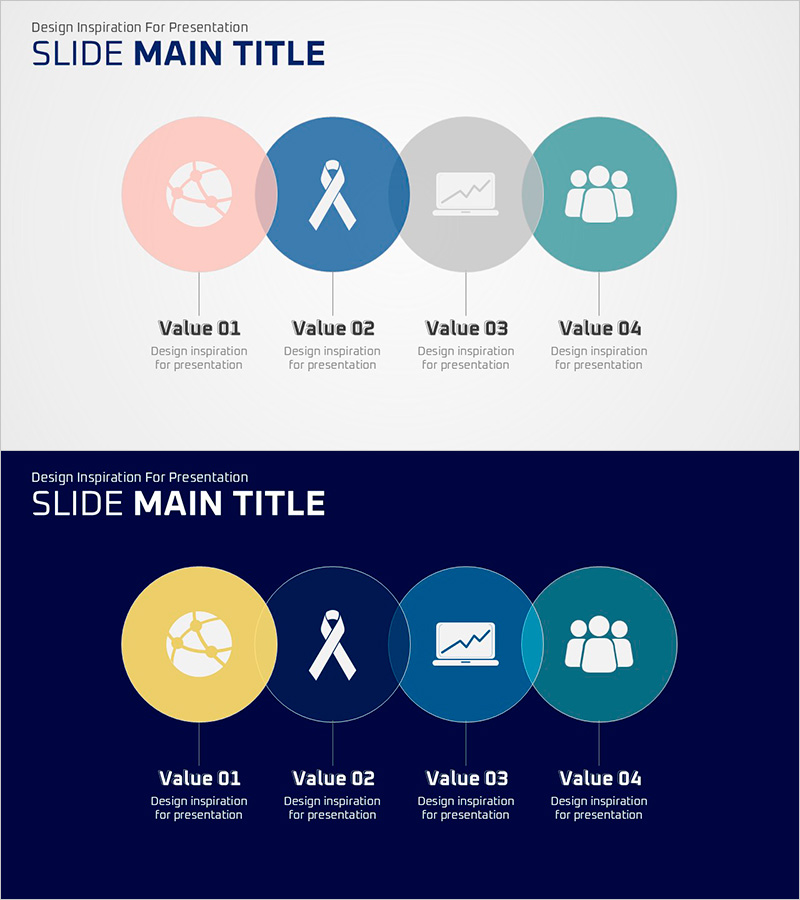
A PowerPoint slide featuring four nested circular nodes that hierarchically visualize company overview and business characteristics. Four distinct colors—pink, navy, gray, and teal—differentiate each value item, while vertical connector lines establish clear information flow. Immediately applicable to product introductions, company presentations, and organizational structure explanations. The 16:9 widescreen format includes two slides with fully editable icons and text areas, allowing customization for various business presentations.
Usage Points
-
Main Usage
Communicates core company values, business characteristics, and organizational roles across four hierarchical layers to audiences. The nested circular nodes visually emphasize interconnections while clearly expressing the hierarchy and relationships between each element.
-
How to Use
Deploy in company presentation vision, values, and strategy sections by categorizing key elements into four components. For product introductions, assign features, functions, benefits, and use cases to each circle. For organizational structure explanations, assign divisions, teams, roles, and responsibilities by hierarchy level.
-
Recommended For
Recommended for executives, marketing teams, product planning teams, and HR departments. Particularly effective for business model explanations, organizational introductions, product positioning, and strategic planning presentations where complex information requires intuitive organization.
-
Slide Structure
Two-slide set. First slide: light gray background with four nested circles (pink, navy, gray, teal) arranged horizontally and connected by vertical lines. Second slide: dark navy background with the same structure in yellow, navy, teal, and teal for high-contrast options. Each circle contains editable icon and text input areas.
Related Products
-
Effectively Organized Fountain Pen Business Promotion Slide
#Product/Service Introduction #Business Management #Diagram
-
Hexagonal Solid Overlapping Diagram – Business Vision and Strategies
#Product/Service Introduction #Business Vision and Strategy #Diagram
-
Product Differentiation Strategy Diagram – Visual Representation of Product Features
#Product/Service Introduction #Diagram #Features
-
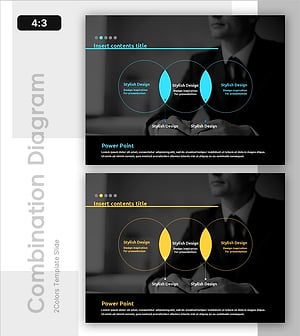
Interrelationships between Critical Business Areas – Cluster Diagram
#Product/Service Introduction #Business Vision and Strategy #Diagram
