



Performers and Diffusion Diagram Visualization
RJ0500020_21
- Last Update 06/12/2025
- File Size 0.8MB
- # of Slides 2
- File Format PPTX
- Slide Ratio 16:9
- Color
Keywords
About the Product
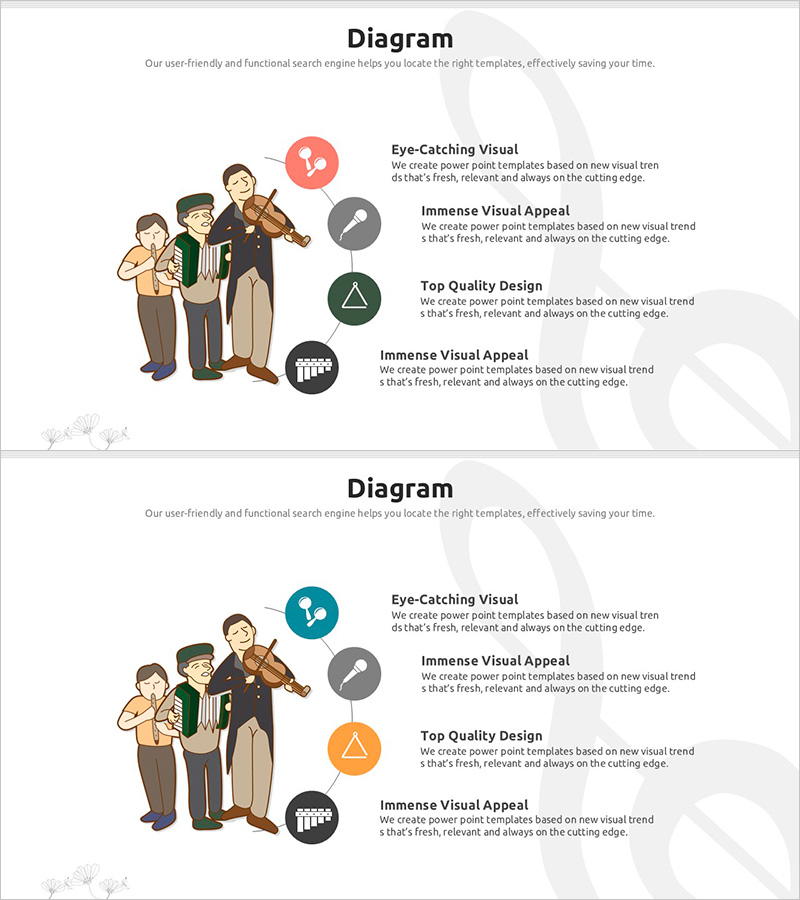
A PowerPoint slide that visualizes performer composition using a circular diffusion diagram layout. Four colored icons (red, gray, green, black) radiate outward from a central illustration of a group of performers, with title and description text areas positioned next to each icon. The bright background with color accents effectively communicates key organizational elements or team structures in your presentation. This 2-slide 16:9 PPTX file is ready for immediate editing and customization.
Usage Points
-
Main Usage
Express team member roles and functions through a center-focused radial structure, enabling audiences to instantly grasp interdepartmental relationships and individual contributions. Ideal for company introductions, organizational overviews, and project team composition presentations.
-
How to Use
Retain the central illustration as your organization or team representative image, or replace it with your company logo. Modify the four colored icons to represent team members, departments, or functional roles. Input job titles, roles, and key responsibilities in the text areas beside each icon to clearly communicate your organizational structure.
-
Recommended For
Perfect for company introduction presentations featuring executive and key personnel introductions, project team structure explanations, organizational restructuring announcements, and partnership or collaboration relationship diagrams. Highly effective for investor pitches, recruitment briefings, and internal workshops emphasizing team credibility and expertise.
-
Slide Structure
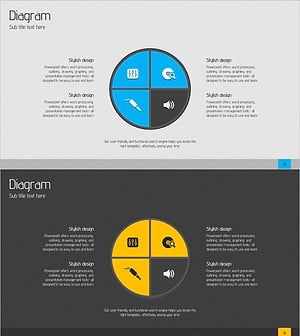
Two-slide set with the first slide featuring red, gray, green, and black icon arrangements, and the second slide offering an alternative color combination layout. Each slide contains one central illustration, four radial icons, and four text input areas for customization.
Related Products
-
Service Technical Characteristics and Configuration – Key Infographic
#Product/Service Introduction #Diagram #Product/Service Introduction
-
Digital Service Composition and Characteristics Slide - Informative and Visual Appeal
#Product/Service Introduction #Diagram #Features
-
Eco Service Development Status Diagram
#Product/Service Introduction #Diagram #Composition
-
Configuring Acoustic Services Diagram - Creativity and Efficiency
#Product/Service Introduction #Diagram #Composition
