



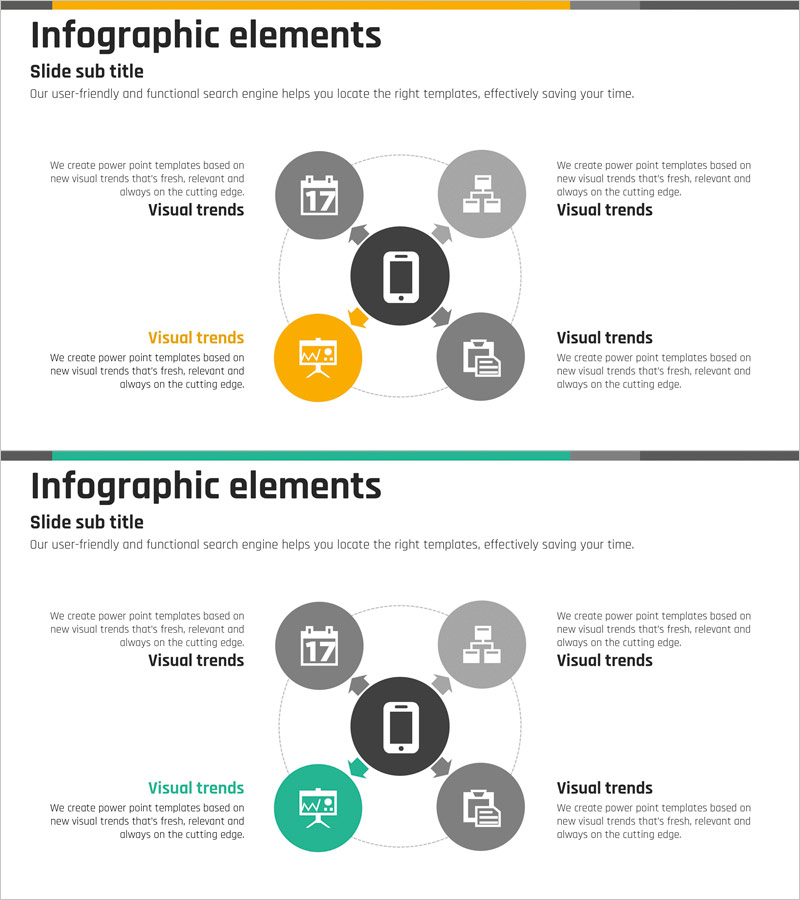
Service Technical Characteristics and Configuration – Key Infographic
RJ0400004_16
- Last Update 05/18/2025
- File Size 1.8MB
- # of Slides 2
- File Format PPTX
- Slide Ratio 16:9
- Color
Keywords
- #Content-Based Slides
- #Design-Based Slides
- #Product/Service Introduction
- #Diagram
- #Product/Service Introduction
- #Composition
- #Flow
- #Spread
- #Centralized Diagram
- #16:9
- #radial diagram PowerPoint slide
- #central node infographic
- #service technology architecture diagram
- #5-node PowerPoint template
- #technology structure visualization
- #how to create technology diagram in PowerPoint
About the Product
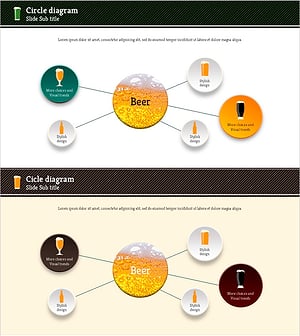
A central radial diagram PowerPoint slide that visualizes service technology characteristics and configuration. The structure features a central black core node connected to four surrounding nodes (gray and orange) via dotted lines, clearly expressing the relationship between core technology and peripheral elements. With a 16:9 aspect ratio and 2-slide composition, it supports text descriptions and icon-based information delivery, making it immediately applicable to technical presentations, product introduction decks, and service documentation.
Usage Points
-
Main Usage
Visualizes core technology and surrounding characteristics or components in a central radial layout, enabling instant comprehension of technical structure. The central black node displays the core technology name, while four surrounding nodes accommodate detailed features, functions, or benefits, supporting hierarchical information delivery.
-
How to Use
Use in technology introduction presentations, product specification documents, and service proposals when explaining relationships between core technology and constituent elements. Customize the central node text and icons, and edit the four surrounding nodes to adapt to various technology structures and configurations.
-
Recommended For
Ideal for technology professionals, product managers, and marketing specialists explaining technical features to non-technical audiences. Suitable for technology-focused industries including IT, software, telecommunications, and manufacturing in technical documentation, investor presentations, and client proposals.
-
Slide Structure
2-slide composition. First slide features a central black circular node (core technology) with four directional nodes (gray and orange) connected via dotted lines to top, left, right, and bottom positions. Each node includes icon and text areas. Second slide repeats the same structure with color variation (orange center).
Related Products
-
Maple Leaf Distribution and Promotion Strategy Diagram – Maximizing Business Impact with Clusters
#Product/Service Introduction #Diagram #Product/Service Introduction
-
Diagram Towards the Center – Product/Service Introduction
#Product/Service Introduction #Diagram #Product/Service Introduction
-
Modern Infographic PowerPoint Template – Enhancing Visual Appeal
#Product/Service Introduction #Diagram #Product/Service Introduction
-
Type of Beer Connection Diagram
#Product/Service Introduction #Diagram #Product/Service Introduction
