



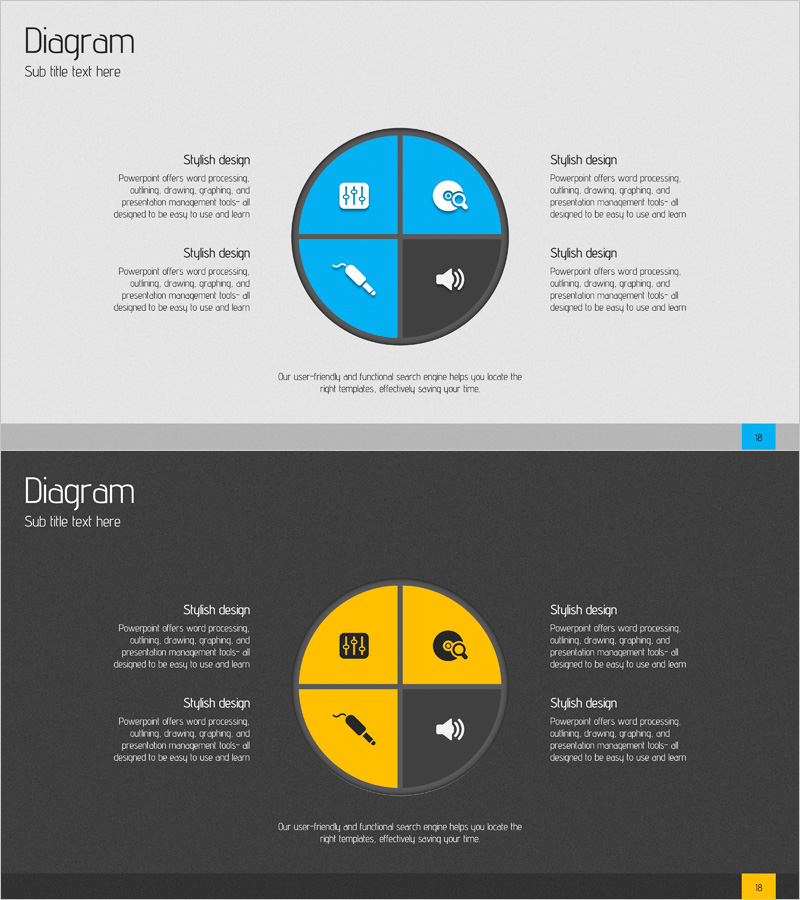
Configuring Acoustic Services Diagram - Creativity and Efficiency
RJ0400008_17
- Last Update 05/19/2025
- File Size 2.1MB
- # of Slides 2
- File Format PPTX
- Slide Ratio 16:9
- Color
Keywords
- #Content-Based Slides
- #Design-Based Slides
- #Product/Service Introduction
- #Diagram
- #Composition
- #Differentiation Strategy for Products/Services
- #Spread
- #Decentralized Diagram
- #16:9
- #circular diagram PowerPoint
- #4-section pie diagram
- #service configuration PowerPoint slide
- #audio service diagram
- #product introduction PPT slide
About the Product
A circular diagram PowerPoint slide that divides audio service components into four distinct sections with visual clarity and impact. The design uses bright blue and dark gray contrast to emphasize key elements, with icons placed in each section to convey service characteristics intuitively. This slide deck is ideal for product and service introduction presentations where you need to explain service structure, differentiation strategy, or core components. The two-slide layout provides multiple color variations (blue and yellow backgrounds) so you can match your presentation's overall tone and branding.
Usage Points
-
Main Usage
Clearly express the four core components of audio services (user management, search, tools, voice) in a circular divided format, showing each element's role and interdependencies. Helps audiences grasp the complete service structure at a glance during product and service introduction presentations.
-
How to Use
Use this slide in product brochures, service proposals, and business presentations to explain service architecture and component relationships. Edit the text and icons in each section to match your specific service offerings, and choose between blue or yellow background layouts to maintain visual consistency throughout your presentation.
-
Recommended For
Product and service marketing professionals, technology solution consultants, startup founders, and IT/telecommunications industry presenters explaining service components systematically. Ideal for differentiation strategy sections and core feature introductions in business proposals.
-
Slide Structure
Circular diagram divided into four equal sections, each containing an icon (user, search, tools, voice) and text area. A central title area anchors the design. Two slide layouts provided with identical structure but different color schemes: bright blue background and dark background with yellow accents.
Related Products
-
Business Strategy Inclusion Diagram – Cluster Diffusion Model
#Product/Service Introduction #Business Vision and Strategy #Diagram
-
Introduction to Kitchen Appliances Infographic Slide – Emphasizing Practicality and Style
#Product/Service Introduction #Diagram #Product/Service Introduction
-
Two Nested Diagrams – Product Introduction and Composition
#Product/Service Introduction #Diagram #Features
-
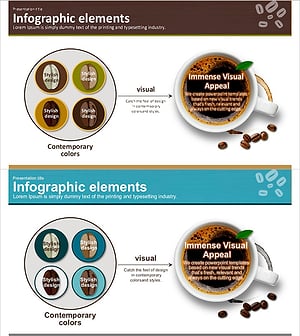
Coffee Bean Type Inclusion Diagram
#Product/Service Introduction #Diagram #Composition
