



Learning Icons and Closed Diagram for Visual Information Delivery
RJ0500017_17
- Last Update 06/11/2025
- File Size 2MB
- # of Slides 2
- File Format PPTX
- Slide Ratio 16:9
- Color
Keywords
- #Content-Based Slides
- #Design-Based Slides
- #Product/Service Introduction
- #Business Management
- #Diagram
- #Differentiation Strategy for Products/Services
- #Execution Plan
- #Cluster
- #Closed Cluster Diagram
- #16:9
- #closed cluster diagram PowerPoint
- #3-item diagram slide
- #icon diagram template
- #parallel structure slide
- #concept visualization PowerPoint slide
About the Product
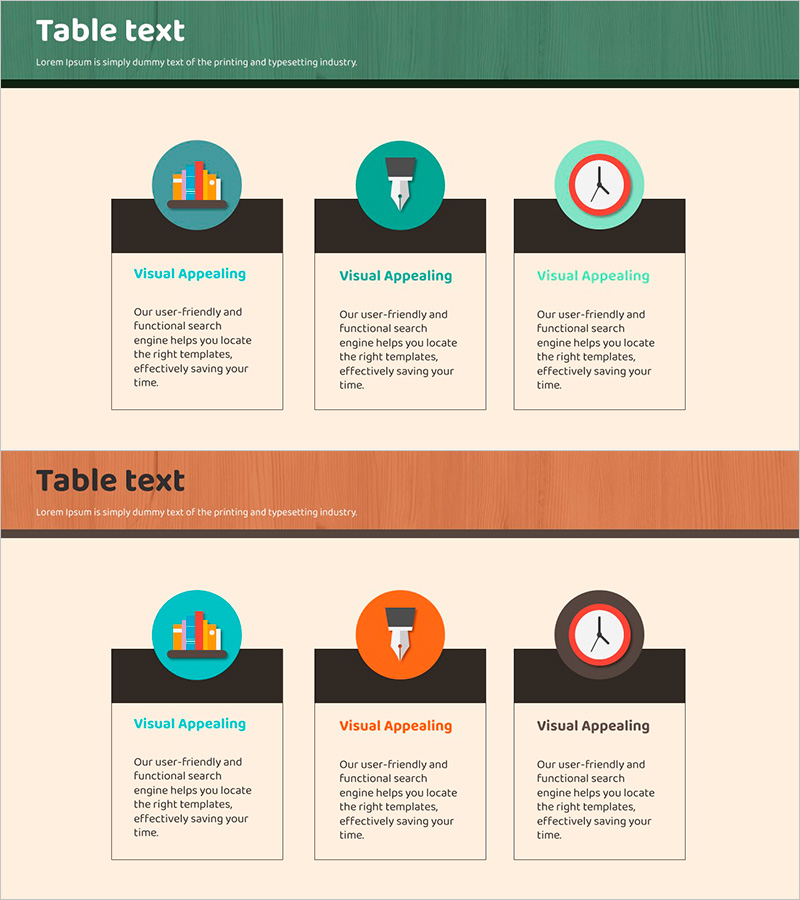
A closed cluster diagram PowerPoint slide featuring three core concepts represented by circular icons and dark background boxes. Each item is displayed as an independent circular node with dedicated text areas below for detailed descriptions. This 16:9 widescreen 2-slide template is optimized for presentations that require parallel delivery of three key messages, such as product features, service components, or learning objectives. Fully editable in PowerPoint, allowing you to customize colors, text, and icons to match your presentation style and brand identity.
Usage Points
-
Main Usage
Present three key concepts, features, or objectives at equal importance levels using parallel visual structure. Each node includes a dedicated text area for detailed explanations, enhancing audience comprehension. Effective for organizing learning modules, product capabilities, or service components.
-
How to Use
Replace the circular node icons with graphics relevant to your topic. Update the title and description text in each section. Modify the background colors (teal, orange, gray) to match your organization's brand palette, or standardize icon styles for visual consistency throughout your presentation.
-
Recommended For
Educational institutions presenting learning outcomes, IT and financial companies introducing core service values, marketing teams comparing product features, consulting firms explaining solution components, and startups illustrating three-pillar business models.
-
Slide Structure
Both slides feature identical layout: green header bar at top (title area) + three circular icon nodes in center (teal, orange, and gray backgrounds respectively) + three dark boxes at bottom (text input areas). Each node is independent with no connecting lines, maintaining closed cluster configuration.
Related Products
-
Adventure Business Support Plan Diagram – Innovative Approach
#Product/Service Introduction #Business Management #Diagram
-
Financial Services Business Goal Setting – Diagram for Clear Vision
#Product/Service Introduction #Diagram #Product/Service Introduction
-
Visualizing Differentiators by Strategy - Design Inspiration
#Product/Service Introduction #Business Vision and Strategy #Diagram
-
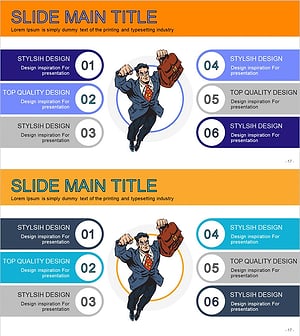
Super Business Man Cartoon Diagram – Product/Service Introduction and Strategy
#Product/Service Introduction #Business Vision and Strategy #Diagram
