



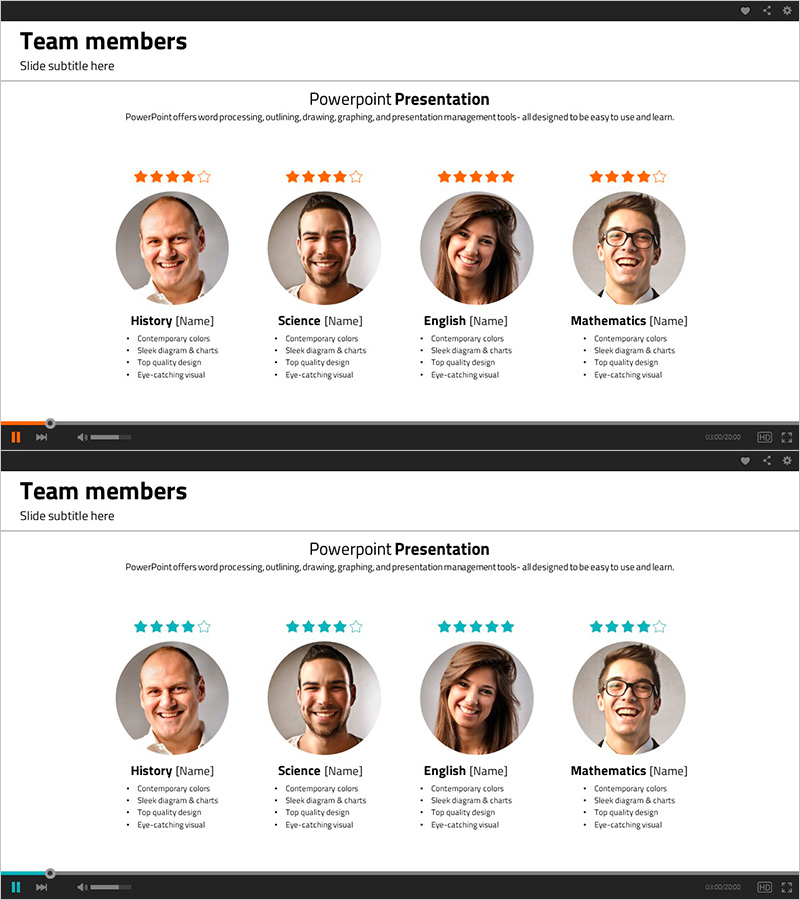
Team Introduction and Evaluation – Colorful Team Member Diagram
RJ0500016_3
- Last Update 06/11/2025
- File Size 0.6MB
- # of Slides 2
- File Format PPTX
- Slide Ratio 16:9
- Color
Keywords
About the Product
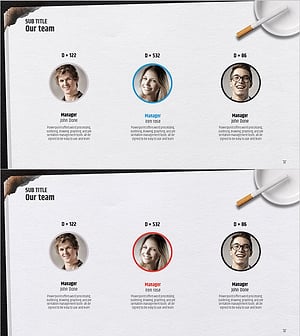
A 2-slide PowerPoint presentation for visually introducing and evaluating team members. Four circular profile images are centered with each member's job title, star rating (4-5 stars in orange), and key competencies listed below. The closed-form diagram combines orange star icons with a gray background, making it ready to use in company introductions or team presentations. Both slides feature identical layouts, ensuring consistency when introducing multiple teams or departments.
Usage Points
-
Main Usage
Visually present key team members with profile photos, job titles, competencies, and star ratings. Ideal for company introductions, team presentations, and organizational charts to convey human resources with credibility.
-
How to Use
Edit each member's name, job title, and competency items as text, then replace profile photos. Adjust star counts to reflect performance levels. Duplicate slides as needed to introduce multiple teams or departments.
-
Recommended For
HR professionals, executives, company introduction specialists, organizational restructuring report writers, new employee trainers, and team-building event planners who need to effectively communicate organizational structure and workforce composition.
-
Slide Structure
Both slides feature identical layout: title area at top + 4 circular profile images centered + member name, job title, and competencies text below each profile + orange star rating icons (4-5 stars) at upper left. 16:9 widescreen format, PPTX file.
Related Products
-
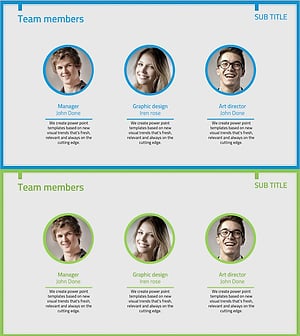
Responsible Team Profile Slide
#Company Introduction #Market and Competitor Analysis #Diagram
-
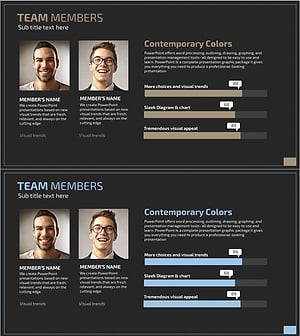
Graph Slide for User Data Analysis – Visual Trends and Appeal
#Company Introduction #Market and Competitor Analysis #Diagram
-
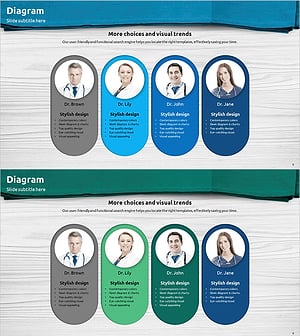
Representative Medical Staff Introduction Slide – Trustworthy Visuals
#Company Introduction #Diagram #Manpower
-
Successful Quit Smoking Profile – Customer Success Stories
#Company Introduction #Customer Success Stories #Diagram
