



Magnifying Glass Text Guide Box – Concise Information Delivery
RJ0500010_9
- Last Update 06/10/2025
- File Size 0.3MB
- # of Slides 2
- File Format PPTX
- Slide Ratio 16:9
- Color
Keywords
About the Product
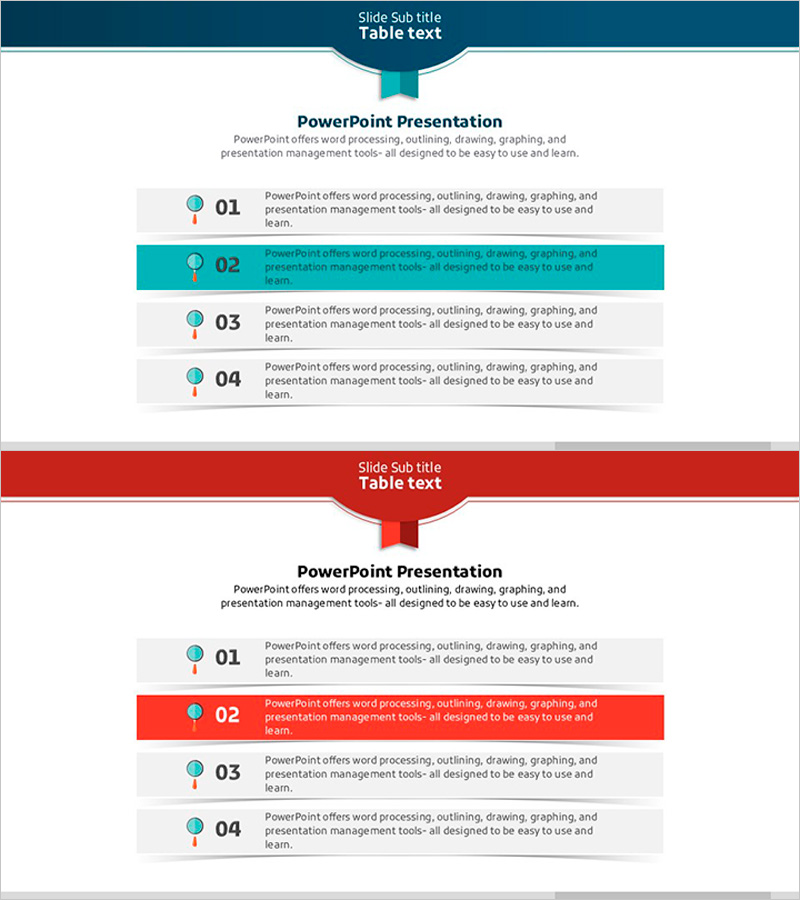
A PowerPoint slide template featuring four items highlighted with magnifying glass icons and color-coded backgrounds. Teal and gray backgrounds alternate to emphasize each item's importance, while numbered labels (01–04) and icons create a clear information hierarchy. This presentation slide design effectively communicates key points, warnings, or step-by-step guidance in your deck. Two color variations (teal and red) are included, allowing you to match your presentation's tone. Text is fully editable for immediate use.
Usage Points
-
Main Usage
Organize key points, warnings, or step-by-step instructions into four distinct items while drawing audience attention. The magnifying glass icons and numbered labels visually emphasize each item's significance, maximizing information clarity and engagement in your presentation.
-
How to Use
Enter your content into the four text boxes provided on the slide. Select either the teal or red background color version to match your presentation's tone, and keep the icons and numbers intact for design consistency. You can adjust the number of items or customize colors as needed.
-
Recommended For
Ideal for business reports, operational plans, and risk management presentations where key points or action steps need emphasis. Works well in marketing proposals highlighting strategic points, business proposals showcasing core value, and educational materials organizing learning objectives.
-
Slide Structure
Two-slide template with four text boxes per slide. The first slide features teal accent highlighting, while the second offers red accent variation. Each item is arranged with a magnifying glass icon (left), numbered label (01–04), and text area (right) to create a clear visual hierarchy.
Related Products
-
Ribbon Item Overview – Operational Planning and Problem Solving
#Operational Plan #Diagram #Text Box
-
Simple Rectangular Box Diagram – Effectively Communicate Business Vision and Strategy
#Business Vision and Strategy #Operational Plan #Diagram
-
Execution Plan Utilizing Hexagonal Box
#Business Management #Operational Plan #Diagram
-
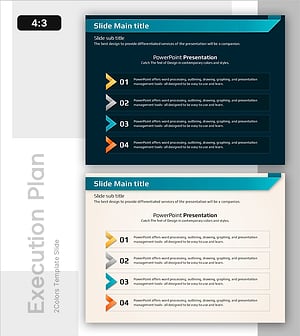
Strengthening Strategy with Four Key Elements - Effective Operations Plan
#Operational Plan #Diagram #Text Box
