



Differentiated AI Service Strategy Presented in a Structured Diagram PPT Template
RJ0400072_12
- Last Update 06/07/2025
- File Size 0.5MB
- # of Slides 2
- File Format PPTX
- Slide Ratio 16:9
- Color
Keywords
- #Content-Based Slides
- #Design-Based Slides
- #Business Vision and Strategy
- #Marketing Plan and Strategy
- #Diagram
- #Business Strategy
- #Marketing Strategy
- #Cluster
- #Chain Diagram
- #16:9
- #connected diagram PowerPoint
- #3-step flow diagram slide
- #AI service strategy diagram
- #circular node diagram PPT
- #business strategy presentation slide template
About the Product
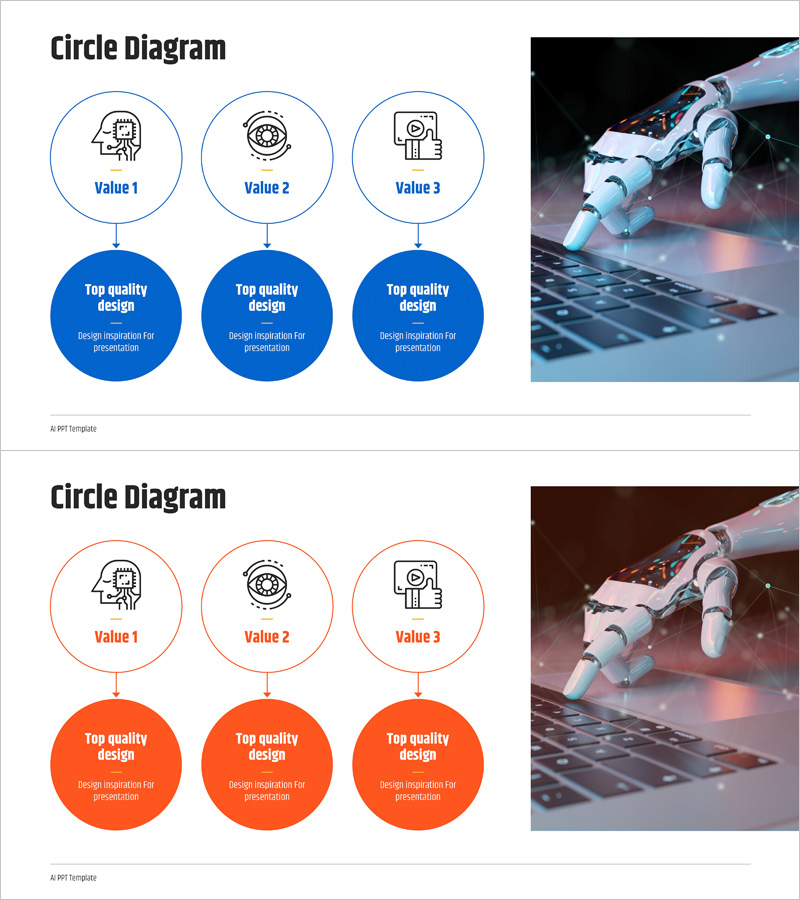
A PowerPoint slide presenting AI service strategy through three interconnected circular nodes arranged vertically. The upper tier features small icon circles labeled Value 1, Value 2, and Value 3, connected by vertical lines to three larger circles below for detailed descriptions. Available in two color schemes—blue and orange—this presentation template is ready for immediate use in business vision, marketing strategy, and service positioning presentations. Provided in 16:9 widescreen PPTX format, fully editable in all PowerPoint versions.
Usage Points
-
Main Usage
Visualizes three core values of an AI service strategy hierarchically, with each stage explained in detail. The vertical connection from upper icon circles to lower large circles clearly communicates cause-and-effect relationships and progressive development of the strategy.
-
How to Use
Enter core value names in the Value 1, 2, and 3 text fields, then add detailed descriptions in the explanation text areas of the blue and orange circles below. Select the blue version to emphasize trust and technology, or the orange version to highlight activity and innovation.
-
Recommended For
Ideal for AI and IT company service strategy presentations, startup investment pitch decks, marketing plan strategy sections, business vision sharing seminars, and product positioning presentations. Suitable for internal reports and external presentations to executives, planning teams, marketing teams, and development teams.
-
Slide Structure
2-slide set. Each slide features three small circular nodes (icon + Value text) at the top connected by vertical lines to three large circles below with editable description text areas. The blue version uses blue outlines for upper circles and blue backgrounds for lower circles; the orange version uses orange. An AI robot image is positioned on the right side of each slide.
Related Products
-
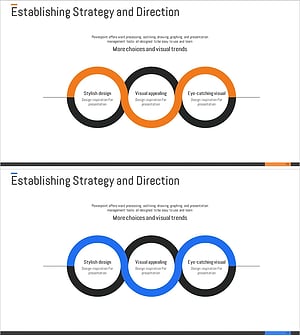
Connection Circle Diagram – Business Strategy and Marketing Plan
#Business Vision and Strategy #Marketing Plan and Strategy #Diagram
-
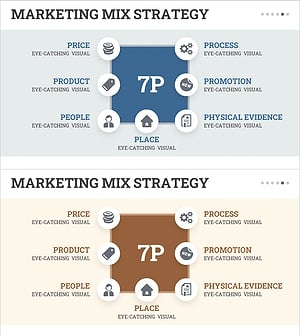
7P Square Diagram – Visualizing Marketing Strategies
#Business Vision and Strategy #Marketing Plan and Strategy #Diagram
-
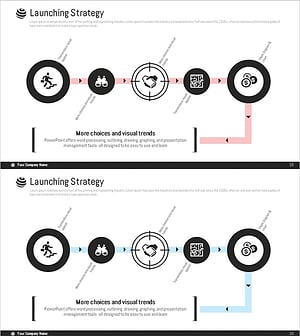
Diagram of the Steps in Developing a Launch Strategy
#Business Vision and Strategy #Marketing Plan and Strategy #Diagram
-
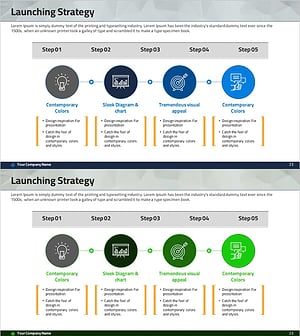
Step-by-step Marketing Strategy STEP5 – Visualizing Business Strategies
#Business Vision and Strategy #Marketing Plan and Strategy #Diagram
