



VR Support Function Service Configuration Contents – Innovative Experience
RJ0400065_23
- Last Update 06/05/2025
- File Size 1.1MB
- # of Slides 2
- File Format PPTX
- Slide Ratio 16:9
- Color
Keywords
- #Content-Based Slides
- #Design-Based Slides
- #Product/Service Introduction
- #Business Introduction
- #Diagram
- #Composition
- #Business Overview
- #Cluster
- #Closed Cluster Diagram
- #16:9
- #closed cluster diagram PowerPoint
- #VR service configuration slide
- #3-stage structure diagram
- #functional area visualization
- #business system architecture PPT
About the Product
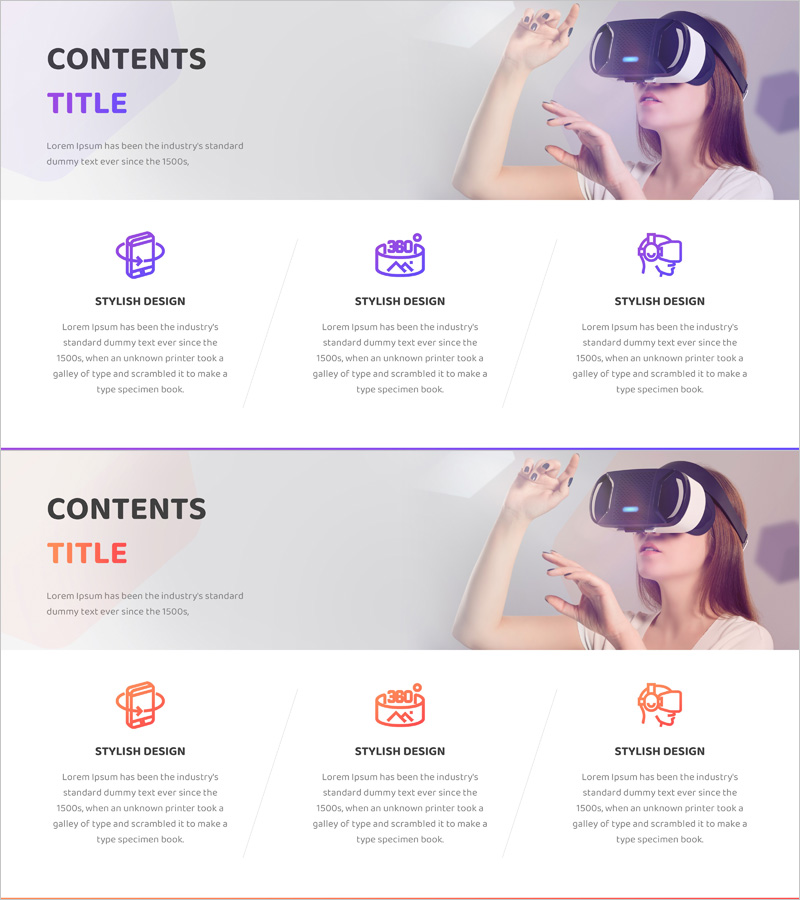
A PowerPoint slide featuring a closed cluster diagram that visualizes VR support functions and service configuration across three distinct areas. The design uses purple and orange dual-tone icons to differentiate each functional domain, clearly expressing the relationship between the central core concept and surrounding detailed elements. With a 2-slide structure, you can present both service overview and detailed explanations simultaneously. This slide deck is ideal for technology presentations, product introductions, and business proposals where complex system structures need to be communicated effectively. Optimized for modern 16:9 widescreen presentation environments.
Usage Points
-
Main Usage
This diagram is designed to visually explain the functional configuration of VR technology-based services and the relationships between different areas. The closed cluster structure hierarchically represents the central core concept and surrounding detailed elements, helping audiences intuitively understand complex system architectures.
-
How to Use
Use this slide in technology presentations or product introduction decks to present the overall VR service configuration as an overview, then sequentially explain each functional area in detail. It is particularly effective in investor pitch decks, business proposals, and technical documentation where system architecture sections require clear service structure communication.
-
Recommended For
Recommended for IT and technology company product managers, development team leaders, and marketing professionals explaining VR solution configurations. Also suitable for startup investor pitch presentations, technology consulting firm client proposals, and educational institution technology introduction sessions.
-
Slide Structure
The 2-slide structure features the first slide with a purple background displaying 3 closed clusters representing major VR service functional areas. The second slide uses an orange background with the same structure, allowing detailed explanation of each area. Icon and text input areas within each cluster are clearly defined for easy customization.
Related Products
-
Business Structure Diagram – Clear Strategy and Composition
#Product/Service Introduction #Business Introduction #Business Vision and Strategy
-
Cell Phone Service Overview Slide – Clear and Concise Information Delivery
#Product/Service Introduction #Business Introduction #Business Vision and Strategy
-
Business Analysis Area Type Graph – The Core of Data Visualization
#Product/Service Introduction #Diagram #Other
-
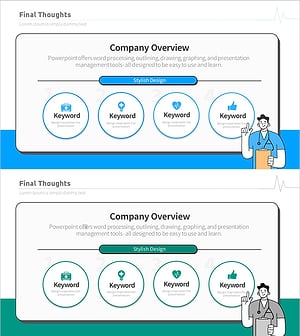
Diagram Slide for Understanding the Medical Industry
#Company Introduction #Business Introduction #Diagram
