



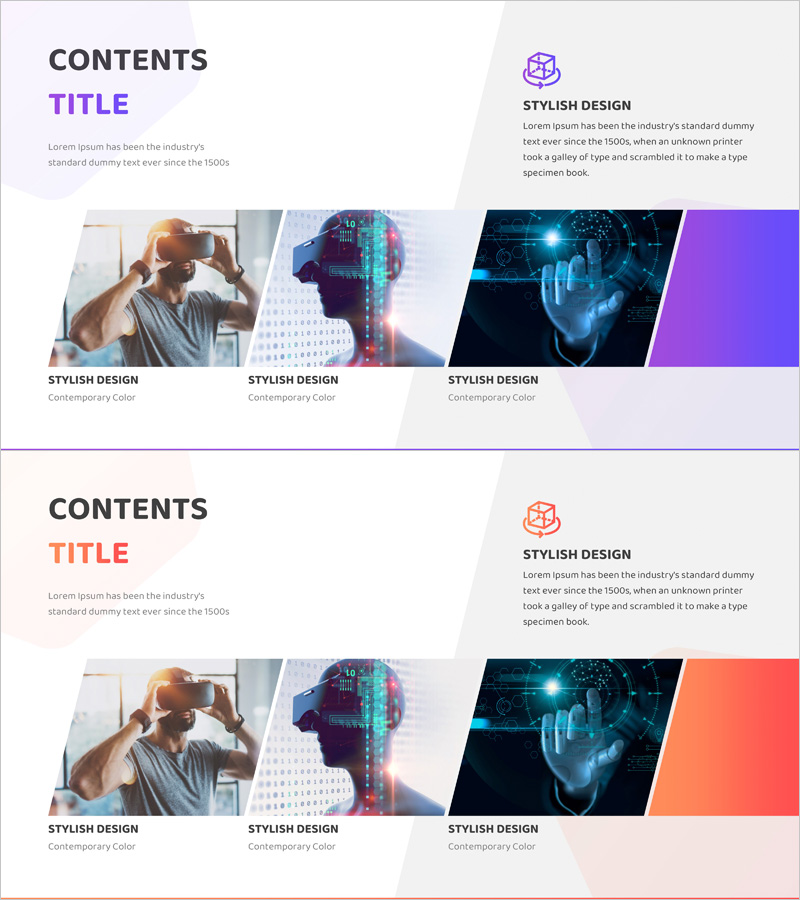
Introducing the VR Service Program – Presenting Innovative Experiences
RJ0400065_16
- Last Update 06/05/2025
- File Size 2.6MB
- # of Slides 2
- File Format PPTX
- Slide Ratio 16:9
- Color
Keywords
About the Product
A 2-slide PowerPoint presentation designed to introduce VR service programs with modern purple and cyan color tones. The layout separates content into a left text area and right accent color block, clearly distinguishing information hierarchy. Technology-related imagery combined with descriptive text effectively conveys service innovation and future-oriented vision. Ready-to-use for presentations, pitch decks, and slide shows, optimized for technology-based service introductions and investor pitches.
Usage Points
-
Main Usage
Introduces technology-based services such as VR, AR, and metaverse solutions to investors, partners, and customers. Visually emphasizes service innovation and technological advantage while establishing a forward-thinking brand image. Ideal for startup investor pitches, technology briefings, and product launch presentations.
-
How to Use
First slide presents service name and core value proposition; second slide explains technology features and competitive differentiation. Input service overview and key features in the left text area, and place technology-related visuals in the right image section. Use the purple-cyan accent blocks to highlight key messages and draw attention to critical information.
-
Recommended For
Technology startups, IT companies, VR/AR development firms, digital innovation managers, product marketing teams, and investor relations professionals. Suitable for any presentation scenario where technology-based services need to convey both credibility and innovation simultaneously.
-
Slide Structure
2-slide format with each slide divided into left text input area (title and 2-3 lines of description) and right image placement zone. Icon and logo space at top, label text area at bottom for clear information hierarchy. 16:9 widescreen ratio optimized for modern presentation environments and digital displays.
Related Products
-
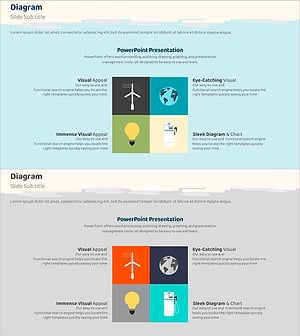
Eco Friendly Checkerboard Diagram – Harmony of Business and Environment
#Company Introduction #Product/Service Introduction #Diagram
-
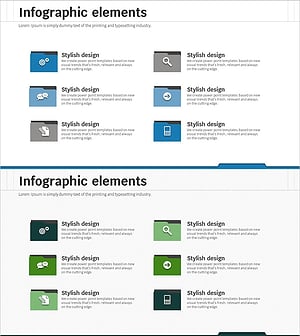
Description of SNS Business Area – Effective Business Model Cluster
#Company Introduction #Product/Service Introduction #Diagram
-
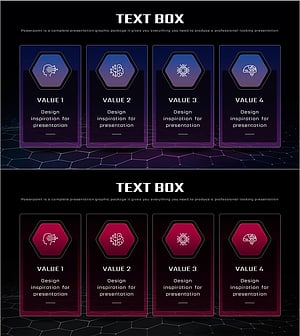
AI Business Area Diagram – AI and Technology Trends
#Company Introduction #Product/Service Introduction #Diagram
-
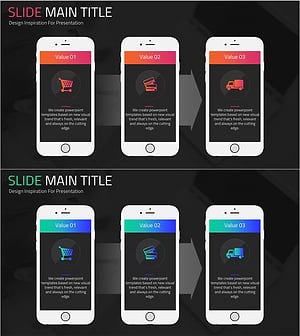
Online Shopping Mall Service Program Slide – Customer-Centric Innovation
#Company Introduction #Product/Service Introduction #Diagram
