




Data Analysis Business Area Diagram – Visualization of Business Dynamics
RJ0400063_10
- Last Update 06/04/2025
- File Size 0.4MB
- # of Slides 2
- File Format PPTX
- Slide Ratio 16:9
- Color
Keywords
- #Content-Based Slides
- #Design-Based Slides
- #Company Introduction
- #Business Introduction
- #Diagram
- #Business Areas
- #Business Areas
- #Spread
- #Centralized Diagram
- #16:9
- #radial diagram PowerPoint slide
- #6-node business analysis diagram
- #center hub diagram template
- #how to create radial diagram in PowerPoint
- #business area visualization slide
About the Product
A radial diagram PowerPoint slide that visualizes business areas and data analysis through six nodes extending from a central hub. The design features blue-toned circular nodes connected by lines, creating a clear center-to-periphery structure ideal for business strategy presentations. Perfect for illustrating business expansion, organizational roles, marketing channels, or analytical frameworks. This 2-slide template is ready to edit and customize for immediate use in professional presentations.
Usage Points
-
Main Usage
Effectively communicates hierarchical relationships and multi-directional expansion from a core concept. Ideal for presenting business strategies, organizational structures, market analysis, or analytical frameworks where a central idea branches into multiple supporting elements.
-
How to Use
Enter your core concept in the central node and add supporting details in the six surrounding nodes. Easily customize colors and text to match your presentation theme. Node count can be adjusted as needed for different data structures or organizational requirements.
-
Recommended For
Executive presentations, business strategy meetings, organizational structure explanations, market analysis reports, and data visualization. Commonly used by management consultants, marketing teams, strategic planning departments, and sales organizations.
-
Slide Structure
2-slide set featuring a blue-toned radial diagram with 6 circular nodes on the first slide and an orange-red variant on the second. Each node connects to the center via lines, optimized for 16:9 widescreen format with professional spacing and alignment.
Related Products
-
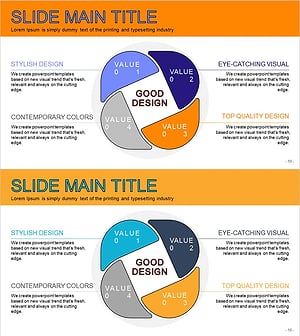
Business Value Diagram – Visualizing Business Sectors
#Company Introduction #Business Introduction #Diagram
-
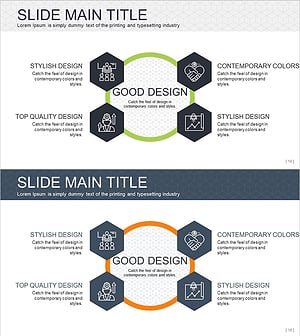
Infographic Slide Visualizing Collaborative Business Areas
#Company Introduction #Business Introduction #Diagram
-
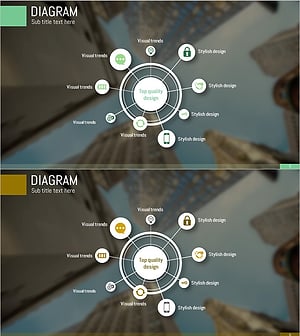
Mobile Security Service Diagram
#Company Introduction #Business Introduction #Diagram
-
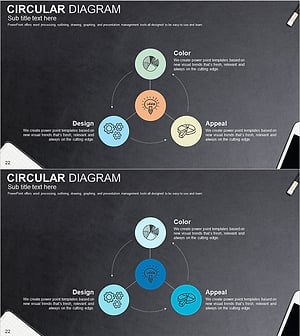
Sketch Icon Business Area Diagram – Visualizing Business Introduction
#Company Introduction #Business Introduction #Diagram
