



Introduction to Mobile Program Slide – Business Strategy and Vision
RJ0400062_12
- Last Update 06/03/2025
- File Size 0.8MB
- # of Slides 2
- File Format PPTX
- Slide Ratio 16:9
- Color
Keywords
- #Content-Based Slides
- #Design-Based Slides
- #Product/Service Introduction
- #Business Vision and Strategy
- #Diagram
- #Program Introduction
- #Business Goals
- #Cluster
- #Spread
- #16:9
- #four-section comparison PowerPoint slide
- #colorful content introduction slide
- #icon box layout presentation
- #how to create a comparison slide in PowerPoint
- #four-item information structure template
About the Product
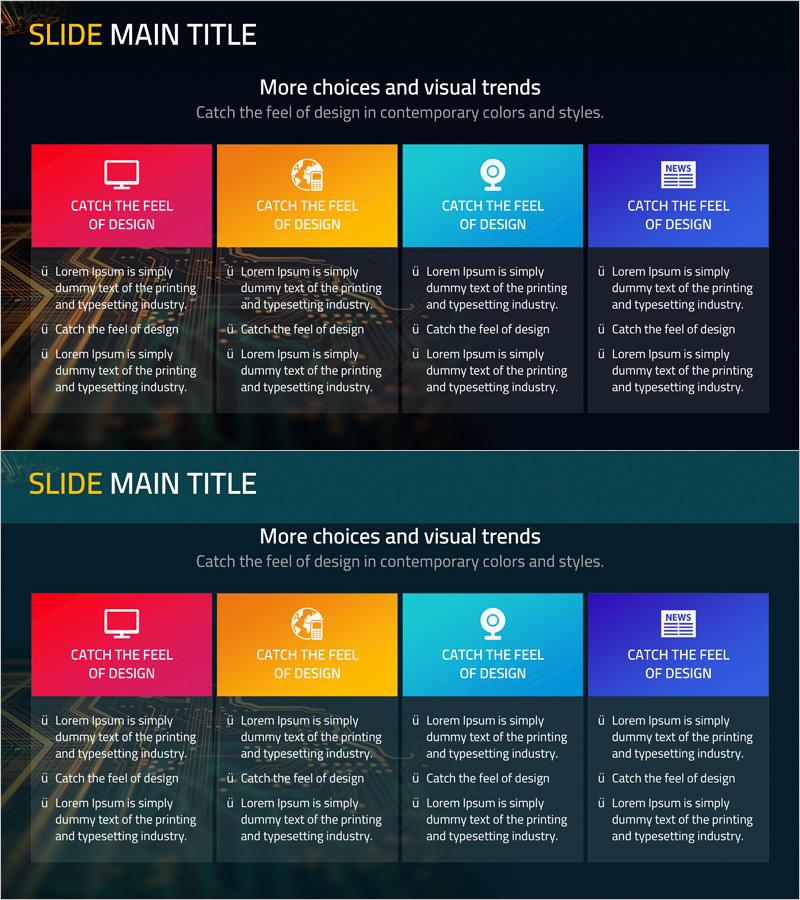
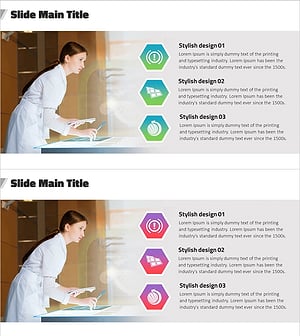
A PowerPoint slide featuring four colorful boxes (red, orange, cyan, blue) that organize and compare information side by side. Each box includes an icon, title, and 2–3 lines of descriptive text input areas. The bright colored boxes contrast sharply against the dark background, creating strong visual emphasis. This layout is optimized for introducing four items simultaneously—such as mobile programs, services, products, or solutions. The 2-slide set allows you to repeat the same layout or adapt it for multiple topics. Ideal for presentations, business plans, proposals, and company introductions.
Usage Points
-
Main Usage
This slide presents four items, options, features, or characteristics simultaneously in a balanced visual format. Each box stands independently while maintaining overall harmony, allowing you to convey information efficiently without overwhelming your audience. Perfect for explaining mobile app features, service offerings, product lines, or business divisions.
-
How to Use
Fill each colored box with an icon, title, and descriptive text to present four items. During presentation, explain from left to right sequentially, or emphasize specific boxes based on audience questions. Use both slides consecutively to introduce eight items, or repeat the structure for different topics.
-
Recommended For
Recommended for mobile app and web service product presentations, startup business domain explanations, IT and software solution comparisons, marketing plan target audience analysis, and educational seminar learning point summaries. Ideal for presentations to decision-makers, investors, and business partners.
-
Slide Structure
The slide consists of a title area at the top and four colored boxes at the bottom. Each box contains three input areas: icon (top), title (middle), and descriptive text (bottom). Optimized for 16:9 widescreen format. Both slides share identical layouts for consistent presentation flow.
Related Products
-
Introducing the Business Program for Success – Diagram for Effective Presentation
#Product/Service Introduction #Business Vision and Strategy #Diagram
-
Business Goal Diagram – A Fresh Vision for Financial Planning
#Product/Service Introduction #Business Vision and Strategy #Diagram
-
Financial Program Cluster Diagram
#Product/Service Introduction #Business Vision and Strategy #Diagram
-
Experimental Results Summary Diagram – Business Vision and Strategy
#Product/Service Introduction #Business Vision and Strategy #Diagram
