



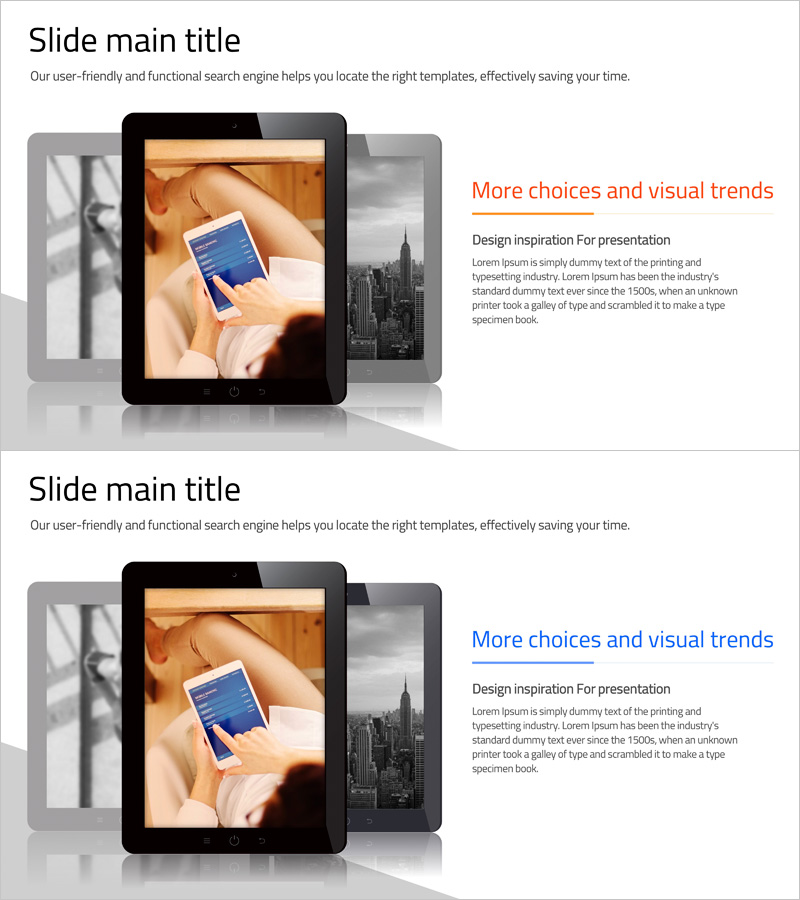
Introducing Smart Network Services Slide
RJ0400061_16
- Last Update 06/03/2025
- File Size 0.9MB
- # of Slides 2
- File Format PPTX
- Slide Ratio 16:9
- Color
Keywords
- #Content-Based Slides
- #Design-Based Slides
- #Product/Service Introduction
- #Other
- #Product/Service Introduction
- #Product and Service Overview
- #16:9
- #smart network services PPT slide
- #product introduction PowerPoint design
- #image-focused slide layout
- #service presentation template
- #technology product pitch deck
About the Product
A visually-driven PowerPoint slide designed to effectively communicate the core features and value of smart network services. The layout centers on tablet and smartphone imagery to emphasize product usability and innovation. Composed of two slides with a left image area and right text/title section, this template is optimized for the key sections of product introduction presentations. The combination of orange accent points and gray background creates a contemporary atmosphere while conveying both technological reliability and user-friendliness. Provided in fully editable PowerPoint format, it's suitable for corporate presentations, product demos, investor briefings, and various business scenarios.
Usage Points
-
Main Usage
A product introduction slide that visually emphasizes the core features and user experience of smart network services. The tablet and smartphone imagery represents real-world usage scenarios, while the right text section clearly articulates the service's key benefits and competitive advantages.
-
How to Use
Position this slide in the key sections of your product presentation (feature overview or service introduction) to capture audience attention visually. Insert actual product screenshots or usage photos in the left image area, then populate the right text section with core messaging, feature descriptions, and differentiation points to complete the slide.
-
Recommended For
Ideal for technology companies, IT startups, telecommunications providers, and software firms presenting at product launches, investor pitches, and customer demonstrations. Particularly effective for B2B enterprises in mobile, cloud, and network solutions for sales presentations, technical seminars, and product catalog presentations.
-
Slide Structure
Consists of two slides, each with a two-column layout: left image area (for tablet/smartphone imagery or product screenshots) and right text area (one title plus one to two paragraphs of body text). Orange accent lines and gray background clarify information hierarchy, optimized for 16:9 widescreen format.
Related Products
-
Mobile Network Business Overview – Visualized Data Visualization
#Product/Service Introduction #Diagram #Other
-
Application Service Introduction and Overview Tablet Mockup – Striking Style
#Product/Service Introduction #Other #Product/Service Introduction
-
Modern Business Plan Process Diagram – Efficient Information Delivery
#Product/Service Introduction #Other #Product/Service Introduction
-
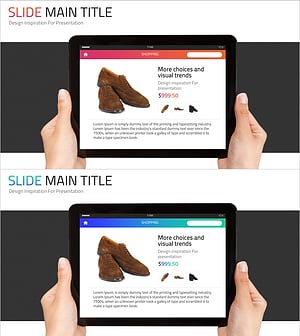
Shoe Product Introduction Mockup – Captivating Design for Customers
#Product/Service Introduction #Other #Product/Service Introduction
