



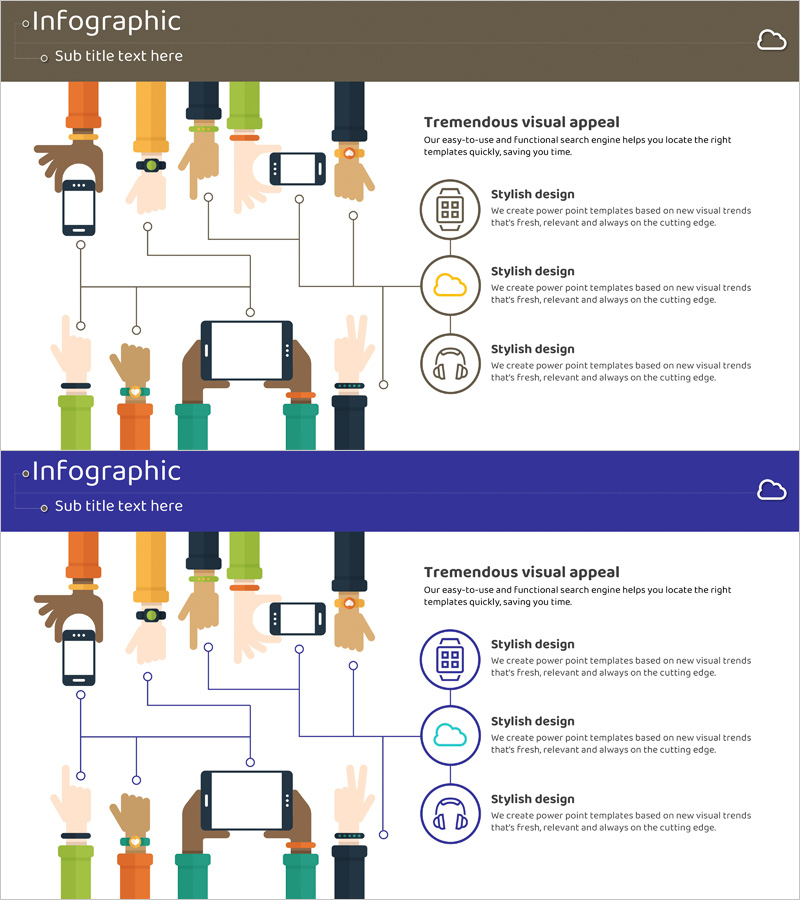
IoT Service Configuration Diagram – Visual Explanation for Technology Sector
RJ0400049_11
- Last Update 05/30/2025
- File Size 0.2MB
- # of Slides 2
- File Format PPTX
- Slide Ratio 16:9
- Color
Keywords
- #Content-Based Slides
- #Design-Based Slides
- #Product/Service Introduction
- #Technical Approach
- #Diagram
- #Composition
- #System Architecture Diagram
- #Cluster
- #Chain Diagram
- #16:9
- #IoT diagram PowerPoint
- #service configuration diagram slide
- #radial network diagram template
- #technology architecture PPT
- #IoT system visualization slide
About the Product
A radial network diagram PowerPoint slide that visualizes IoT technology architecture and service components. The design features a central hub connected to 8 surrounding nodes through direct connection lines, clearly illustrating the relationships and interactions within an IoT ecosystem. The color palette includes orange, yellow, navy, and green with circular icons and clean line connectors, making complex technical structures intuitive and easy to understand. This fully editable PPT template is ready for immediate use in technology presentations, product overview decks, and system architecture slides.
Usage Points
-
Main Usage
This slide is designed to visualize IoT technology architecture and the relationships between service components. The radial structure with a central element and 8 surrounding nodes effectively communicates hierarchical connections and interactions within an IoT ecosystem, making it ideal for explaining complex technical systems to technology teams, developers, and executives.
-
How to Use
Use this diagram in the system architecture section of technical presentations, technology overview pages in product decks, or configuration diagrams in IT solution proposals. All text labels, node colors, connection lines, and icons are fully editable, allowing you to customize the diagram to match your specific IoT service structure and branding requirements.
-
Recommended For
Technology managers, development team leads, solution architects, and product marketing professionals in IT, telecommunications, smart factory, and smart home industries. Particularly effective for B2B technical presentations, system proposals, investor pitches, and internal technical training materials.
-
Slide Structure
The diagram features a central hub point with 8 nodes radiating outward in a circular arrangement. Each node includes a circular icon and text area, connected to the center with straight lines. The design uses five colors—orange, yellow, navy, green, and white—to distinguish layers and functions. Two slide variations are provided with brown and dark blue background options.
Related Products
-
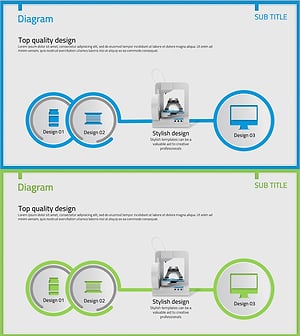
Insight into 3D Printer System Configuration Diagram
#Product/Service Introduction #Technical Approach #Diagram
-
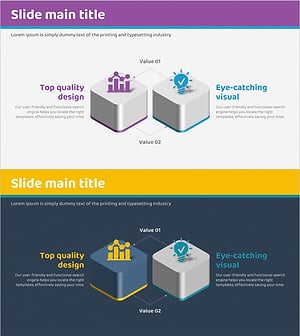
Mobile Service System Configuration Diagram - Technical Concept Introduction
#Product/Service Introduction #Technical Approach #Diagram
-
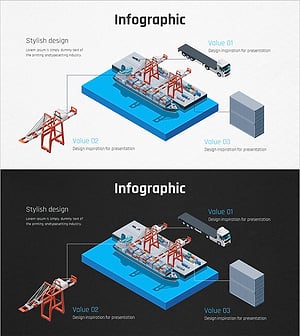
Ship System Configuration Diagram – Technology Introduction
#Product/Service Introduction #Technical Approach #Diagram
-
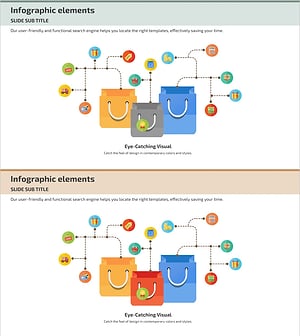
Diagram Slide Visualizing Payment System Configuration Contents
#Product/Service Introduction #Technical Approach #Diagram
