



Introducing Mobile Application Services – The Start of Innovation
RJ0400048_5
- Last Update 05/30/2025
- File Size 0.6MB
- # of Slides 2
- File Format PPTX
- Slide Ratio 16:9
- Color
Keywords
- #Content-Based Slides
- #Design-Based Slides
- #Product/Service Introduction
- #Diagram
- #Other
- #Product/Service Introduction
- #Composition
- #Cluster
- #Closed Cluster Diagram
- #Mockup
- #16:9
- #mobile app mockup PowerPoint
- #smartphone mockup slide template
- #app service introduction presentation
- #mobile application PPT design
- #3-step process diagram slide
About the Product
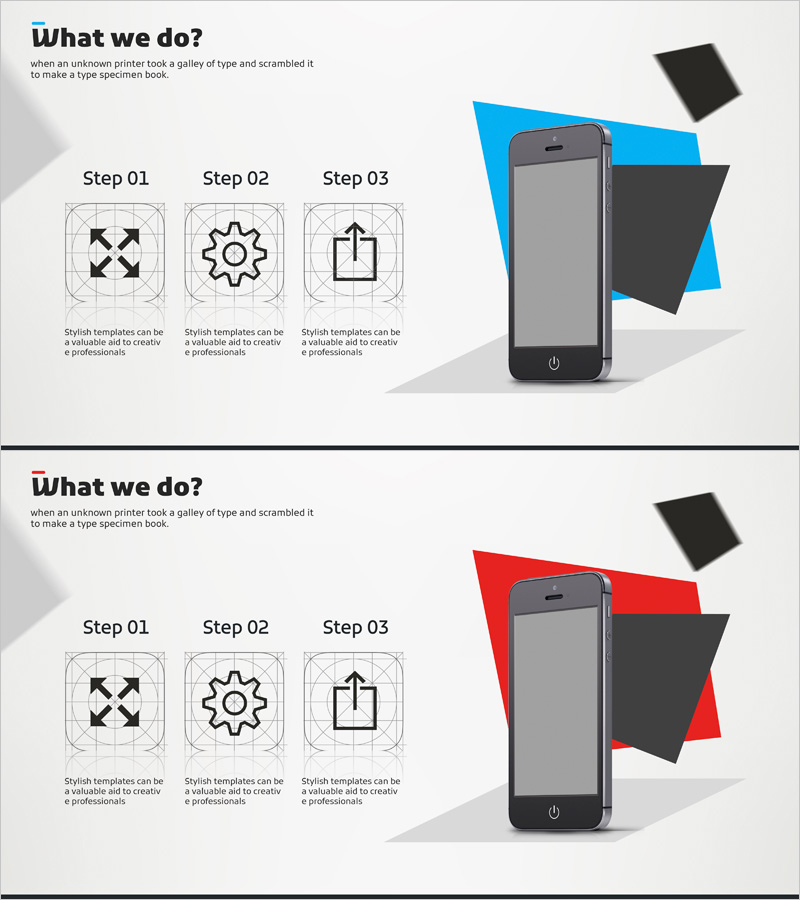
A PowerPoint slide deck that visualizes mobile application service structure through a 3-step process centered on smartphone mockup design. Features geometric shapes in blue or red backgrounds paired with expand, gear, and upload icons to clearly represent app development, operation, and deployment stages. The 16:9 format with 2 slides is ready for immediate use in mobile app service presentations, feature explanations, and service roadmap pitches.
Usage Points
-
Main Usage
Visually explains mobile application development, operation, and deployment stages while showcasing actual app interface and features through smartphone mockup. Ideal for startup pitches, app launch presentations, and service planning meetings to effectively communicate core value propositions.
-
How to Use
Slide 1 features a blue background while Slide 2 uses red, allowing you to select your preferred color tone. Insert actual app screenshots into the smartphone mockup area and customize the text beneath each of the 3 process icons to match your service workflow.
-
Recommended For
Mobile app development companies, IT startups, digital service planning teams, app marketing professionals, and presenters pitching to technology investors. Ideal for app feature demonstrations, service structure explanations, and development roadmap sharing.
-
Slide Structure
Each slide combines a smartphone mockup (gray device frame) on the left with a 3-step process flow on the right, featuring expand, gear, and upload icons. Geometric background shapes (triangles and rectangles) create dynamic visual interest, while text areas are positioned for step-by-step descriptions and customization.
Related Products
-
Sports Icon Box and Mobile Mockup – Innovative Design and Information Delivery
#Product/Service Introduction #Diagram #Other
-
Business Solutions Analysis Objectives – Product/Service Introduction
#Product/Service Introduction #Diagram #Other
-
Introduction to Mobile Phone Service Configuration – Eye-Catching Diagram
#Product/Service Introduction #Diagram #Other
-
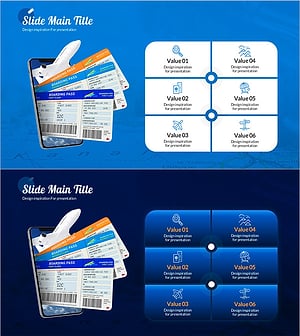
Preparing for Overseas Travel Ticket Reservation – Excitement of Travel
#Product/Service Introduction #Diagram #Other
