



Troubleshooting Connection Diagram – Effective Tool for Achieving Business Goals
RJ0400047_5
- Last Update 05/30/2025
- File Size 1.5MB
- # of Slides 2
- File Format PPTX
- Slide Ratio 16:9
- Color
Keywords
- #Content-Based Slides
- #Design-Based Slides
- #Business Vision and Strategy
- #Marketing Plan and Strategy
- #Diagram
- #Business Goals
- #Marketing Objectives
- #Cluster
- #Chain Diagram
- #16:9
- #bidirectional connection diagram PowerPoint
- #2-node diagram slide
- #business relationship diagram
- #mutual connection PowerPoint
- #diagram slide template
- #process connection chart
About the Product
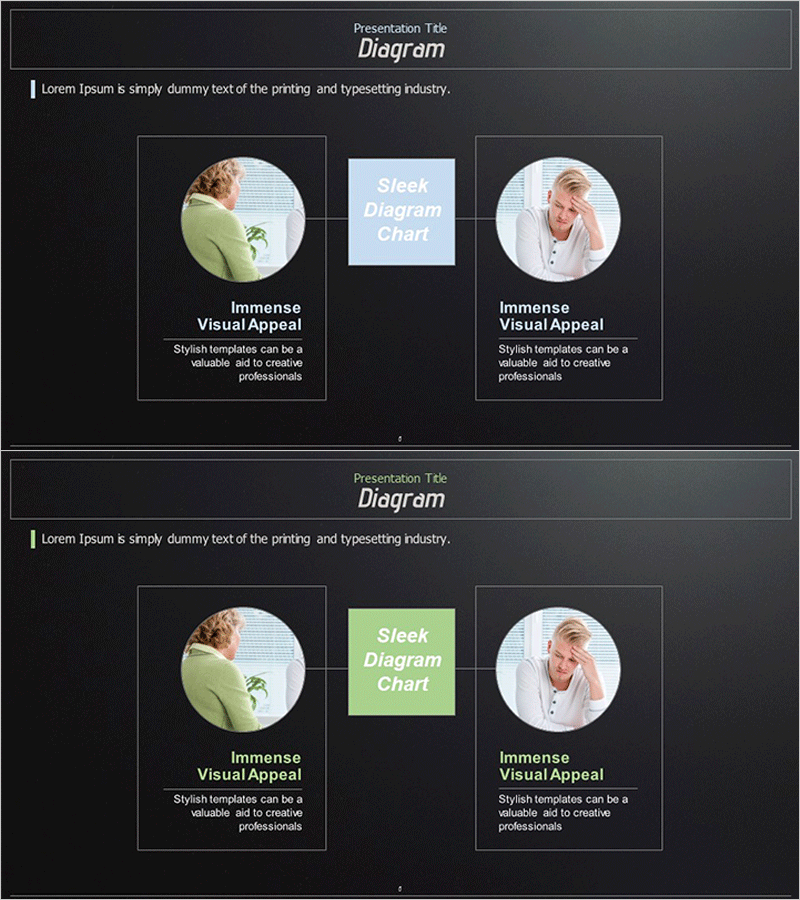
A bidirectional connection diagram PowerPoint slide featuring two circular image nodes connected through a central rectangular element. Set against a dark background with light blue center box and white typography, this slide effectively visualizes mutual relationships, partnership structures, and two-way processes. The 2-slide set includes color variations (light blue and lime green) for immediate use in business presentations, proposal decks, and marketing strategy slides. Delivered in 16:9 widescreen PPTX format with fully editable text and image areas for customization.
Usage Points
-
Main Usage
Clearly expresses mutual relationships, partnerships, and two-way processes between two entities. Ideal for visualizing business partnerships, supplier-customer relationships, interdependencies, and bidirectional communication flows in professional presentations.
-
How to Use
Apply to relationship mapping sections in business presentations, partnership structure pages in proposal decks, target relationship explanations in marketing strategy slides, and organizational or network structure diagrams. Insert photos, logos, or icons in circular image areas and add relationship descriptions in the center box for immediate deployment.
-
Recommended For
Executives, marketing teams, sales professionals, strategic planners, consultants, and educators. Recommended for all presentation scenarios requiring partnership introductions, customer relationship explanations, mutual cooperation structure presentations, and two-way process flow descriptions.
-
Slide Structure
2-slide set. Each slide features left and right circular image nodes (photo or icon insertion areas), a central rectangular text box (for relationship name and description), and bidirectional arrows or connection lines. Color variations: light blue version (1 slide) and lime green version (1 slide).
Related Products
-
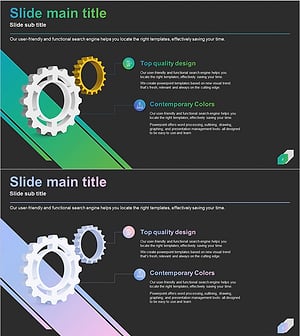
Business Goal Linkage Diagram – Strategic Connection and Collaboration
#Business Vision and Strategy #Marketing Plan and Strategy #Diagram
-
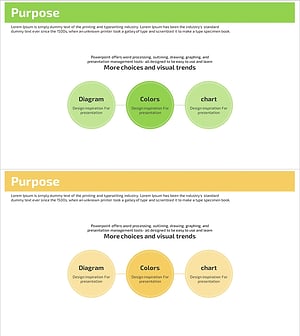
Marketing Goals Connection Diagram – Presenting Business Vision
#Business Vision and Strategy #Marketing Plan and Strategy #Diagram
-
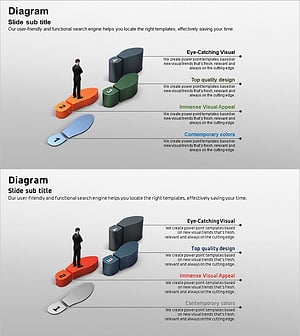
Business Goals 3D Footprint Diagram – Vision and Success
#Business Vision and Strategy #Marketing Plan and Strategy #Diagram
-
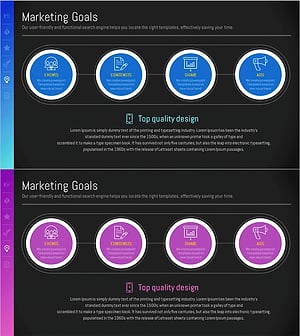
Asset Management Business Marketing Goals Slide – Vision and Strategy
#Business Vision and Strategy #Marketing Plan and Strategy #Diagram
