



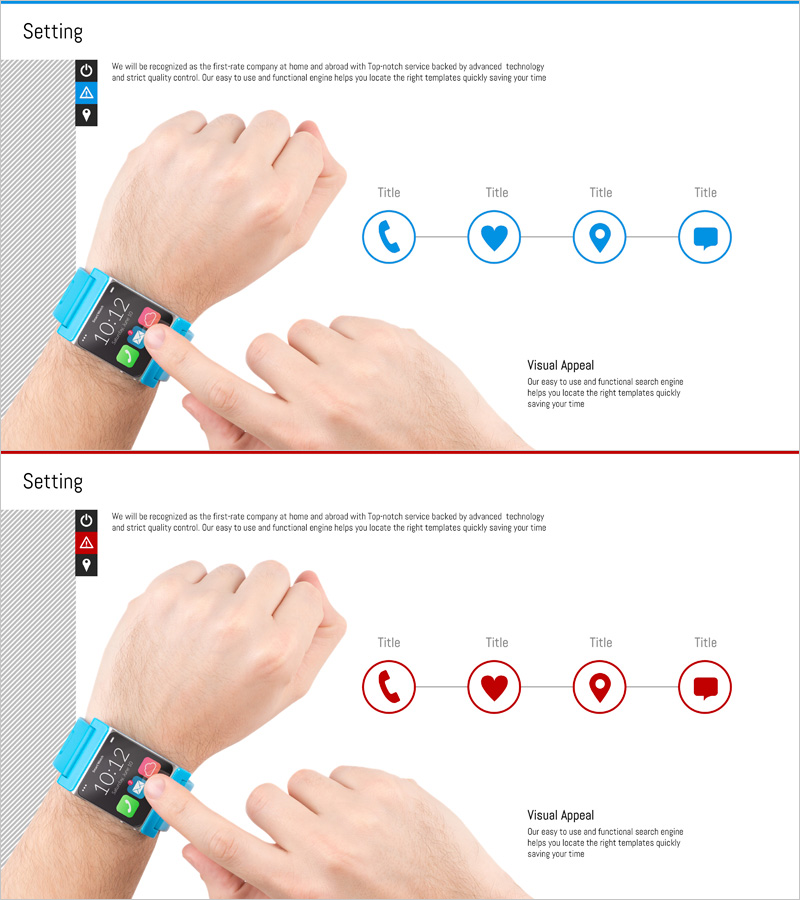
Visual App Setting Screen Slide
RJ0400043_13
- Last Update 05/28/2025
- File Size 1.2MB
- # of Slides 2
- File Format PPTX
- Slide Ratio 16:9
- Color
Keywords
About the Product
A 4-step connected diagram PowerPoint slide visualizing a smartwatch app setting screen. Phone, heart, location, and message icons are arranged in circular nodes connected by directional arrows, creating an intuitive process flow. The blue-toned circular design with editable title fields makes it ideal for app feature introductions, service workflows, customer journey mapping, and product setup processes. This ready-to-use PowerPoint template works seamlessly in tech presentations, product demos, and digital service explanations.
Usage Points
-
Main Usage
Designed to visually represent app settings, feature connections, and digital workflows. Four circular nodes linked by arrows effectively communicate sequential processes, functional relationships, and service architecture in a clear, modern format.
-
How to Use
Replace the default icons with your service icons and update the 'Title' text with feature names or step labels. Customize colors from blue to your brand palette, adjust node quantities, or modify arrow directions to match your specific workflow structure.
-
Recommended For
Software companies presenting product features, startups explaining service architecture, UX/UI designers mapping user journeys, marketing teams visualizing customer touchpoints, and technical teams demonstrating system workflows in seminars and investor pitches.
-
Slide Structure
Two-slide set. First slide features four blue circular icon nodes connected horizontally by directional arrows with title placeholders. Second slide mirrors the layout with red color scheme. All nodes are independently editable with dedicated text input areas for customization.
Related Products
-
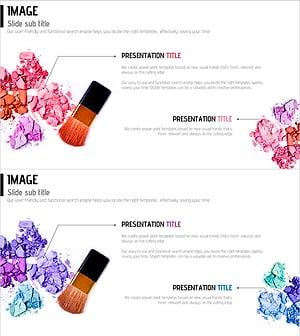
Cluster Diagram for Cosmetic Ingredients
#Product/Service Introduction #Diagram #Features
-
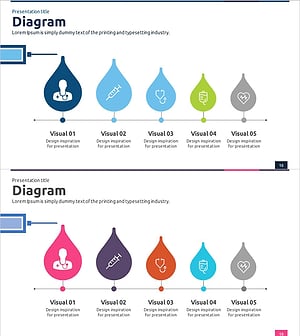
Medical Services Characteristics Connection Diagram – Evolving Healthcare
#Product/Service Introduction #Diagram #Features
-
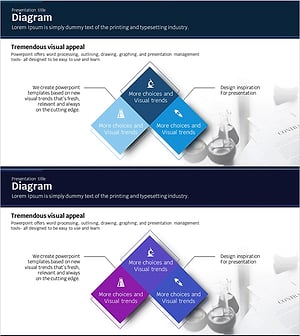
Science Experiment Characteristics Diagram – Business Area Overview
#Product/Service Introduction #Business Introduction #Diagram
-
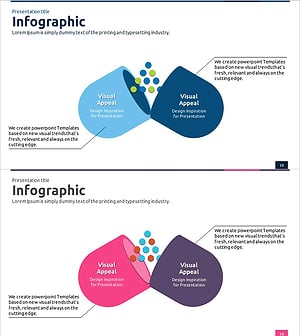
Pill Shape Connection Diagram – Product and Service Overview
#Product/Service Introduction #Diagram #Features
