



Application Service Introduction and Features – Organized with Cluster Diagram
RJ0400038_10
- Last Update 05/27/2025
- File Size 4.4MB
- # of Slides 2
- File Format PPTX
- Slide Ratio 16:9
- Color
Keywords
- #Content-Based Slides
- #Design-Based Slides
- #Product/Service Introduction
- #Diagram
- #Product/Service Introduction
- #Features
- #Cluster
- #Closed Cluster Diagram
- #16:9
- #cluster diagram PowerPoint
- #4-item diagram slide template
- #app service introduction slide
- #feature organization diagram
- #closed cluster diagram PowerPoint template
About the Product
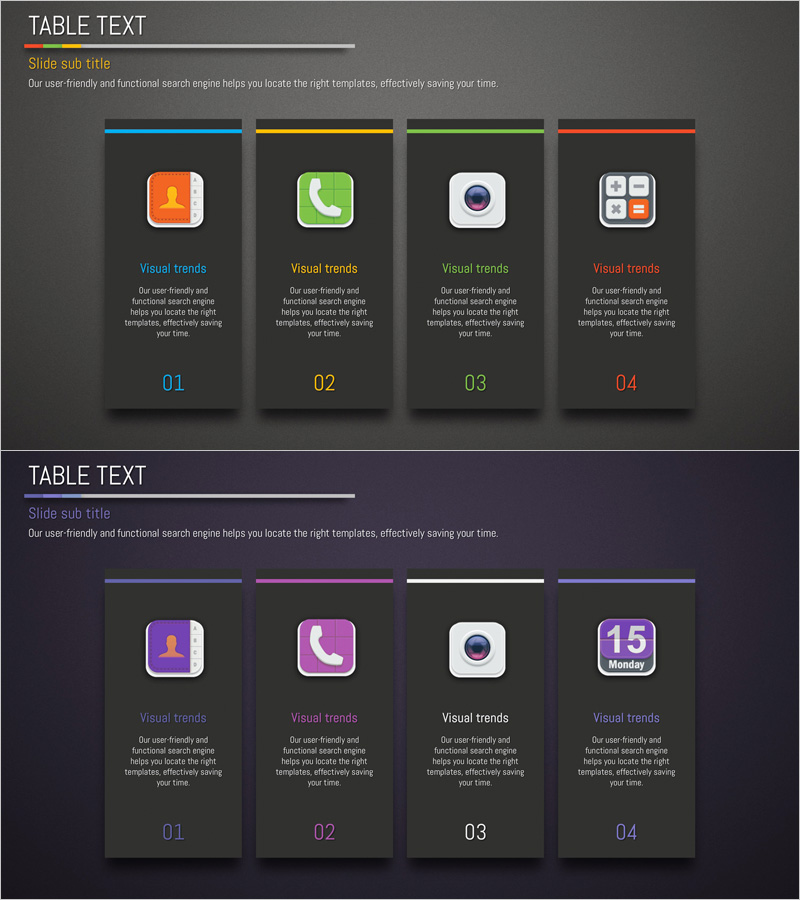
A PowerPoint slide featuring a closed-form cluster diagram with four distinct items to visualize application service features and characteristics. Each item is color-coded with blue, yellow, green, and red accent lines, complemented by icons and text areas for clear feature representation. Designed in 16:9 widescreen format across 2 slides, this presentation template is ready for immediate use in product pitches, business proposals, and service introductions.
Usage Points
-
Main Usage
Visualize four core features of an application service in an integrated yet independent structure using a cluster diagram format. This design emphasizes equal importance of each feature while demonstrating their collective contribution to the overall service ecosystem.
-
How to Use
Use this slide in product launch presentations, business plan documents, and investor pitch decks to explain service capabilities. Simply edit the text and icons to match your specific service, and leverage the color coding for enhanced visual distinction and audience engagement.
-
Recommended For
Ideal for startups and IT companies presenting product features, app developers explaining functionality, digital service strategists, marketing professionals, and executives preparing business reports. Recommended for any presentation scenario requiring clear communication of multi-faceted service characteristics.
-
Slide Structure
Two-slide set with the first slide featuring a dark gray background and closed cluster diagram with four color-coded items (top accent lines, icons, and text areas), and the second slide presenting a variant layout on a dark purple background. Each item is arranged as an independent card element.
Related Products
-
Diagram Slide Presentation of World Travel Destinations Photos and Features
#Product/Service Introduction #Diagram #Product/Service Introduction
-
Introduction to Healthcare Business Services – Utilizing Cluster Diagram
#Product/Service Introduction #Diagram #Product/Service Introduction
-

Key Strategies to Enhance Corporate Competitiveness – Design for Success
#Product/Service Introduction #Diagram #Product/Service Introduction
-
Cluster Slide Visualizing Characteristics of Grass
#Product/Service Introduction #Diagram #Product/Service Introduction
