



Technology and Service Introduction Slide – Creative Cluster Design
RJ0400027_3
- Last Update 05/25/2025
- File Size 2.2MB
- # of Slides 2
- File Format PPTX
- Slide Ratio 16:9
- Color
Keywords
- #Content-Based Slides
- #Design-Based Slides
- #Product/Service Introduction
- #Diagram
- #Product/Service Introduction
- #Product and Service Overview
- #Cluster
- #Closed Cluster Diagram
- #16:9
- #closed cluster diagram PowerPoint
- #3-item comparison slide
- #technology service introduction presentation
- #icon-based slide template
- #dual-tone PowerPoint design
- #business introduction slide
About the Product
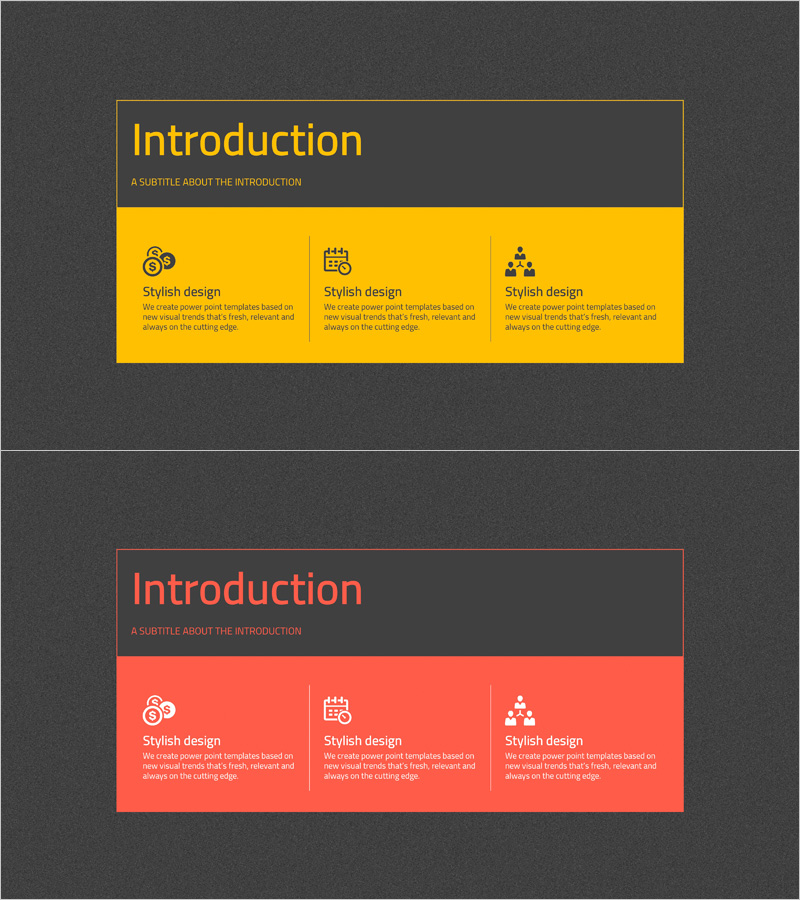
A 2-slide PowerPoint set optimized for technology and service introductions. Features a closed-cluster structure with three distinct items represented by icons and text, ensuring clear information hierarchy and intuitive communication. Presented in two color variants—vibrant yellow and warm coral—both delivered in 16:9 widescreen PPTX format for immediate editing. Ideal for presenting company technology capabilities, service differentiators, and core value propositions in parallel structure during corporate presentations and client pitches.
Usage Points
-
Main Usage
Present three core elements of technology or services with equal emphasis using a closed-cluster structure that conveys both independence and integration. Effectively communicates company capabilities, product features, or customer value propositions in parallel arrangement.
-
How to Use
Edit the title and subtitle area at the top of the slide, then customize the three item sections by replacing icons, titles, and descriptive text. Choose the yellow version for a bright, optimistic tone or the coral version for a warm, trustworthy impression to match your presentation context.
-
Recommended For
Recommended for technology company product launches, IT startup service pitches, consulting firm solution presentations, and manufacturing companies highlighting technical expertise. Suitable for executive briefings, client meetings, investor presentations, and formal corporate communications.
-
Slide Structure
Two-slide layout: Slide 1 features yellow background with dark gray border, three icons, and text areas; Slide 2 mirrors the structure with coral background. Each item uses a three-tier arrangement—icon (top), title (middle), description (bottom)—to establish clear information hierarchy.
Related Products
-
Nature and Deer Reindeer Silhouette – A Presentation Template Capturing the Beauty of Life
#Product/Service Introduction #Diagram #Other
-
Product Planning and Service Overview Slide
#Product/Service Introduction #Diagram #Product/Service Introduction
-
Mobile Network Business Overview – Visualized Data Visualization
#Product/Service Introduction #Diagram #Other
-
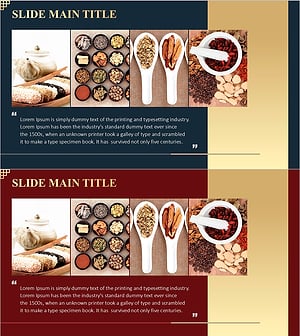
Korean Traditional Food Ingredients Introduction Cluster Diagram
#Product/Service Introduction #Diagram #Product/Service Introduction
