



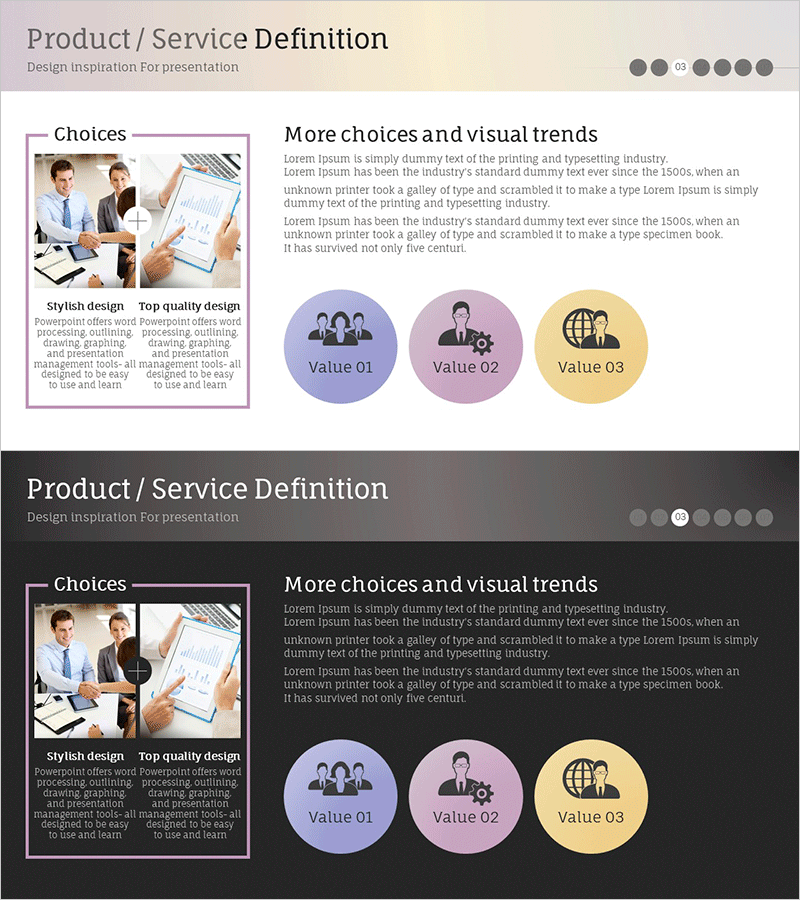
Product Planning and Service Overview Slide
RM0400014_13
- Last Update 02/18/2025
- File Size 0.7MB
- # of Slides 2
- File Format PPTX
- Slide Ratio 16:9
- Color
Keywords
- #Content-Based Slides
- #Design-Based Slides
- #Product/Service Introduction
- #Diagram
- #Product/Service Introduction
- #Product and Service Overview
- #Cluster
- #Closed Cluster Diagram
- #16:9
- #cluster diagram PowerPoint
- #3-element circular diagram slide
- #product planning presentation
- #service overview template
- #closed relationship diagram PPT
About the Product
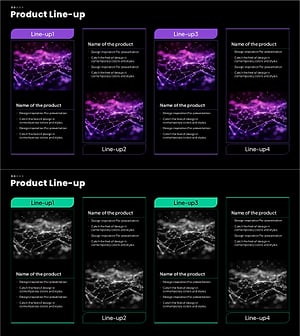
A PowerPoint slide featuring a 3-element closed cluster diagram designed for product planning and service overview presentations. Three circular nodes in purple, pink, and yellow are interconnected to represent product choices, value propositions, and business elements simultaneously. The layout combines a left-side image area with a right-side text section, enabling parallel presentation of design inspiration and detailed explanation. Instantly applicable for pitching core concepts during planning phases, investor presentations, or client proposals.
Usage Points
-
Main Usage
Visually define core elements (choices, values, vision) during product planning phases and clearly communicate service structure and differentiation to investors, clients, and team members. The interconnected three-node structure emphasizes relationships and integration among elements.
-
How to Use
Insert product photos or design inspiration materials in the left image area, and add value proposition descriptions in the right text section. Edit text within circular nodes to customize product names, values, and objectives, then use as presentation slides.
-
Recommended For
Ideal for product managers, marketing professionals, and business development teams presenting planning proposals, investor pitches, and client proposals. Effective for startup pitching, new product launch presentations, and service redefinition workshops.
-
Slide Structure
2-slide set. Title area at top, left-side image frame for photos or graphics, right-side text description area, and three circular cluster nodes at bottom (purple, pink, yellow color-coded). Each node contains editable text fields with connecting lines representing relationships between elements.
Related Products
-
AI-Powered Drug Product Overview – Innovative Healthcare Solution
#Product/Service Introduction #Diagram #Product/Service Introduction
-
Beef Cooking Introduction Slide – Product and Service Overview
#Product/Service Introduction #Diagram #Product/Service Introduction
-
Overview of Interior Business Services - Stylish Diagram Slide
#Product/Service Introduction #Diagram #Product/Service Introduction
-
Product Range & Features – Infographic for Visualizing Product Overview
#Product/Service Introduction #Diagram #Product/Service Introduction
