



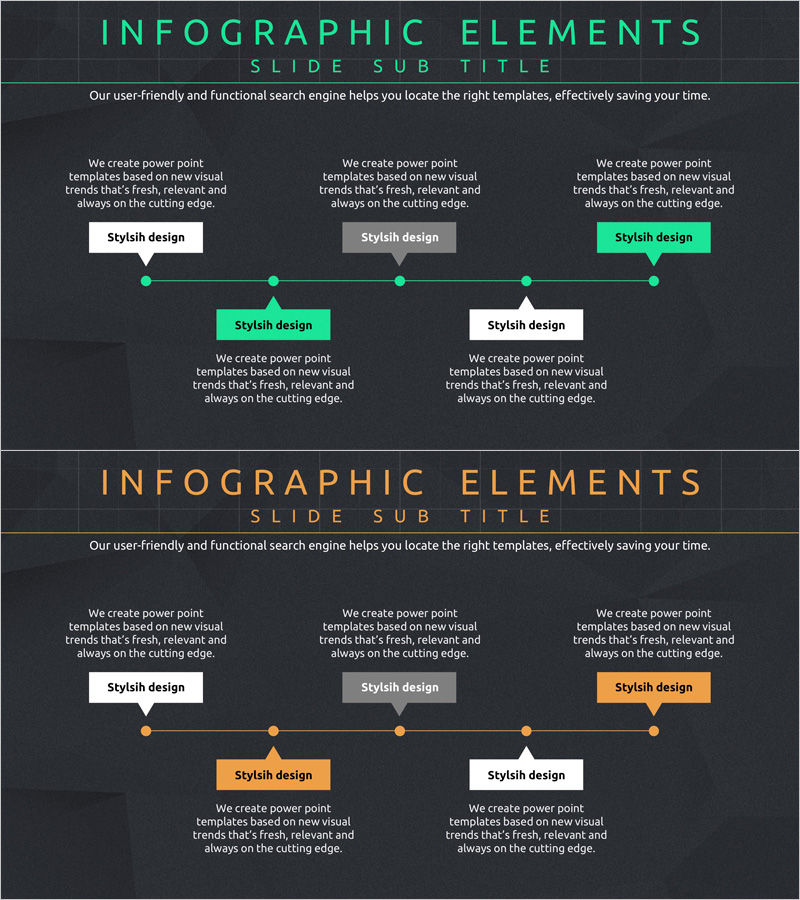
Development Plan and Process Slide – Visualized in Green and Orange
RJ0400024_8
- Last Update 05/24/2025
- File Size 2.3MB
- # of Slides 2
- File Format PPTX
- Slide Ratio 16:9
- Color
Keywords
About the Product
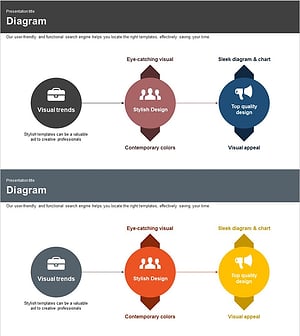
A 2-slide PowerPoint presentation template for visualizing development plans and business processes. The design features a 5-step horizontal timeline with contrasting green and orange accent boxes, each with dedicated text areas for step descriptions and key information. This layout enables clear communication of sequential workflows and project phases to your audience. The 16:9 widescreen PPTX format allows immediate customization—easily edit text, modify colors, and adapt the slides to match your presentation content and branding requirements.
Usage Points
-
Main Usage
Ideal for presenting project development timelines, operational workflows, product launch roadmaps, and phased implementation strategies. The horizontal timeline structure effectively communicates sequential progress and helps audiences understand each stage of a process or project lifecycle.
-
How to Use
Enter process names in each step box and add detailed descriptions, objectives, or responsibility information in the text areas below. Customize the green and orange colors to represent priority levels or category distinctions. Adjust arrows and connectors to emphasize relationships between stages and create visual continuity across the timeline.
-
Recommended For
Product development teams, project managers, operations professionals, and executives presenting to stakeholders. Particularly effective in business plans, proposals, investor pitches, pitch decks, and internal strategy meetings where process clarity is essential.
-
Slide Structure
Two-slide layout: the first features a 5-step timeline with green accent boxes, the second with orange accent boxes. Each step includes 3–4 text input areas (step title, description, supporting details), enabling layered information presentation and comprehensive process documentation.
Related Products
-
Layered Diagram for Idea Conference – Creative Approach
#Product/Service Introduction #Operational Plan #Diagram
-
Joint Business Process – Efficient Operational Planning
#Product/Service Introduction #Operational Plan #Diagram
-
Development Plan Cycle Diagram – Efficient Workflow
#Product/Service Introduction #Operational Plan #Diagram
-
Product Development Plan Diagram – Clear Sequential Flow
#Product/Service Introduction #Operational Plan #Diagram
